
How to Choose the Best Thermal Imaging Camera for Home Inspection
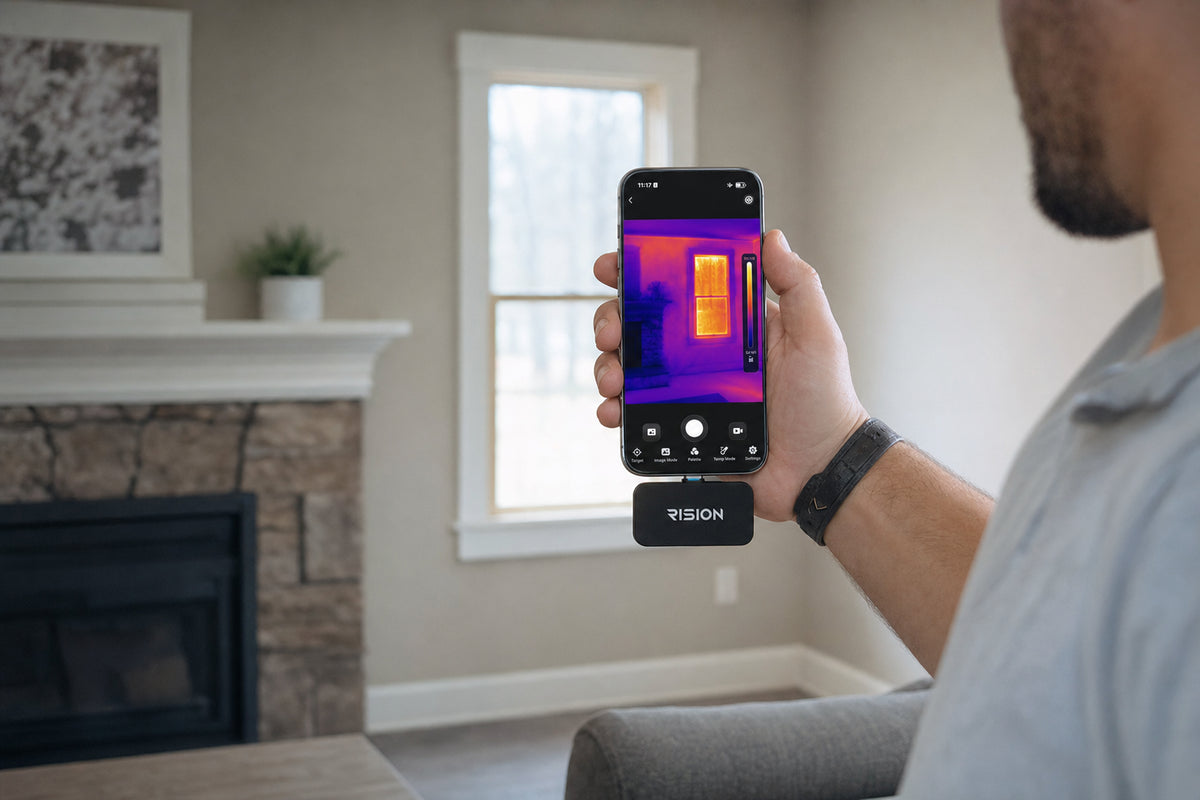
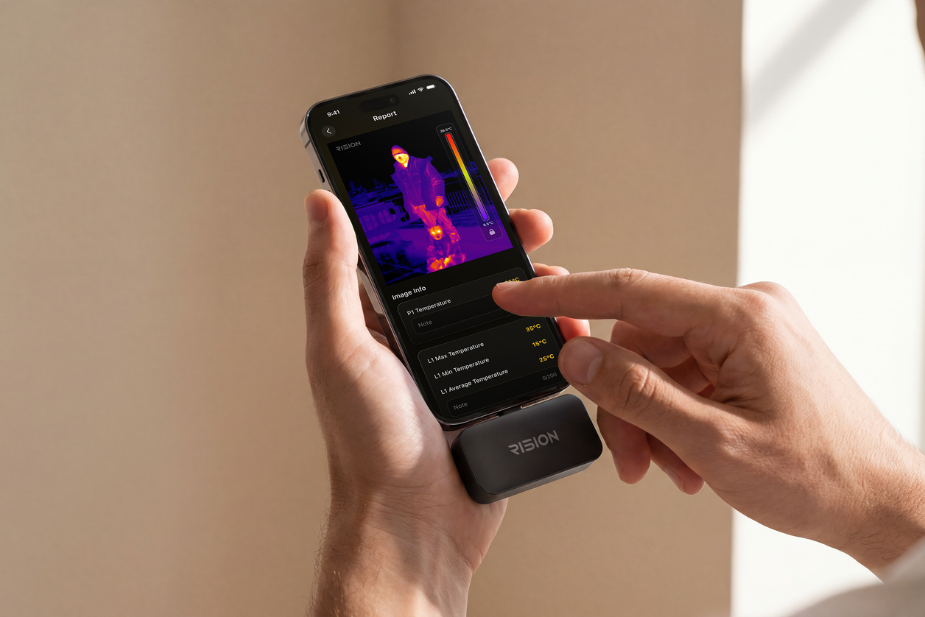
A smartphone thermal camera turns the phone you already carry into an inspection screen.
There's no single best thermal imaging camera for home inspection. The right one depends on the job: how small the targets are, how far away you stand, how subtle a temperature difference you need to pick out, whether your images go into a report, and how many hours a day the camera is in your hand. A quick check of your own house asks far less of a camera than a full inspection that ends in a written report.
Whatever you choose, a thermal camera shows surface temperature patterns. It tells you where to look, and a moisture meter, a closer visual check or a licensed trade confirms what you found.
Best Thermal Camera for Home Inspection: Quick Recommendations
The right thermal camera for home inspection depends on four things: target size, viewing distance, thermal contrast and whether you need to document what you find. The table maps common inspection needs to what each one asks of the camera.
|
Inspection need |
Native resolution guidance |
Features that matter most |
|
Large targets at close range, such as window frames, walls and HVAC registers |
160 × 120 and up |
Image fusion to place what you see, and a wide field of view of 45° or more |
|
Small or distant targets, such as high ceilings scanned from the floor or exteriors scanned from the ground |
256 × 192 and up, with 320 × 240 or more helping on distant exteriors |
NETD of 50 mK or lower; a wide lens of 45° or more indoors, and a standard lens of about 25° or higher native resolution for distant exteriors |
|
Suspected moisture patterns and other subtle anomalies |
Depends on target size |
NETD of 50 mK or lower, plus a moisture meter to confirm |
|
Findings that need to be documented or reviewed later |
Depends on target size |
Saved temperature data, built-in reports, multi-point comparison |
|
Long continuous use, including ladders and roofs |
Depends on target size |
Standalone body, dedicated battery, one-handed grip |
These are practical ranges based on how target size, distance and contrast interact. They aren't formal requirements, and a single camera often has to cover several rows at once. In the table, NETD is the camera's thermal sensitivity, and a lower number means it can pick up fainter temperature differences. Field of view is how wide a scene the camera takes in, measured in degrees.
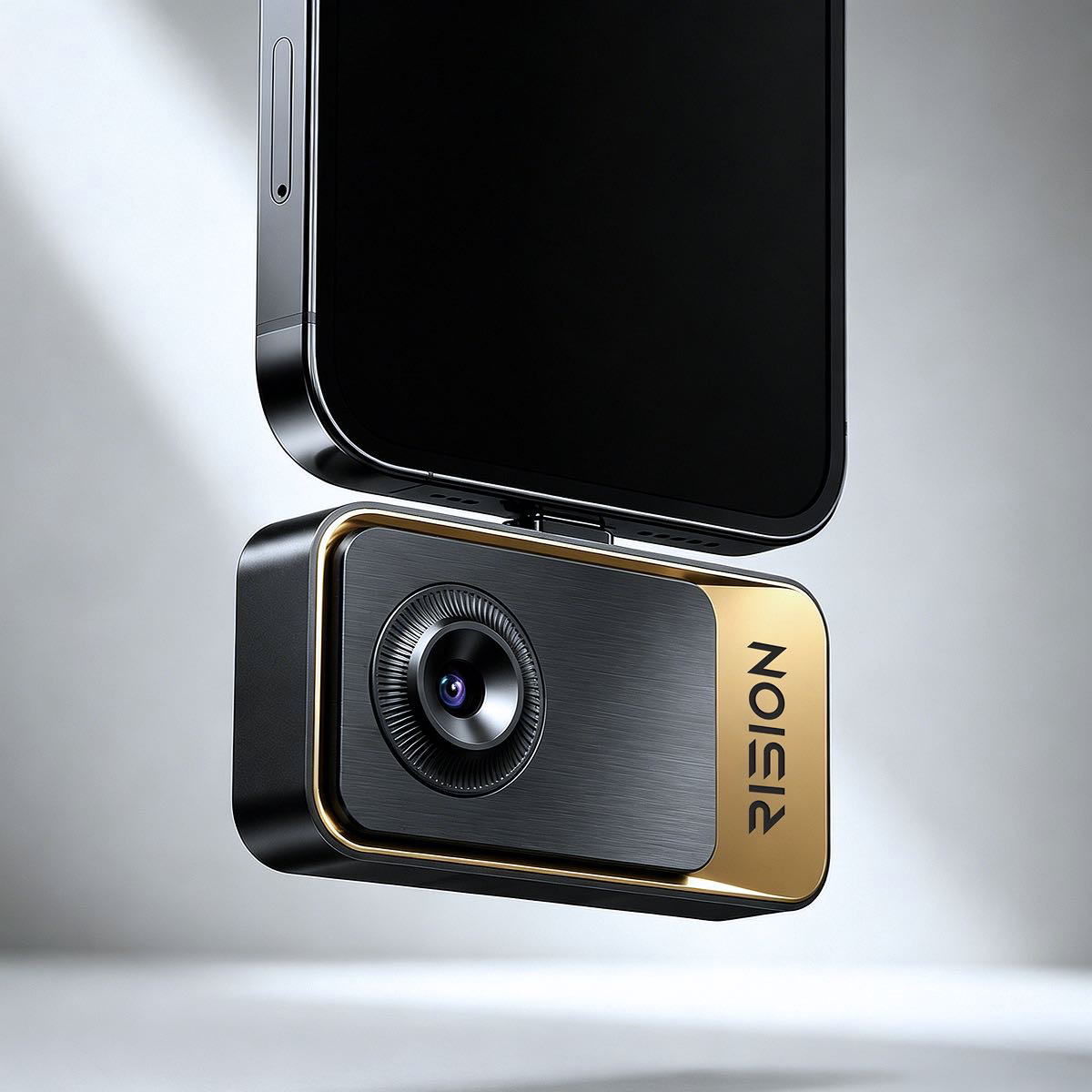
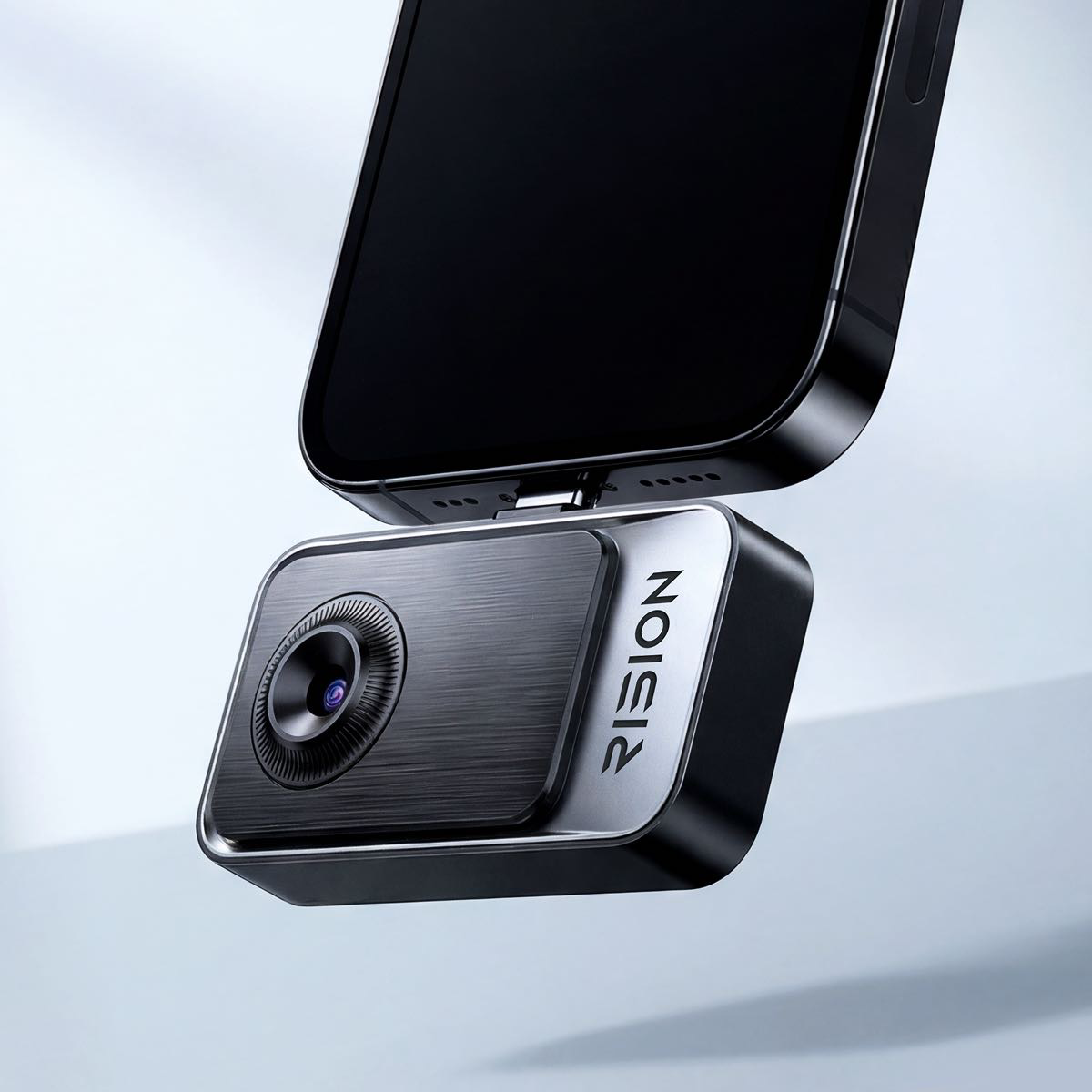
For home use, most checks fall in the first row: a cold streak along a window frame, a warm patch over a hot-water line, a ceiling bay with no insulation. A 160 × 120 camera handles these, and you can always step closer or scan the same wall again. RISION Magic is built for this kind of work. It plugs into a compatible phone through USB-C and uses AI BiSpectrix™ single-lens dual-light fusion to lay visible edges over the thermal image, so you can tell the window sash from the trim. RISION Magic is a low-commitment way to start with your own house.
How to Compare Thermal Cameras for Home Inspection
Compare thermal cameras for home inspection on the factors in the table below, and weigh each one against the work you'll actually do. Each row shows when that factor matters more and when it matters less.
|
Spec or feature |
Matters more when |
Matters less when |
|
Native resolution |
Targets are small or far away, such as high ceilings scanned from the floor or exteriors from the ground |
You work close to windows, outlets and registers |
|
Thermal sensitivity (NETD) |
You look for subtle moisture or scan in mild weather |
Temperature differences are large, such as drafts on a cold day |
|
Refresh rate |
You sweep walls quickly |
You scan slowly and deliberately |
|
Wide field of view |
You work in attics, closets and other spots where you can't step back |
Your targets are distant, where a narrower view puts more detail on them |
|
Image fusion |
You need to tie a spot to a specific part or show it to someone else |
You scan only for your own reference |
|
Multi-point comparison |
You compare identical breakers or several registers side by side |
You check one spot at a time |
|
Saved temperature data and reports |
You write reports or review scans later |
You only look for problems on the spot |
|
Standalone body and battery |
The camera stays in your hand for long stretches, on ladders and roofs |
You scan in short sessions with a phone already in hand |
When targets are small or distant, or when findings need documenting, native resolution, sensitivity and saved temperature data usually deserve priority.
Native Resolution
Native resolution is the number of physical elements in the camera's infrared detector. Each element responds to the infrared energy reaching it, and the camera converts those signals into surface temperature estimates using its calibration and the emissivity setting. A 256 × 192 detector has 49,152 elements, 2.56 times as many as a 160 × 120 detector.
Each element covers a patch of surface, and that patch grows as you step back. More elements keep the patches small enough to separate a joist from the insulation gap beside it when you scan a high ceiling from the floor, or to pick out a narrow void in an attic you can only see from the hatch. The closer you stand, the smaller the area each element covers, so a lower native resolution can still resolve large targets at close range, such as a window frame or a supply register.
Super resolution is a different number. It's processing that combines or interpolates image data to output more pixels than the detector has. It can make edges look cleaner, but it doesn't add detector elements. Our guide to thermal camera specs and what they mean covers native resolution, NETD and frame rate in more depth.

Thermal Sensitivity and Refresh Rate
Thermal sensitivity, written as NETD, is the smallest temperature difference the camera can separate from its own electronic noise. Lower is better. A 40 mK rating corresponds to about 0.04°C (0.072°F) under standard test conditions, usually with a target near 30°C (86°F). In the field, patterns need a larger difference before they stand out, so use NETD to compare cameras rather than as a promise about every scan. Thermography training material rates 30 to 50 mK as high sensitivity, which makes 50 mK or lower a sensible target for faint moisture or insulation patterns.
Better sensitivity pays off when contrast is weak. A damp patch of drywall in mild weather may differ only slightly from the dry wall around it, and a lower NETD gives that pattern a better chance of showing. When the difference is already obvious, such as a draft at a window frame on a cold day, very low NETD matters less. Conditions still set the limit. For insulation scans, RESNET guidance for building thermography recommends an indoor-outdoor temperature difference of at least 18°F (10°C), maintained for four hours, and a more sensitive camera doesn't replace that contrast.

NETD isn't accuracy. A camera with 40 mK sensitivity can still carry an accuracy rating of ±2°C (±3.6°F) or ±2% of the reading. Shiny surfaces such as bare copper or polished metal also reflect heat from their surroundings, so their readings can be off unless you set emissivity correctly or compare against a duller surface nearby.
Refresh rate is how many thermal frames appear each second. At 25 Hz the live image looks smooth as you sweep along a wall, and at 9 Hz motion looks less fluid. Both work for inspections, so treat refresh rate as a comfort feature rather than a dividing line between hobby and professional cameras.
Field of View and Image Fusion
Field of view, given in degrees, sets how much fits in one frame. A wide view of 45° or more covers more surface at close range, which helps in attics, closets and small rooms where you can't step back far enough to take in a whole wall. A standard view of about 25° covers less, but at the same native resolution it puts more detector elements on a distant target.
Image fusion adds visible-light detail, such as edges, outlets and trim, to the thermal image. That matters most when you need to say exactly where a problem is, such as which window corner leaks or which pipe run is warm, whether you're telling a client, a roofer or yourself a month later. Cameras that use separate lenses for thermal and visible images show a slight offset called parallax, which grows as you move closer to the target. Single-lens designs can reduce or avoid that offset.
Comparison Tools, Saved Data and Reports
Multi-point measurement lets you place several spots, lines or areas in one image and read them together. It matters most for electrical panels and HVAC, where a single number means little on its own. Comparing identical breakers carrying similar loads, or several supply registers in one room, shows which one stands apart. Keep panel covers on and leave any follow-up to a licensed electrician, because a thermal image may help narrow down where to look but isn't a diagnosis. With HVAC, the camera reads the register grille and the surfaces the airflow warms or cools, not the air itself, so compare patterns rather than treating a reading as the supply-air temperature.

What the camera saves matters too. Some cameras save only a colored picture, so you can't measure anything once you leave the house. Others keep the temperature data in each photo, so you can add measurement points later. If you only use the camera to find problems on the spot, a picture is enough. If you write reports or compare scans over time, saved temperature data and a quick path into your report software save real time.
Smartphone Attachment or Standalone Thermal Camera
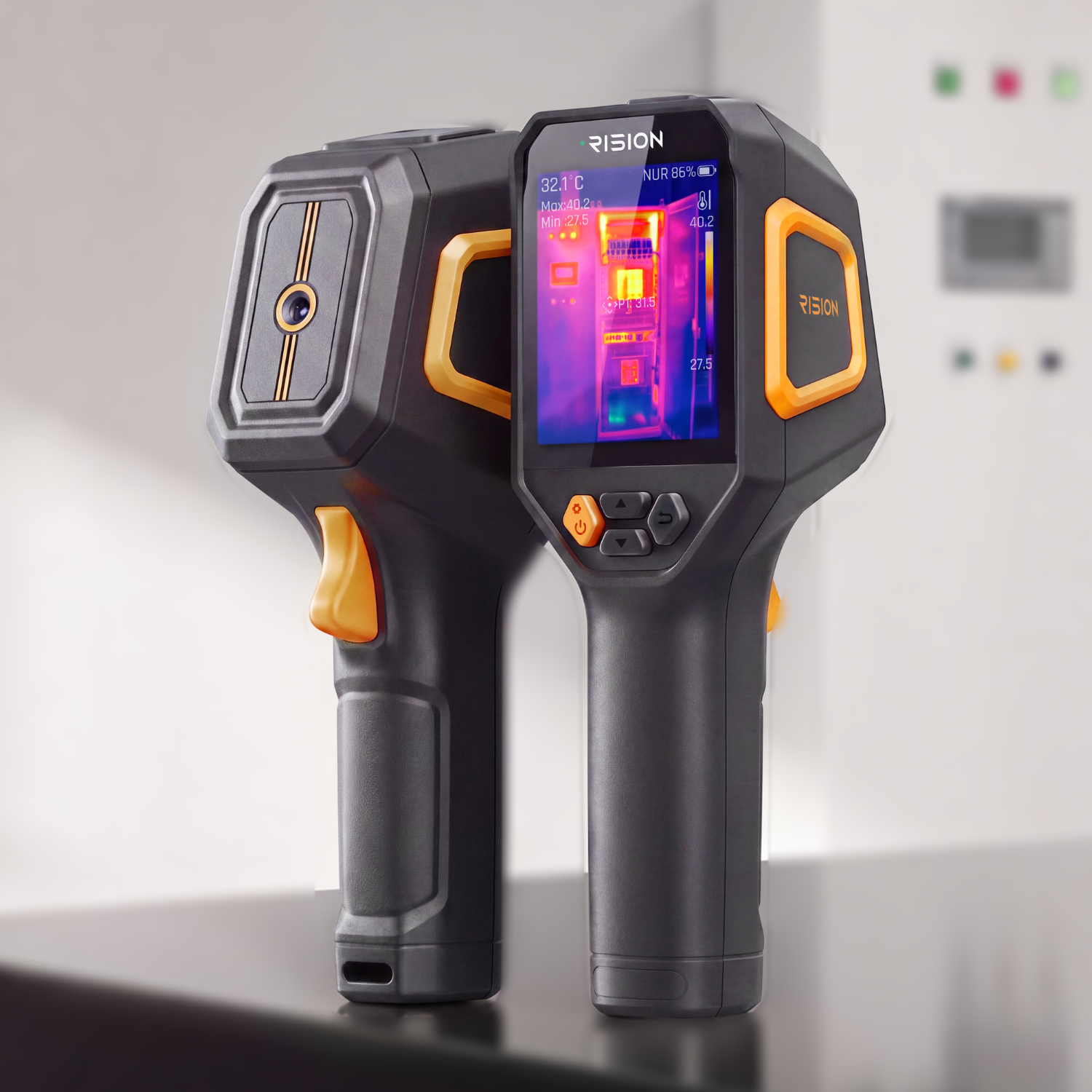
Smartphone attachments make sense when portability, quick sharing and phone-based reporting matter more than dedicated controls and all-day battery life. Photos, notes and reports stay on the phone, the camera fits in a pocket, and the phone supplies the screen and power. Standalone cameras make more sense when one-handed operation, a dedicated battery and long continuous use matter more, such as a day spent on ladders and roofs. Our comparison of smartphone and handheld thermal cameras goes deeper on that trade-off.
For detailed scans that need documenting, RISION Magic Pro is a smartphone attachment built around that workflow. It has 256 × 192 native resolution, which QuadIR™ processing outputs at 512 × 384. Its AI BiSpectrix™ fusion captures thermal and visible detail through one lens and is designed to avoid the parallax of separate lenses. In the RISION View app you can measure up to 5 points, 5 lines and 5 areas at once to compare several supply registers, or a row of identical breakers, in a single frame. Photos keep their temperature data for analysis after capture, and the app builds PDF reports with watermarks and GPS location, then syncs them across your devices.

Because Magic Pro draws power from the phone, it needs a compatible phone and shares that phone's battery. For long continuous sessions, a standalone camera with its own battery and grip is easier to live with.
Is a Thermal Camera for Home Inspection Worth It?
Whether buying one makes sense depends on how often you expect to use it and whether the findings will influence maintenance or inspection decisions. For a single project, renting or borrowing one may make more sense.
When thermal findings end up in written reports, the camera pays off only if you can interpret what it shows and describe it carefully, because a misread pattern can lead to a callback or a liability claim. Training helps reduce that risk. InterNACHI offers an Infrared Certified® designation for its certified inspectors who complete a thermography course, and RISION has a page for InterNACHI members.
Whatever the workflow, use thermal findings as leads, confirm them with another method, and note the limitations when you document them.
Conclusion
The best thermal imaging camera for home inspection is the one that matches your targets, distances and documentation needs. Large targets at close range need less native resolution than small or distant ones. Subtle anomalies reward low NETD. Side-by-side checks and documented findings call for multi-point comparison, saved temperature data and built-in reporting, and long continuous use favors a standalone body with its own battery.
When you need detailed, documented scans on a device you already carry, RISION Magic Pro brings 256 × 192 native detail, single-lens fusion, multi-point comparison and on-site PDF reports to a compatible phone.
FAQ
Can Thermal Imaging Look Inside Walls?
No. The camera reads infrared energy from the surface it points at. Studs, pipes, moisture and missing insulation behind drywall show up only when they change the temperature of the wall's surface. Ordinary window glass is essentially opaque at the wavelengths thermal cameras use, so the camera sees the glass surface and some reflected heat, not the scene behind it.
What Is the Best Thermal Camera for Water Leak Detection?
Look for good thermal sensitivity, meaning a low NETD, because a damp area may differ only slightly from the dry material around it. Under the right conditions, evaporation can cool a wet area, while wet materials also hold heat longer than dry ones, so a damp patch can look cooler or warmer depending on timing. No thermal camera confirms moisture on its own, so test any suspect area with a moisture meter, as building-moisture guidance from The Snell Group advises.
What Should You Look for in a Budget Thermal Camera for Home Inspection?
Prioritize native resolution first and thermal sensitivity (NETD) second, because those two set what the camera can see. Palettes, zoom and extra measurement modes are easier to give up, and a smartphone attachment uses the phone's screen, battery and storage instead of its own. When you shop online, including on Amazon, check that the headline resolution is the native detector figure rather than an enhanced output. If a listing shows only one large number, ask the seller which it is.
Which Thermal Cameras Work With Android Phones?
Android support depends on the camera's connector, your phone model, its OS version and the maker's app, so check the supported-device list before you buy. RISION Magic Pro works with compatible Android phones, iPhone and iPad models with USB-C, and Windows PCs. A USB-C extension cable comes in the box for phones in thick cases.
Is a Thermal Camera Better Than an IR Thermometer?
For scanning a wall, ceiling or electrical panel for an unknown hot or cold spot, a thermal camera is usually more useful, because it shows the whole temperature pattern at once. An infrared thermometer reports one average temperature for a single spot, so it can miss a small anomaly between readings, though it's still a quick way to check one known point. Both read surface temperature, and both depend on emissivity.
What Is Thermal Imaging in a Home Inspection?
It's a scan of walls, ceilings, floors, electrical equipment and HVAC components for temperature patterns that point to moisture, missing insulation, air leaks or overheating. Many inspectors offer it as an add-on, because thermal imaging isn't part of a standard home inspection.
Can a Thermal Camera Detect Mold?
No. It can show thermal patterns that may be associated with moisture, but it cannot detect mold or confirm moisture on its own. Confirm moisture with a meter, and have suspected mold assessed by a qualified professional.

Laisser un commentaire
Ce site est protégé par hCaptcha, et la Politique de confidentialité et les Conditions de service de hCaptcha s’appliquent.