
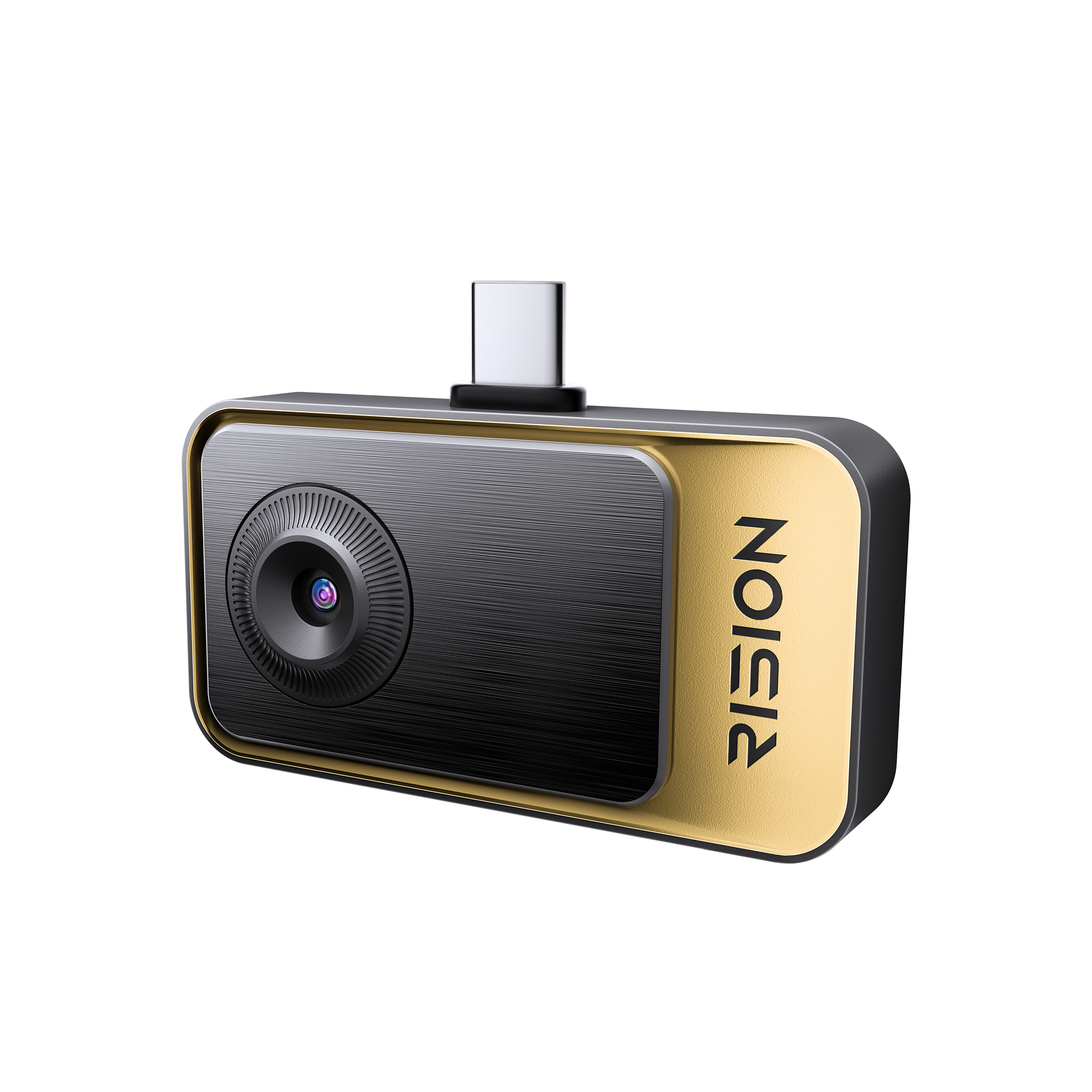
RISION Magic Smartphone Thermal Camera | Home Inspection
Tips:Sign Up & Get 5% Off
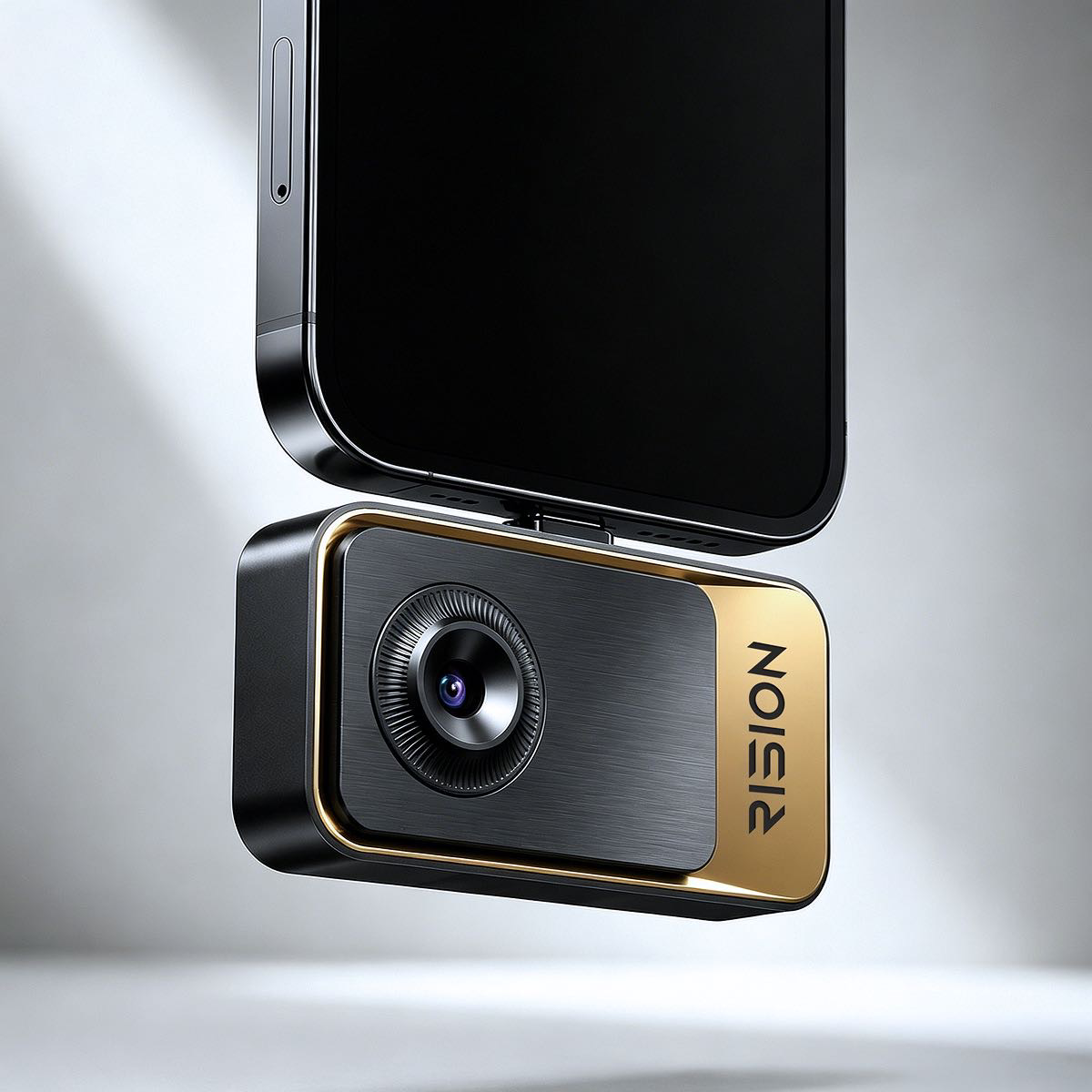
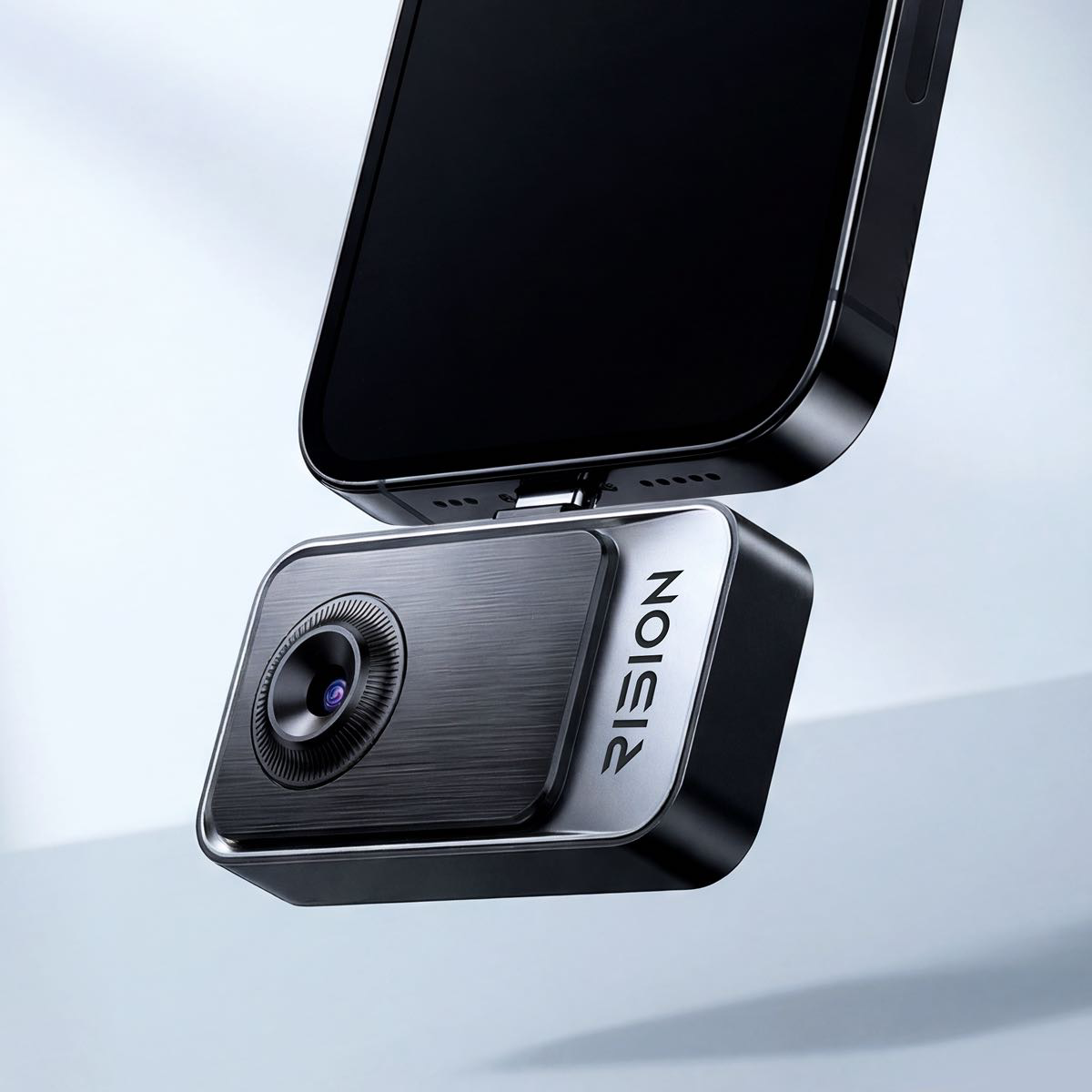
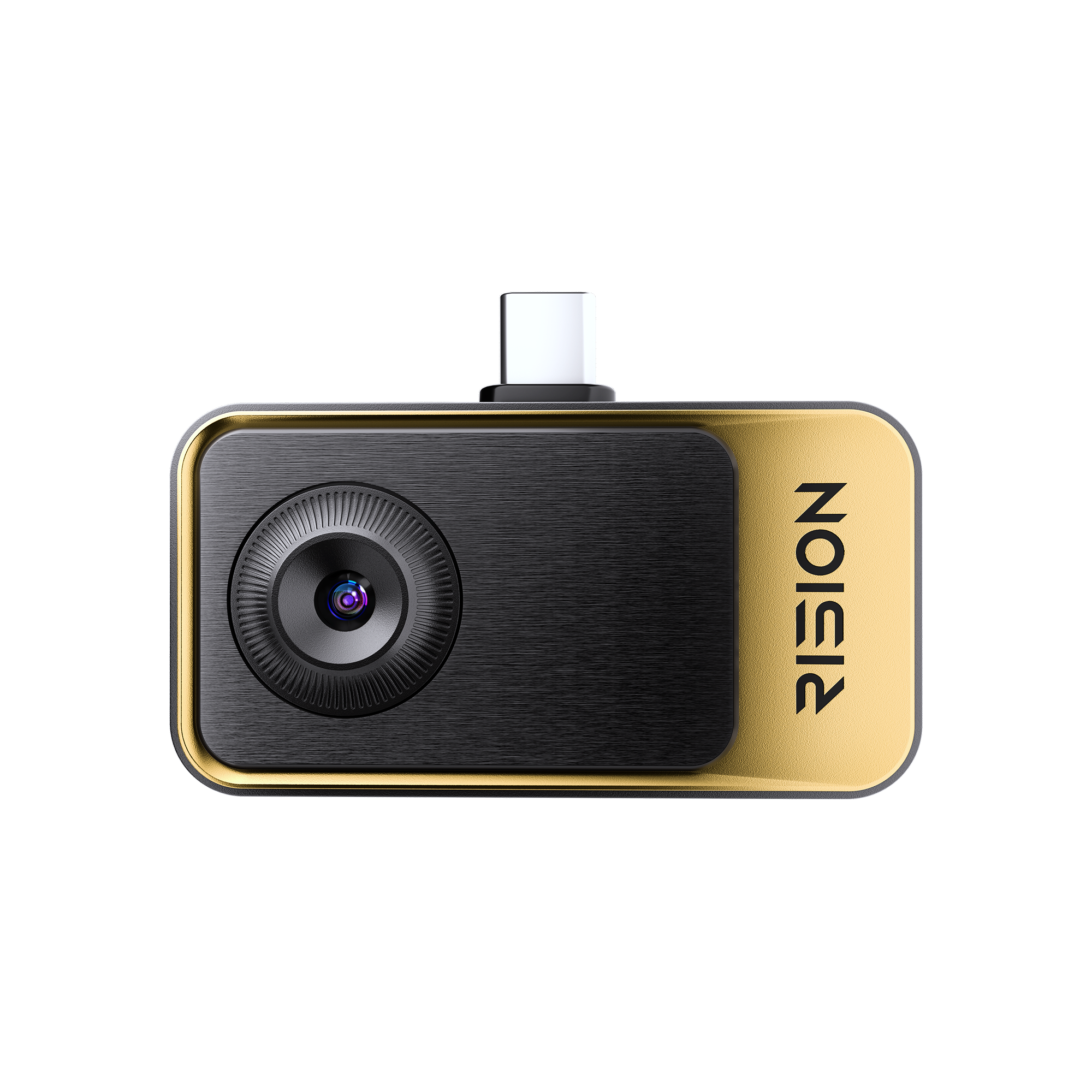
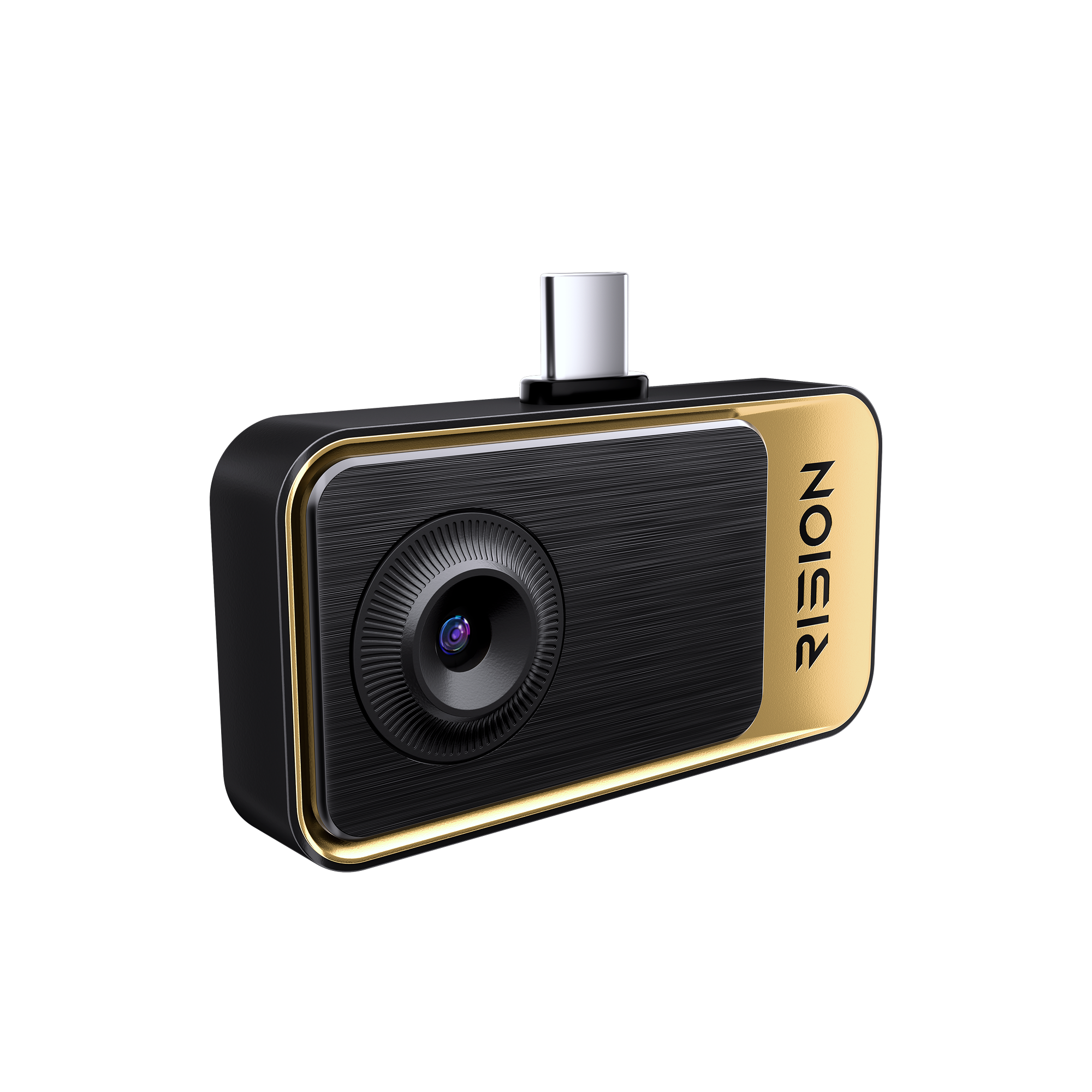
Grab-and-Go Thermal Camera for Home inspection. Simply plug in, point, and know. No setup. No expertise required.
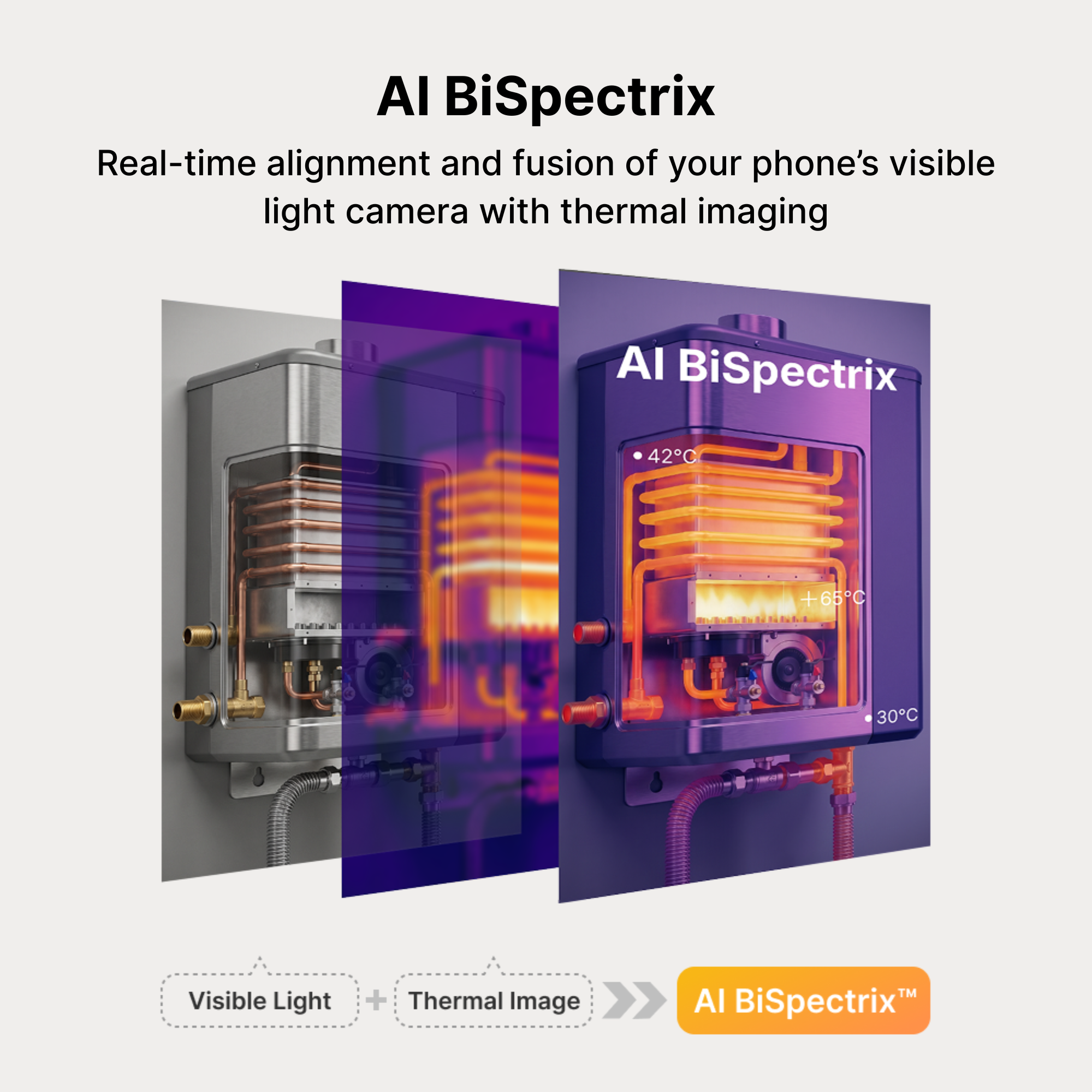
- Industry-leading single-lens AI dual-light fusion. One lens captures thermal and visible details, ensuring perfect alignment without dual-lens parallax.
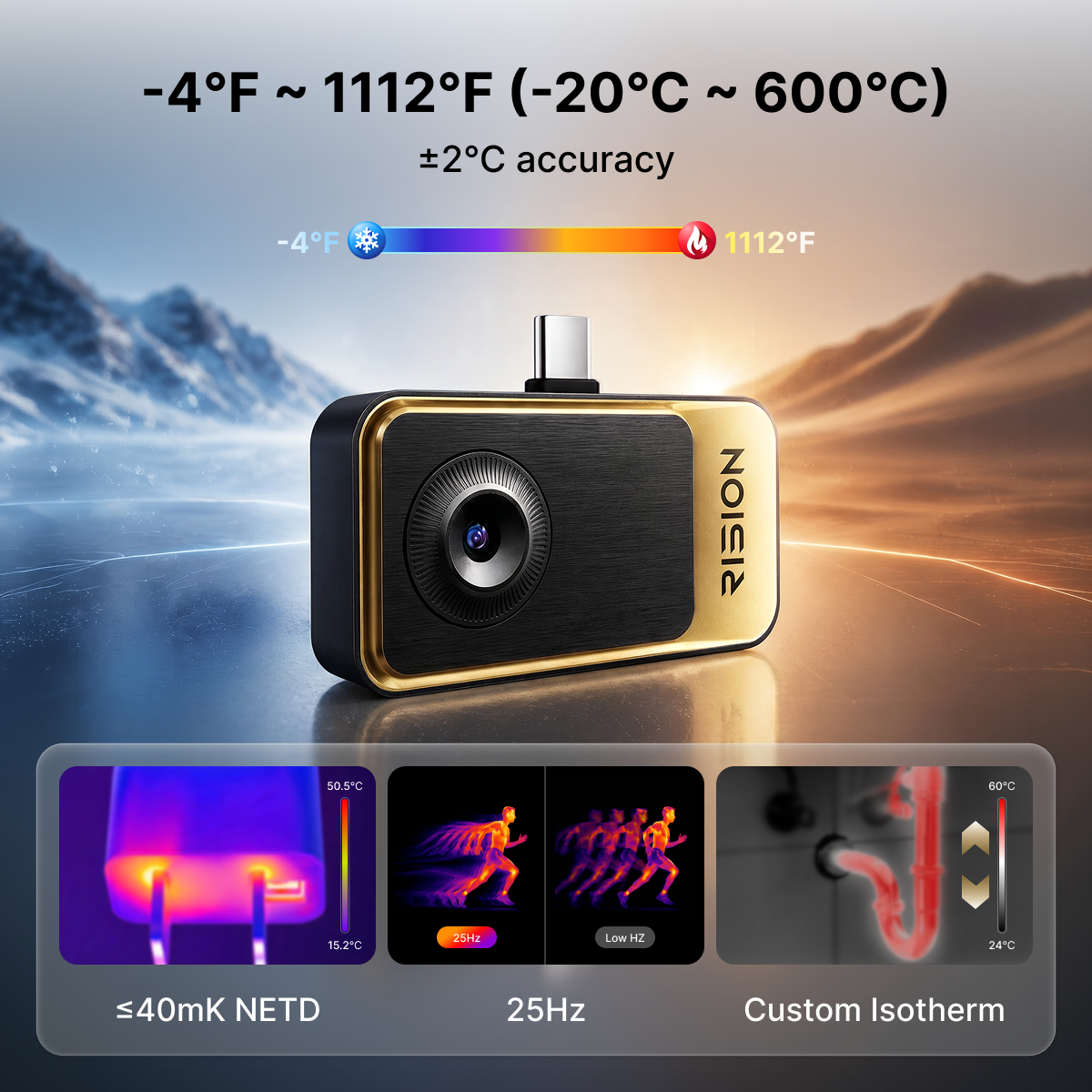
- With 320×240 super resolution, ≤40mK NETD, and 25Hz refresh rate, capture subtle temperature differences with smooth imaging and enhanced details.
- -4℉ to 1112℉ (-20°C to 600°C) range and ±2°C (or ±2% of the reading) temperature accuracy.
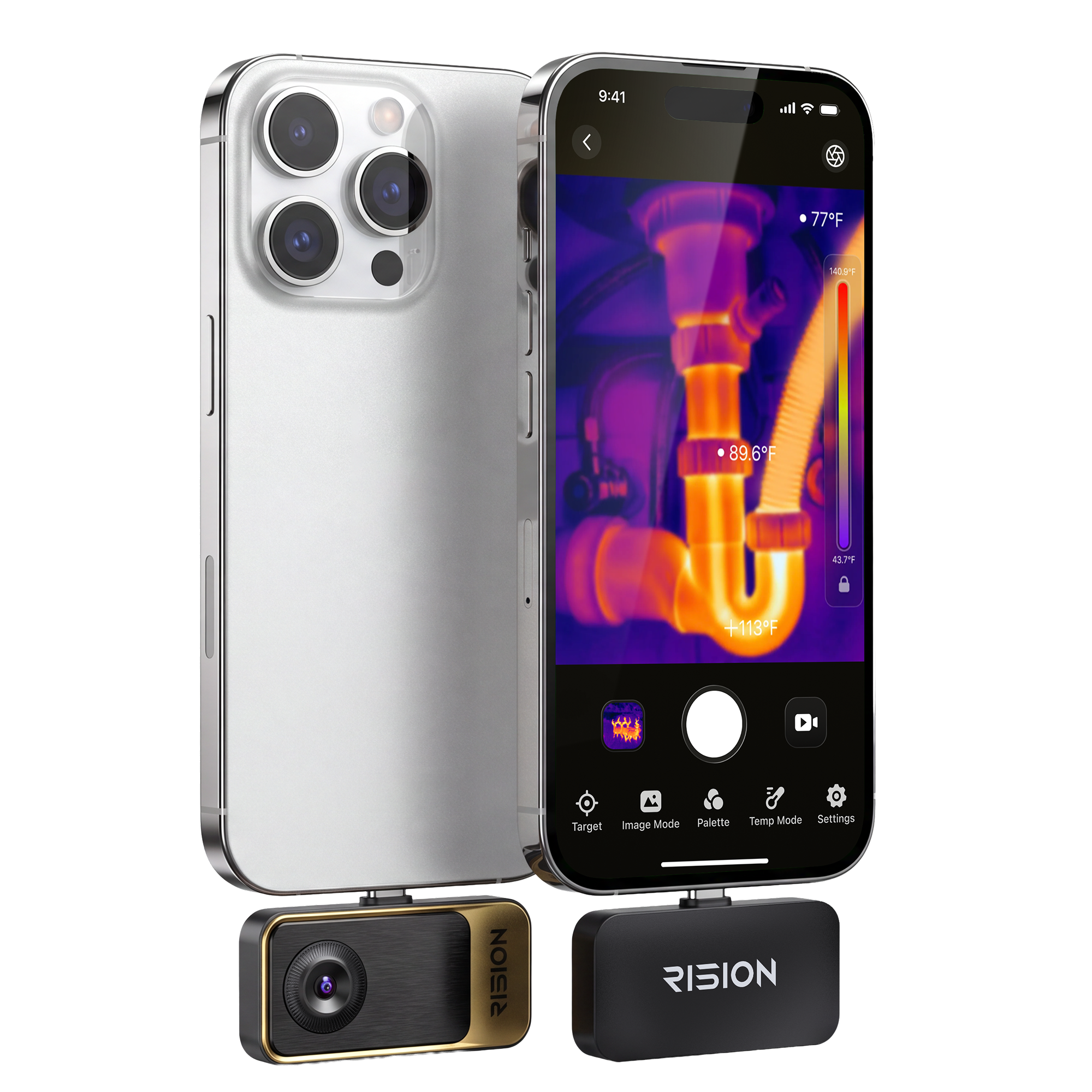
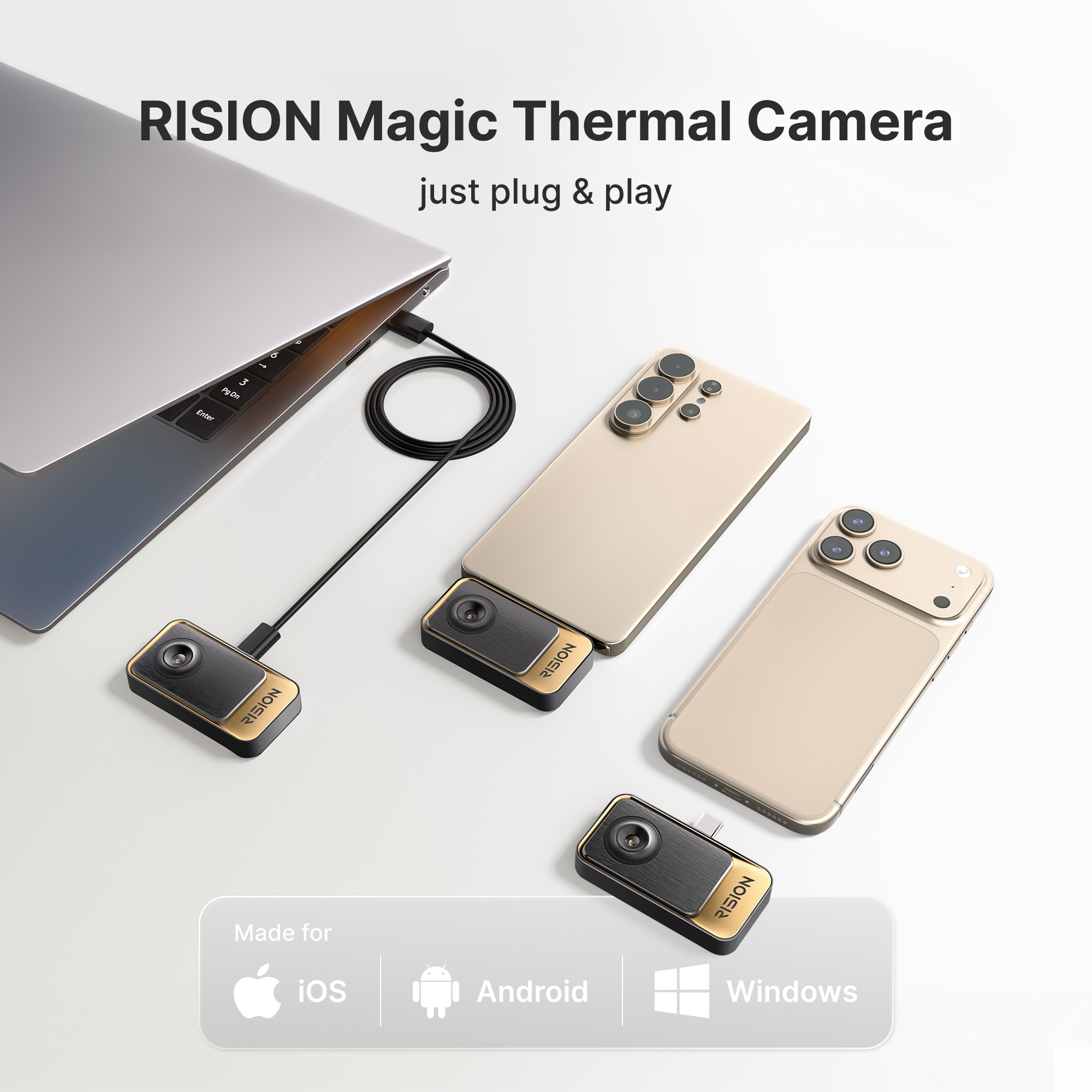
- Compatible with Android (Type-C), iOS, and Windows PC.
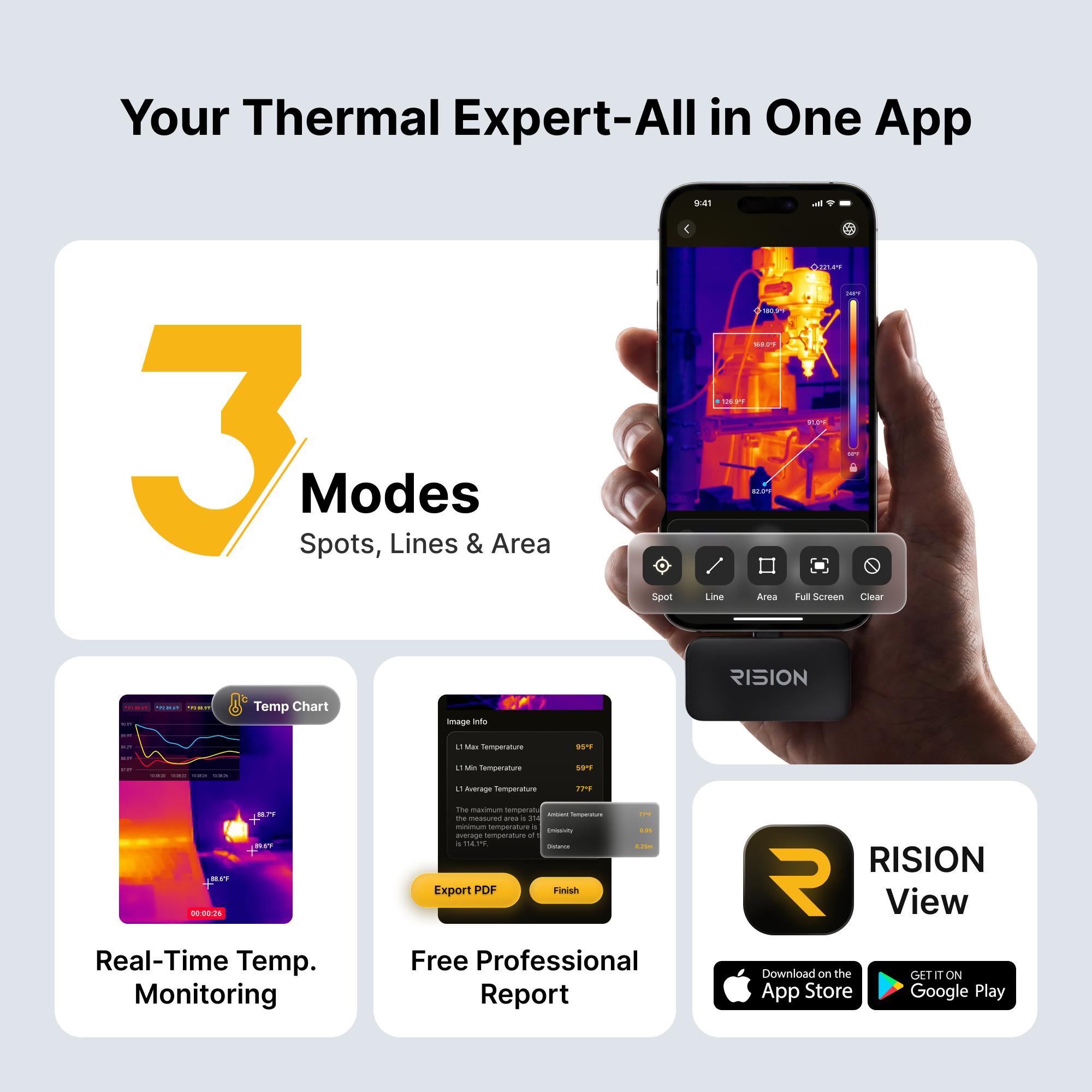
- Industry-leading smart APP analysis for efficient diagnostics.
Payment Methods


Delivery Method


FALL SAVINGS END IN
This promotion has ended.
Everything That Matters
One Device, All Platforms
iOS · Android · Windows


Industry-Leading Single-Lens AI Dual-Light Fusion
Visible + Infrared / AI Calibration |Clarity & Precision


QuadIR™ Resolution
RISION Magic features a native 160×120 resolution super-resolved to 320×240, combined with a ≤40mK NETD and a 25Hz refresh rate. It easily detects slight temperature variations and spots fine details with uncompromised image clarity.


Single-Lens AI Dual-Light Fusion
RISION's proprietary AI BiSpectrix™ combines thermal and visible imaging in real time, revealing details that ordinary thermal cameras miss. Faster troubleshooting. More accurate inspections. Greater confidence in every diagnosis.

Smart Documentation, Secure Data Management.
The RISION View APP delivers a fully automated documentation workflow. It supports thermal image and video capture with full temperature data — a step ahead of ordinary screenshots. Just a more automated workflow that saves you time and keeps your data secure.
- 1One-Tap Custom Watermarks & GPS Location
- 2Auto-Formatted PDF Reports
- 3Cloud Sync for Report on Multi-Device Access
- 4No Manual Writing. No Data Loss.

Clear Thermal Imaging, In Your Pocket.
High-resolution thermal imaging with wide temperature range and real-time clarity.
- 1High Resolution. See more detail with clarity.
- 2Wide Temperature Range
- 3Real-time Imaging. Instant feedback on your phone.

Your Everyday Smartphone Thermal Camera


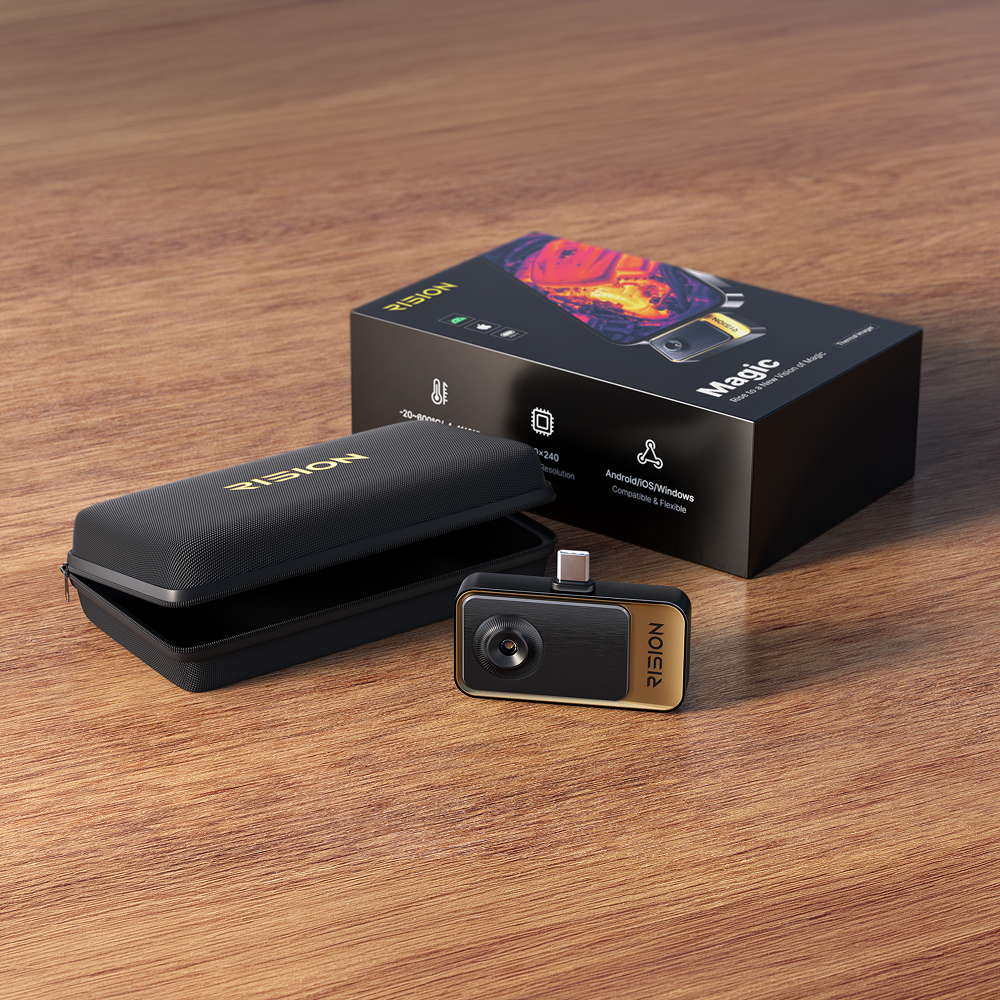
What's Included

- 1RISION Magic Thermal Camera × 1
- 2USB-C Extension Cable × 1
- 3Carrying Pouch × 1
- 4Quick Start Guide × 1
Unboxing Video
APP for Your Devices · User Manual


Product Specs
| Parameter | RISION Magic (AF01) |
|---|---|
| Native Resolution | 160 × 120 |
| Super Resolution | 320 × 240 |
| Pixel Pitch | 12μm |
| NETD | ≤ 40 mK |
| Frame Rate | 25 Hz |
| Measurement Range | -4°F ~ 1112°F (-20°C ~ 600°C) |
| Temp Accuracy | ±2℃ or ±2% of the reading |
| Operating Temperature | -10~55°C |
| Compatibility | Android / iOS / Windows |
| Connector | USB-C |
| Infrared Core | QuadIR™,AI BiSpectrix™ |
| Effective Measurement Distance | Within 5 m / 16.4 ft |
| Size (L x W x H) | 60*42*10mm |
| Device Weight (g) | 24g |
| Continuous Runtime | 5-8h |
| Power Consumption | 0.32W |
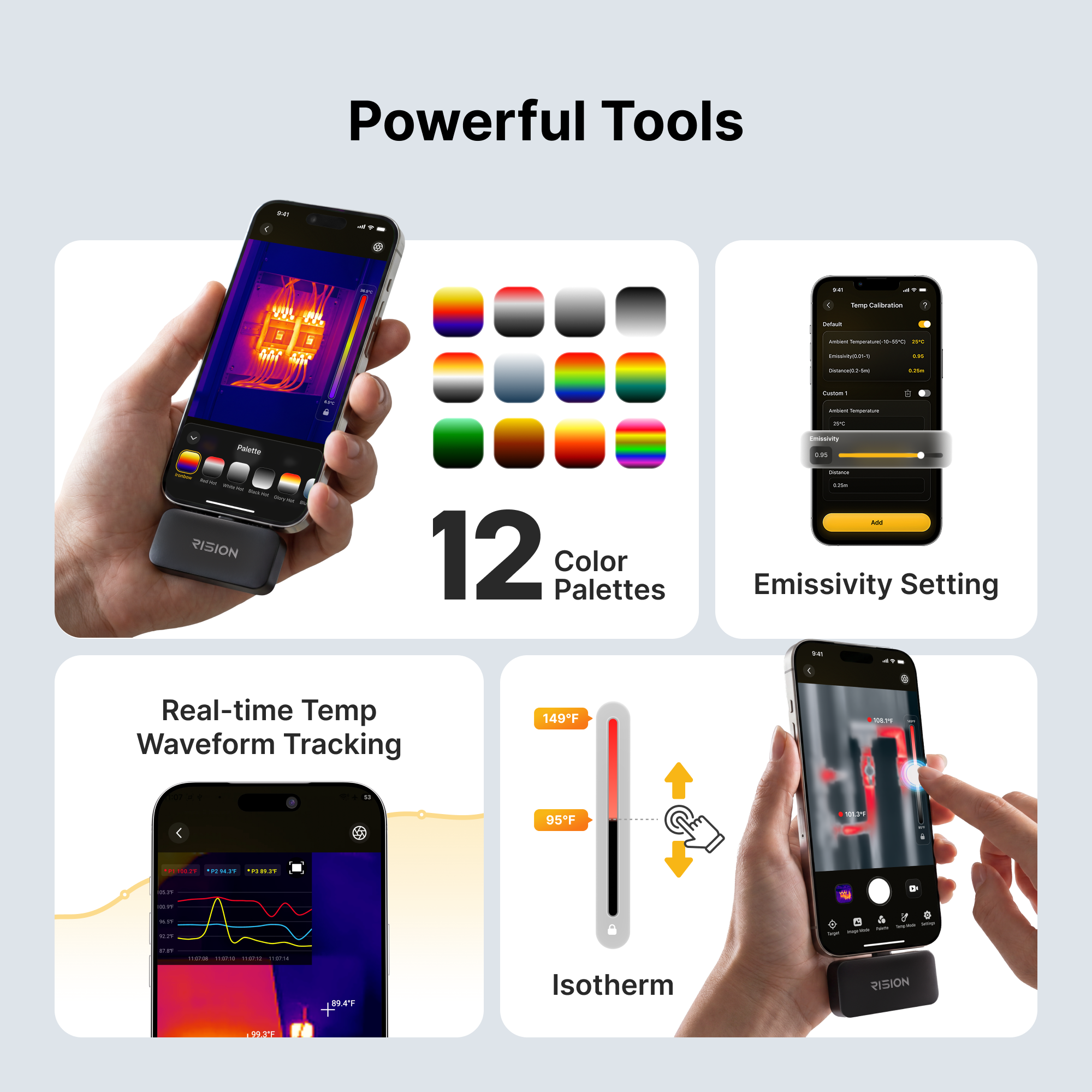
| Color Palette | 12 |
| Digital Zoom | 5x |
| Focal Length | 2.1mm |
| FOV | 52°*39° |

24-Month Warranty

30-Day Return

Free Fast Shipping

Professional Support
RISION Magic FAQ
Legit product and worked great when I needed to figure out where a leak was causing damage. Totally worth it!
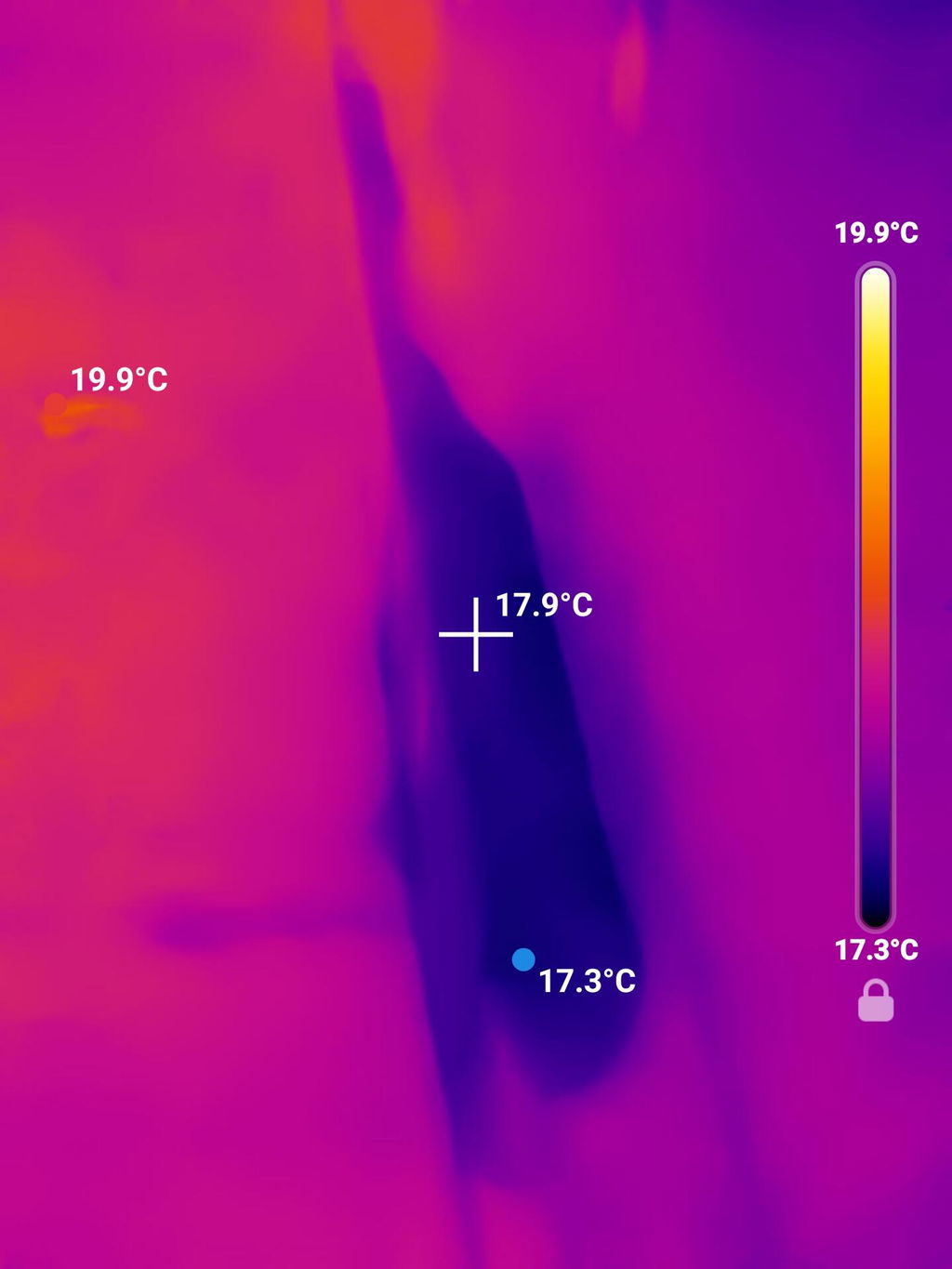
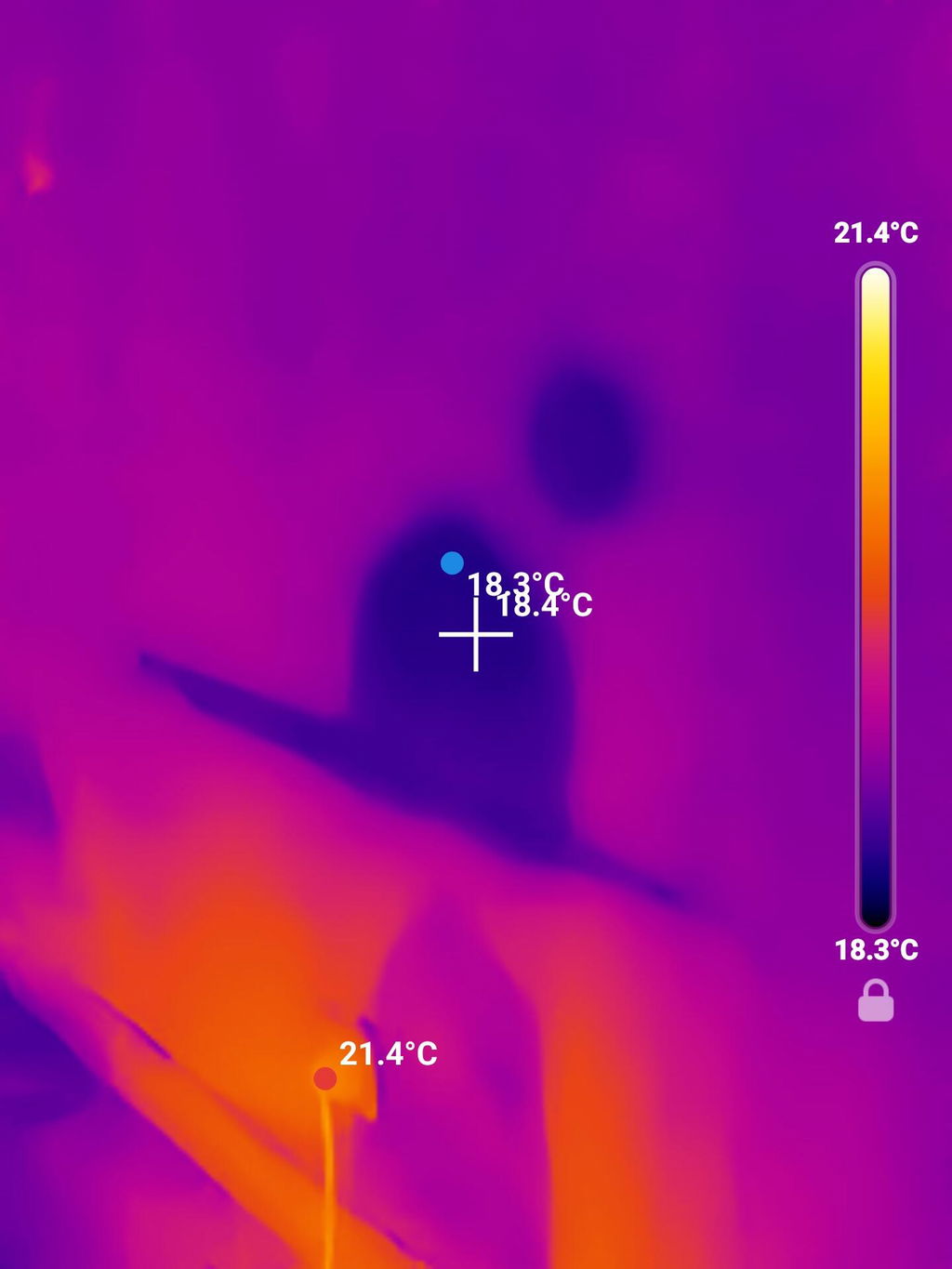
Works great, met my expectations!
ok diy cam
Works great - i have stopped using bulky 20 pounds old FLIR camera - I use this frequently and so far very pleased with it - my work colleagues are going to purchase this for their use also
I'm amazed by how clear the picture is from the camera and the choices of the filters.
Using it is very simple it is very clear I like the fact that it changes from temp range temp range depending where you are I have found some significant issues with my home because of it and it will save me money in the long run so quite happy to have it.
Happy with the size. Image is good but could be better.
Very effective and easy to use!
Handy tool for checking insulation leaks both inside and out. Also for for overheated wires in walls. Just nice incidental tool to have on hand. It also sees critters in the woods at night (which is kinda’ cool).
Very good performance for the price.
Super easy to use.
Surprisingly good resolution for the price and size.
Everything was great
love it
Great product and app. Surprised on the quality for the price
Super simple set up.
Easy to use.
Thanks