


@Regina Cal | Rustic Skills


Caméra thermique pour smartphone RISION Magic | Inspection à domicile
TOP APPLICATIONS
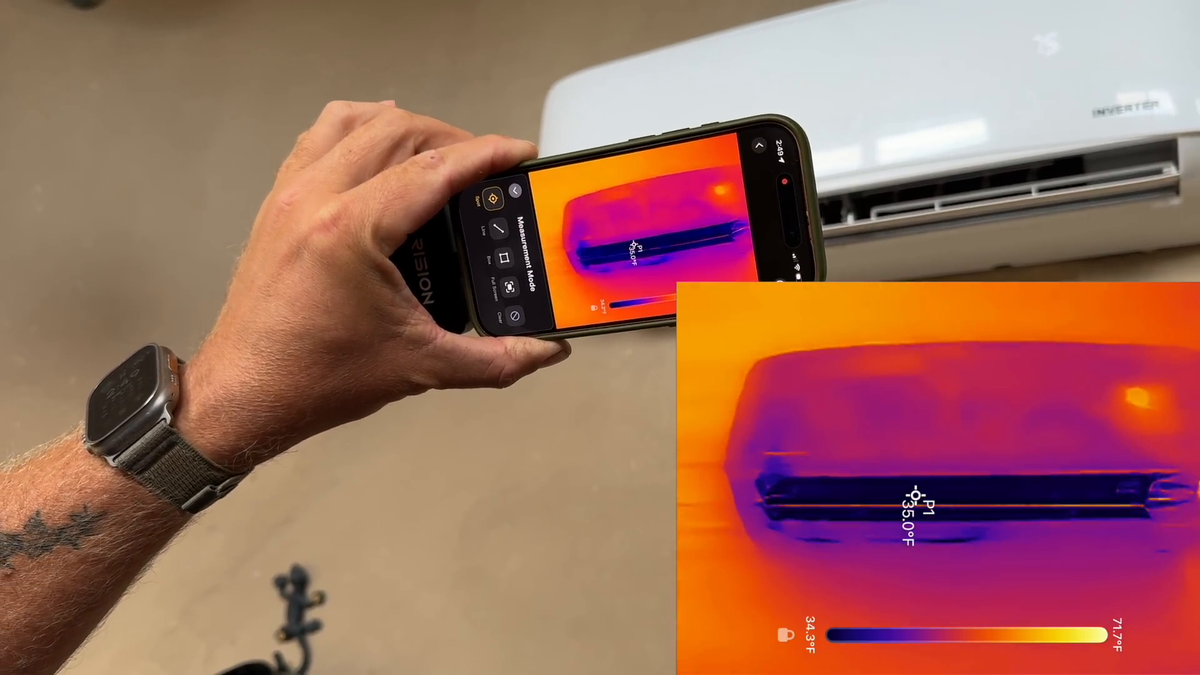
HVAC Inspection
AC Troubleshooting
Air & Water Leaks
Tips:Sign Up & Get 5% Off
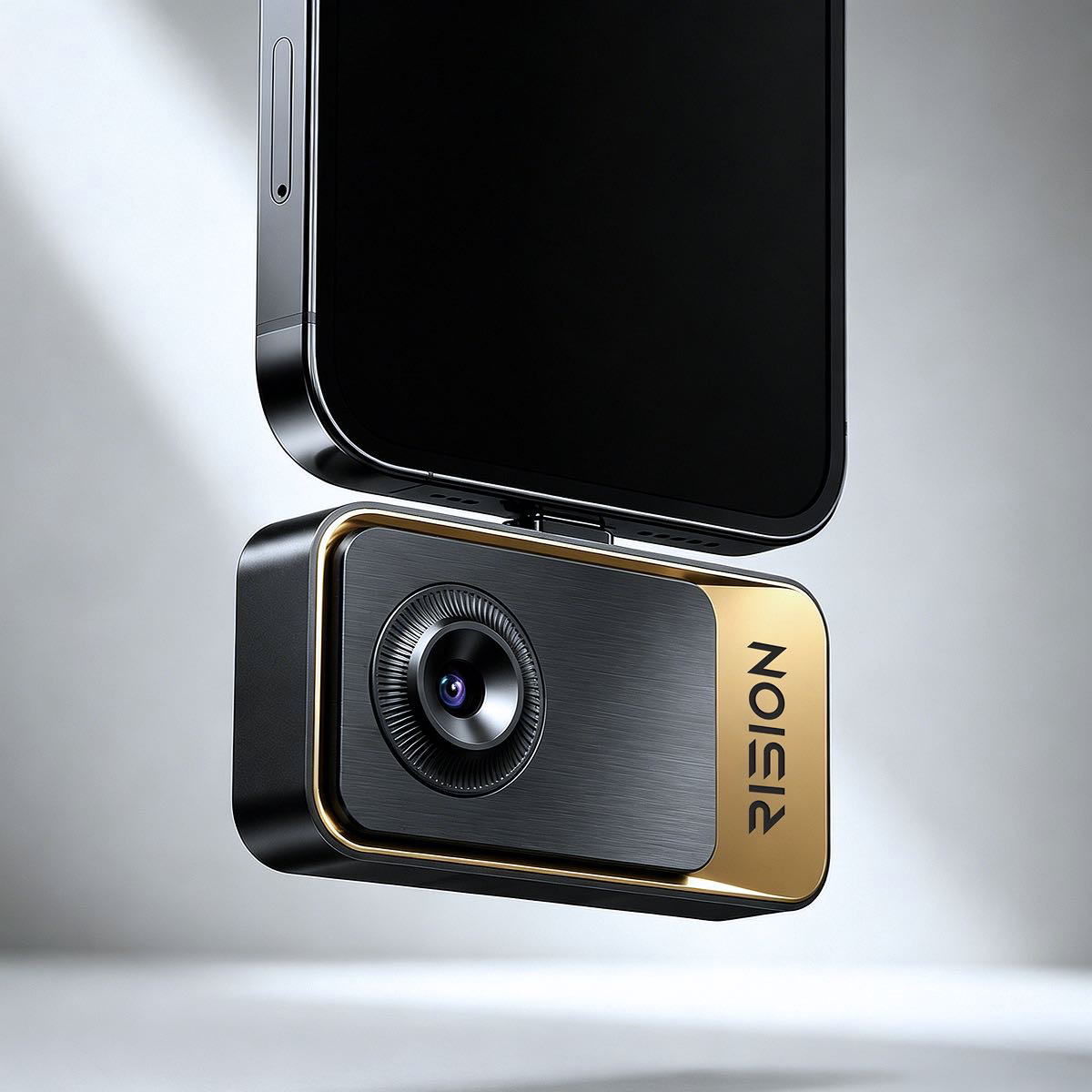
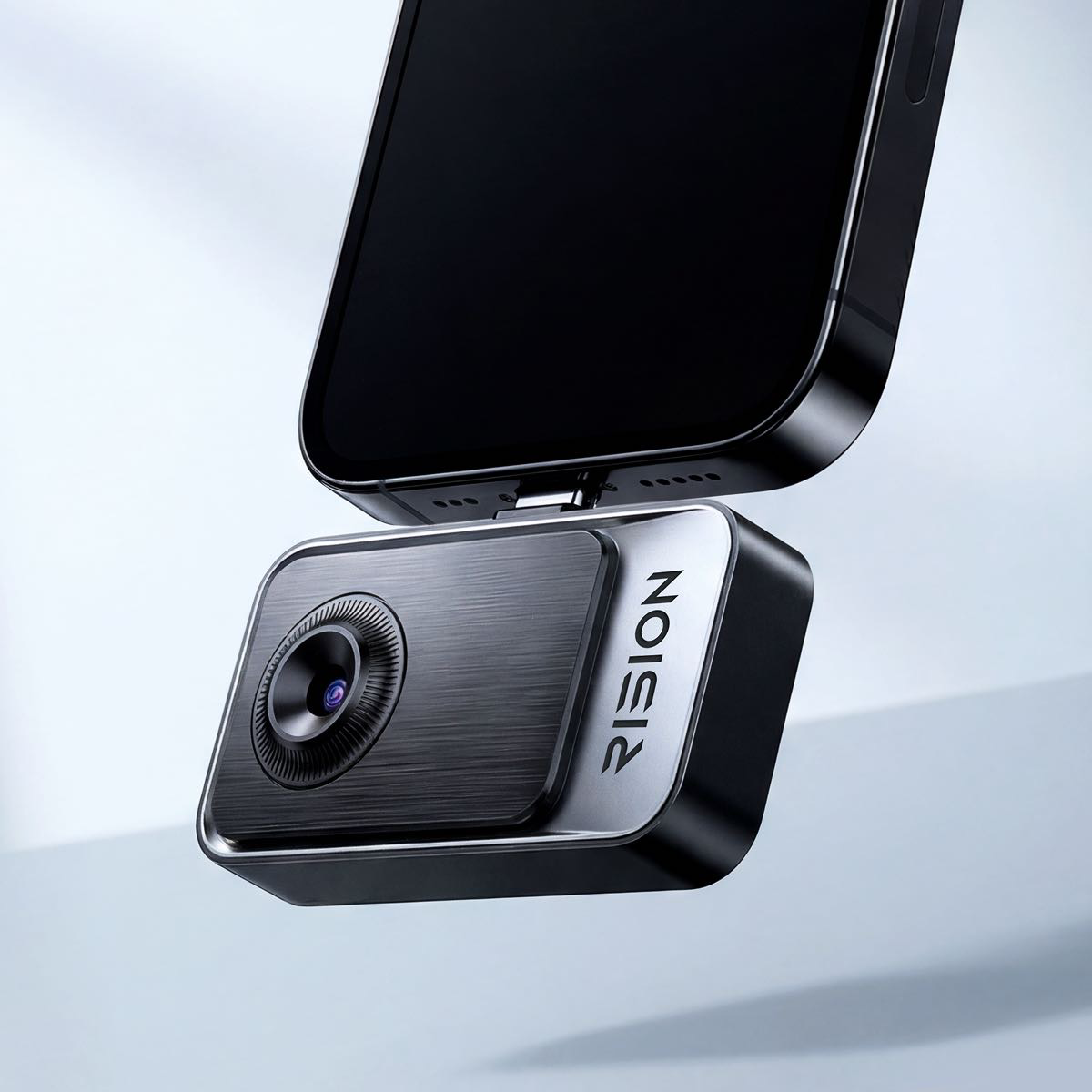
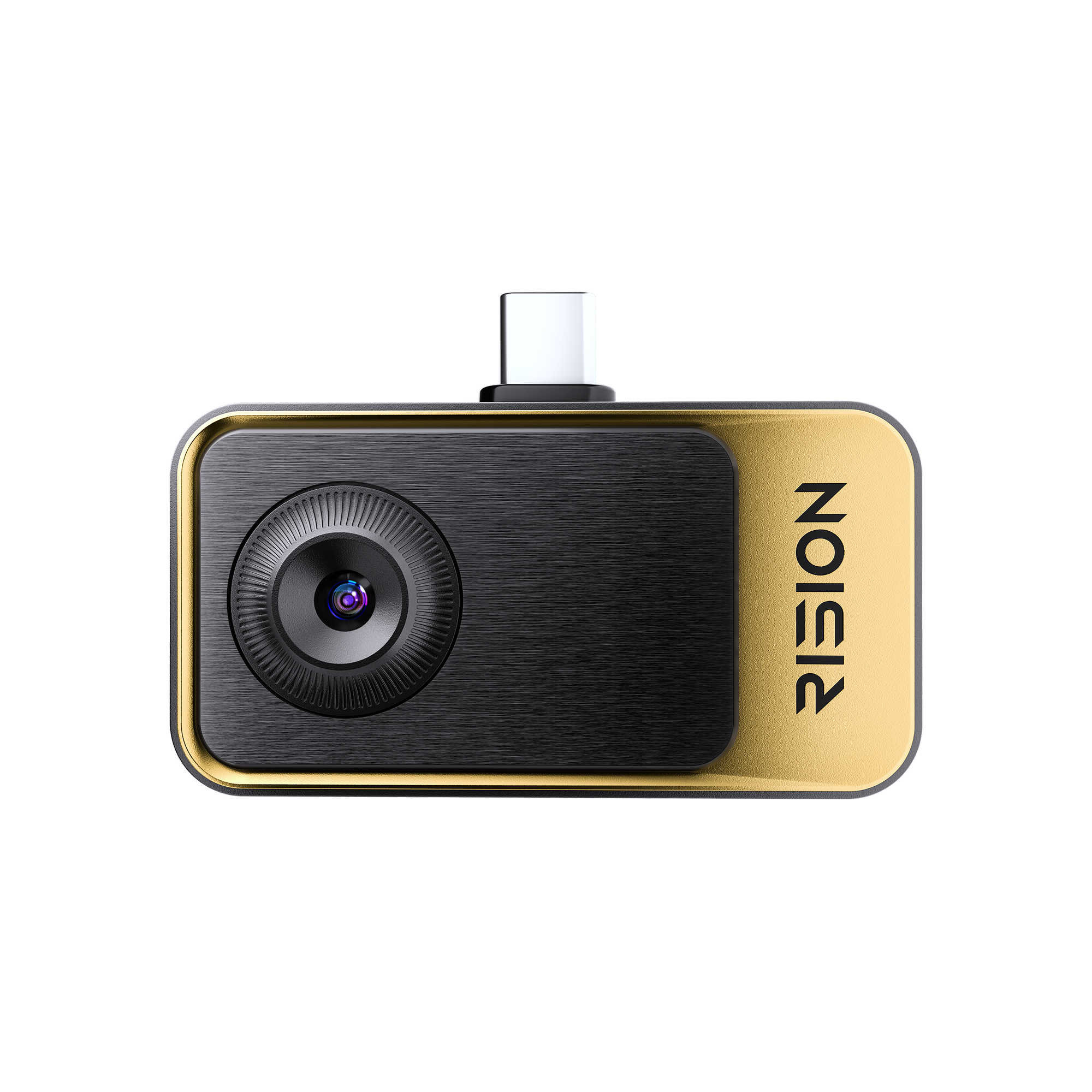
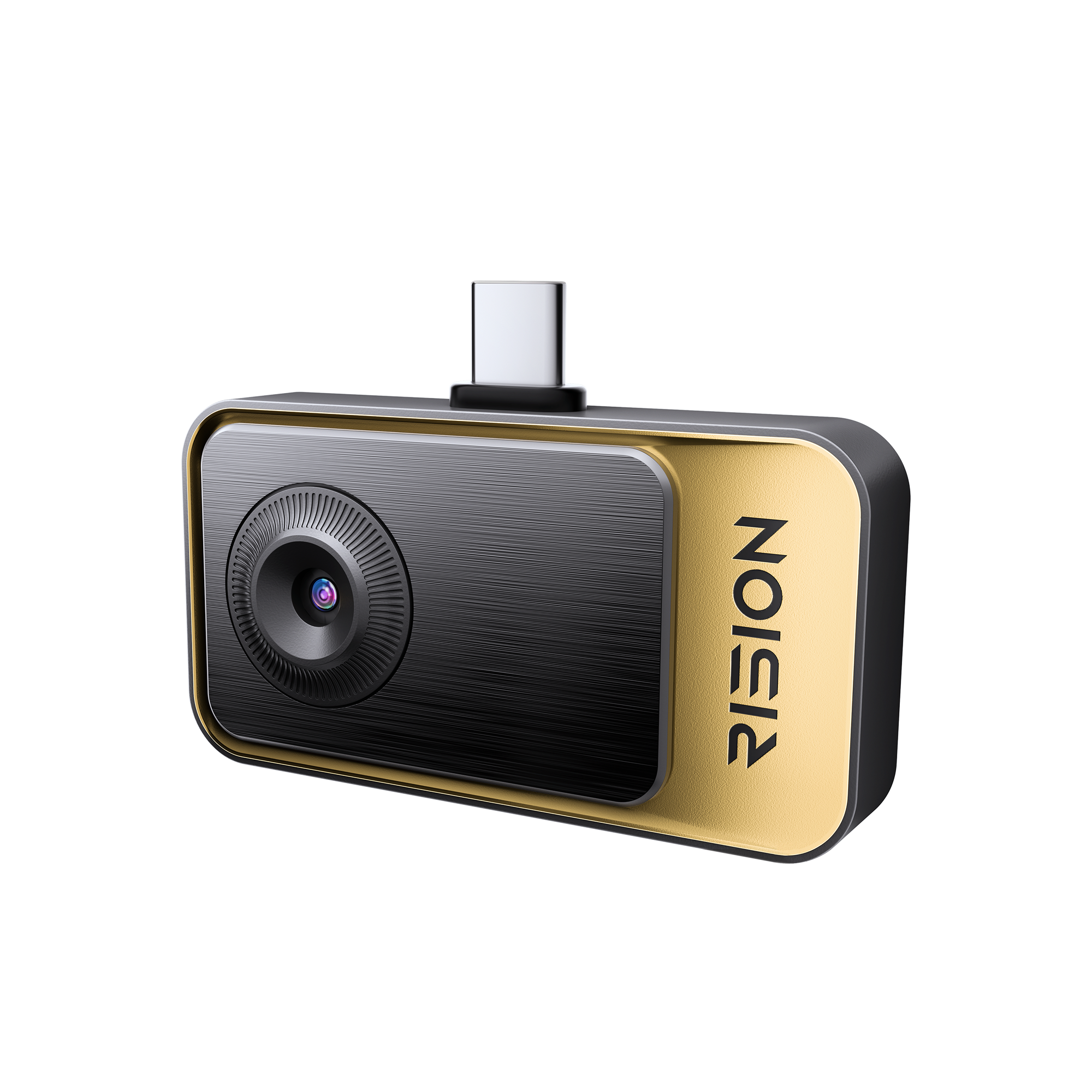
Grab-and-Go Thermal Camera for Home inspection. Simply plug in, point, and know. No setup. No expertise required.
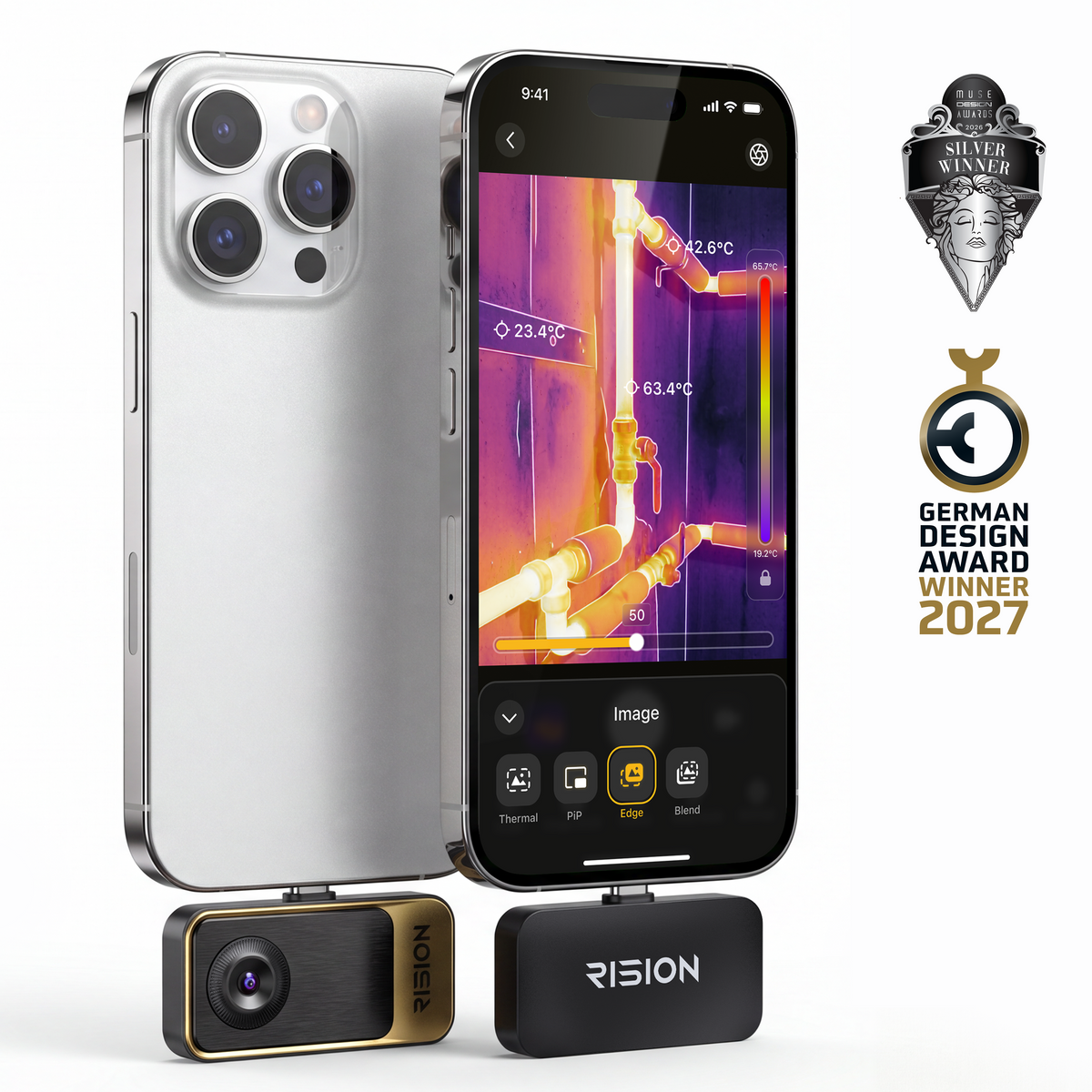
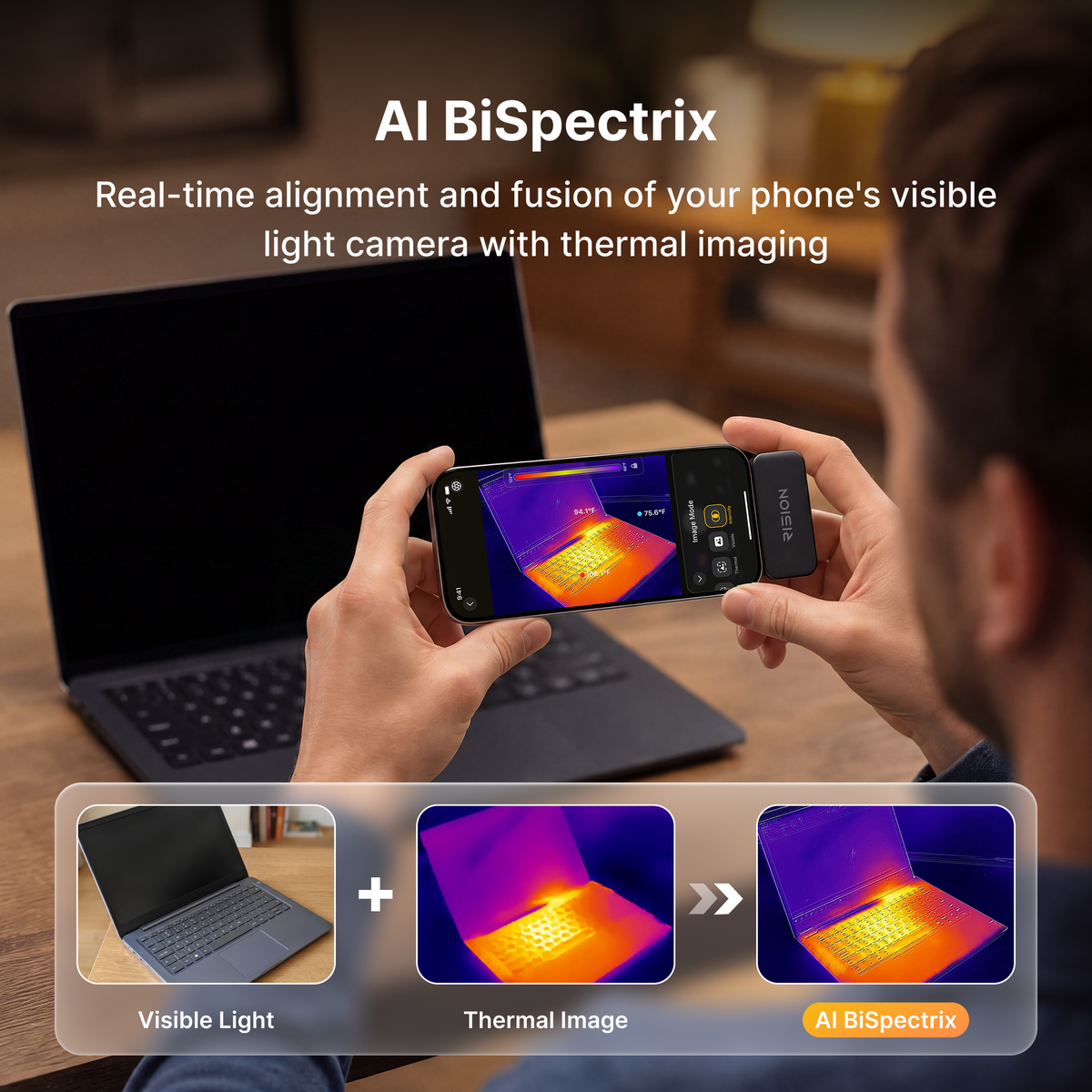
- Single-lens AI Dual-light Fusion: Aligned thermal and visual images help you pinpoint problem spots.
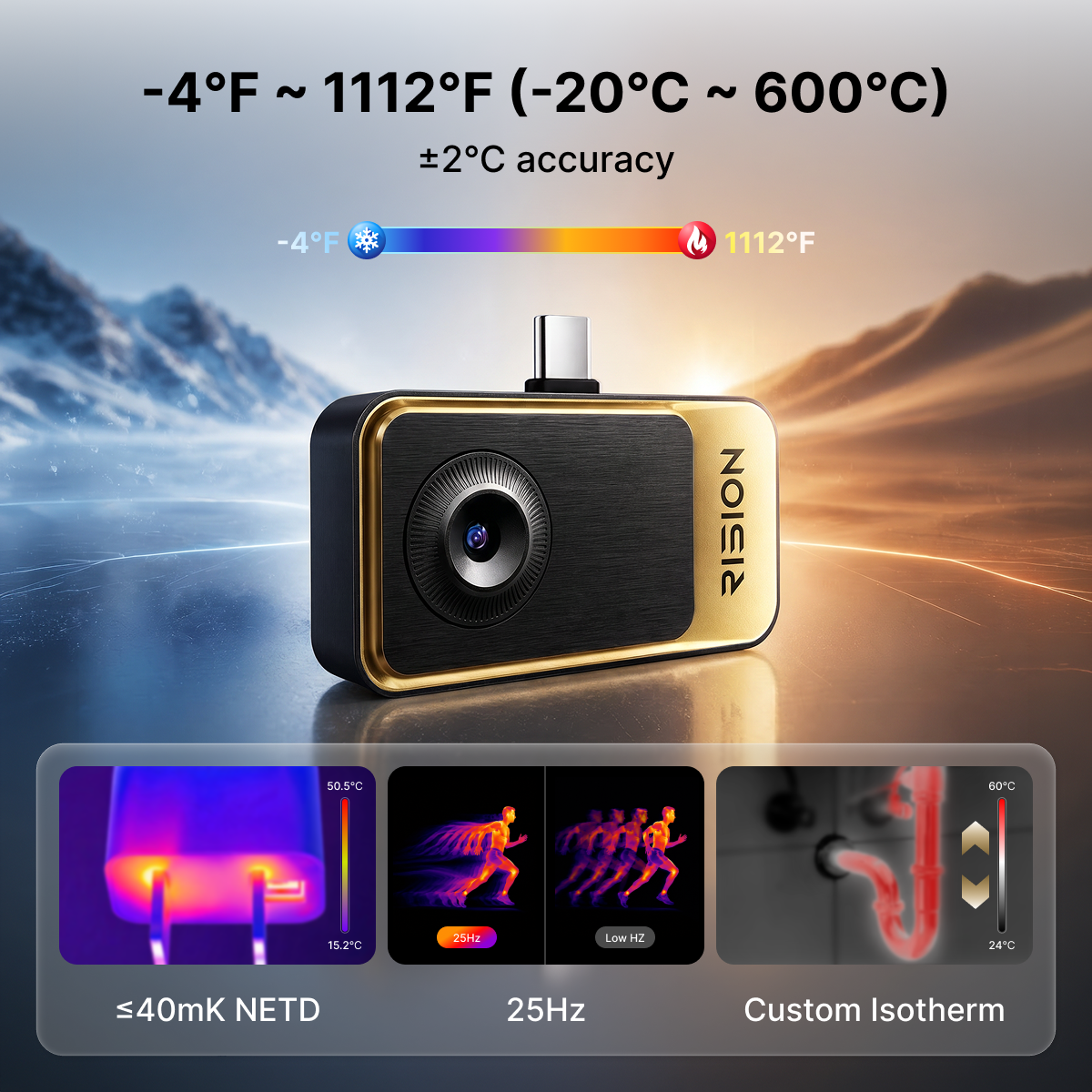
- 320 × 240 Super Resolution, ≤40mK NETD & 25Hz: Spot subtle temperature differences with smooth imaging, ideal for checking drafts around doors and windows.
- -4℉ to 1112℉ (-20°C to 600°C), ±2°C or ±2% Accuracy: Check temperatures across a wide range—from cold spots on walls to overheating appliances.
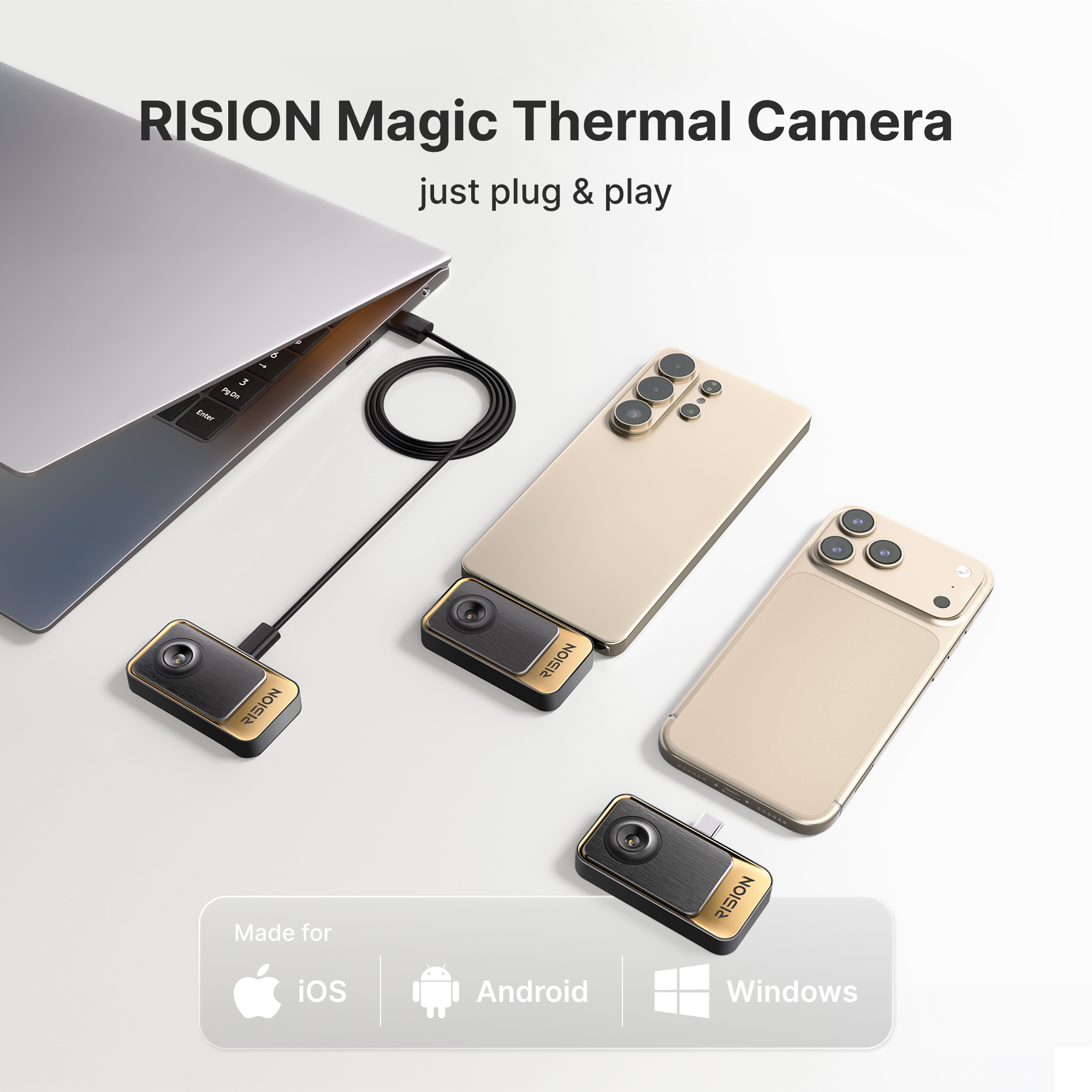
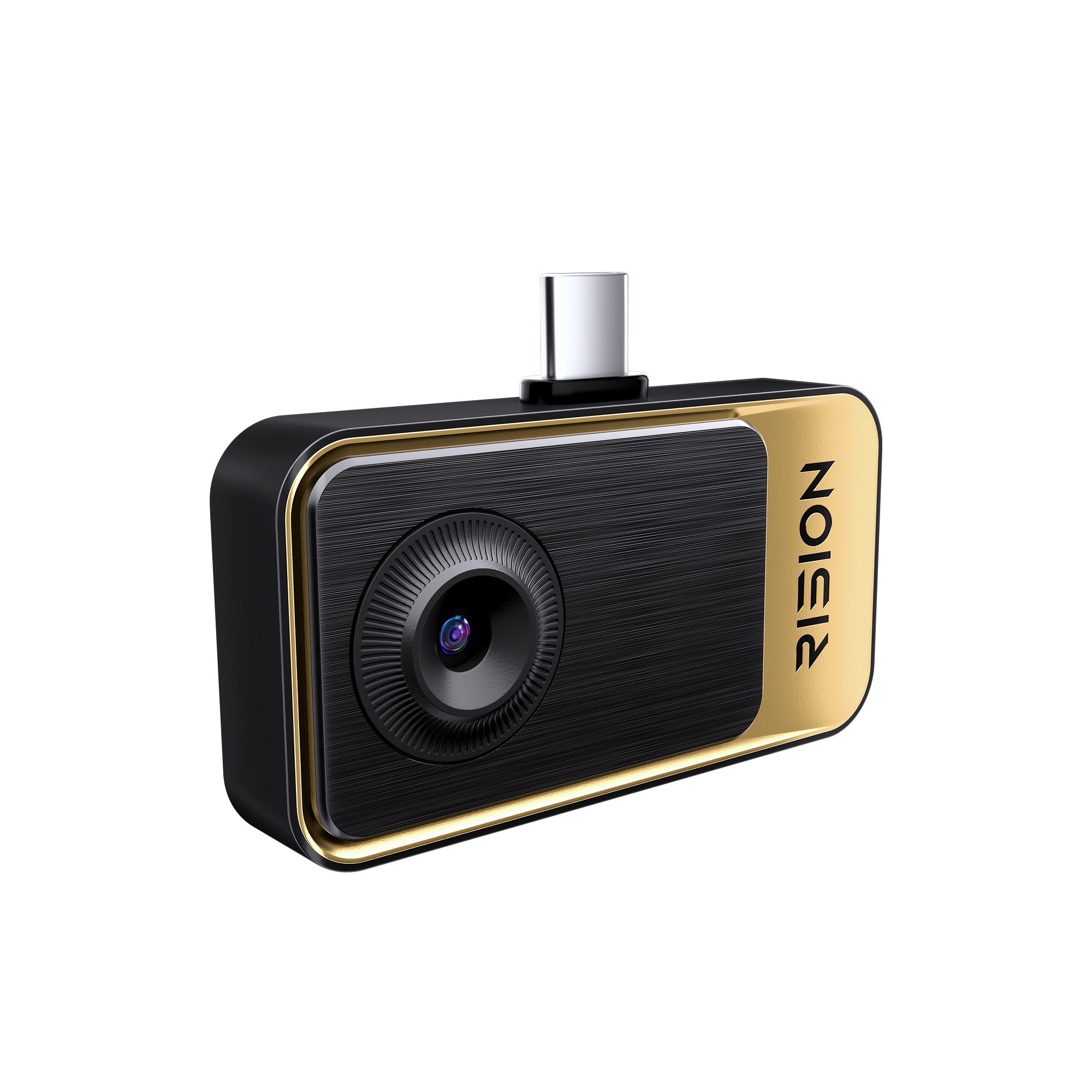
- USB-C for Android, iOS & Windows: Plug into your compatible phone, tablet, or PC for quick inspections. Not compatible with Lightning.
- Smart App Analysis: Analyze thermal images in the app to better understand temperature patterns when checking insulation, heating, and more.
YOU MAY ALSO LIKE:
Higher ResolutionFor ProfessionalsFor More Demanding Applications
Standalone inspectionFlexible storageAutomatic Alert
Fast Delivery
2 Years Warranty
Lifetime Technical Support
30-Day Money back
Payment Methods


Delivery Method


Caméra thermique pour smartphone RISION Magic | Inspection à domicile
Prix de vente€135,00
Prix normal€159,00
See What Our User Say
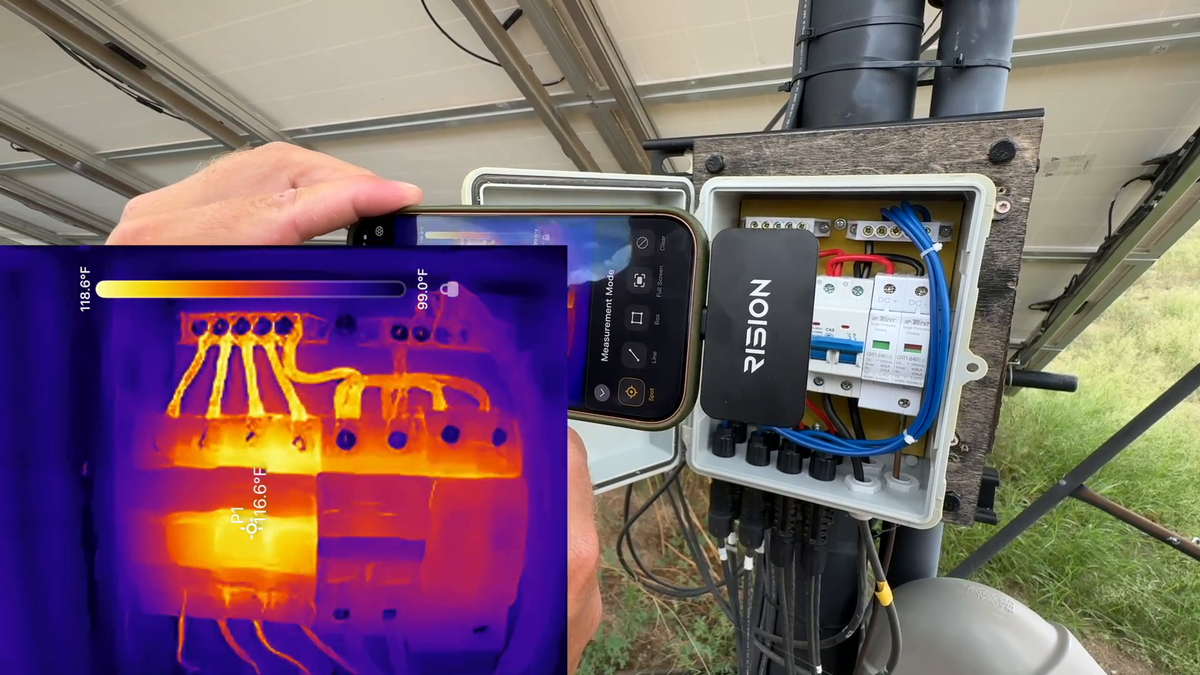
@Eddy Family Farm
Look What I Found With The RISION Magic Thermal Imager!!
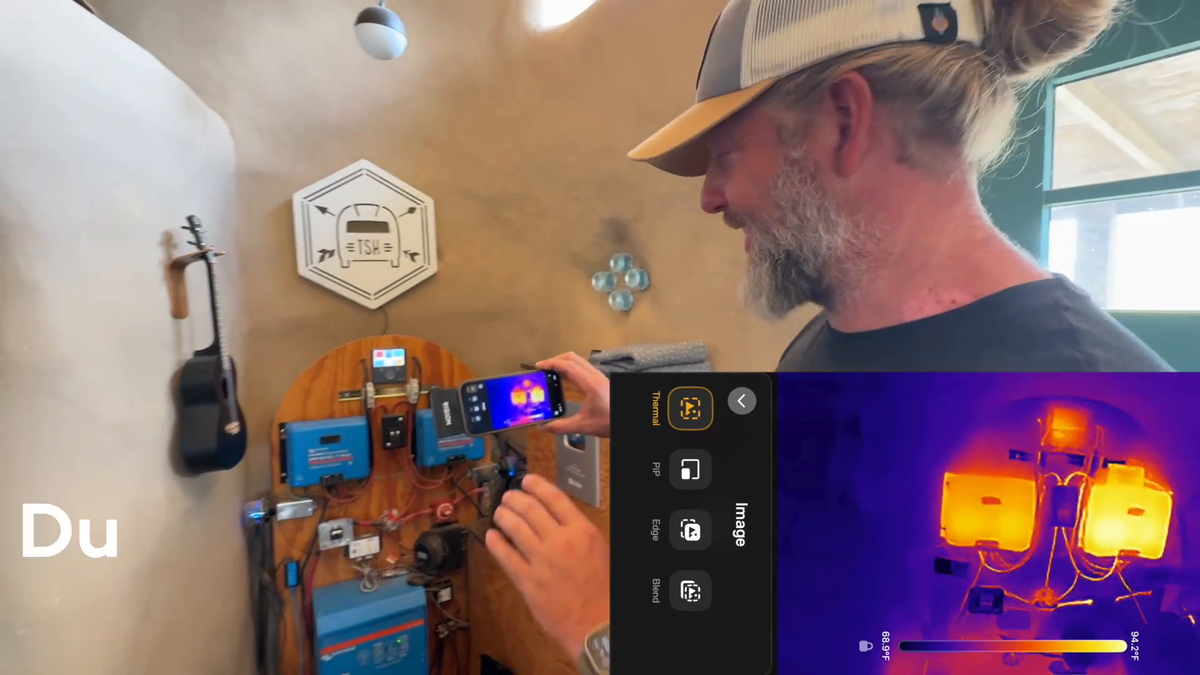
@Tiny Shiny Home
Rision Magic for Home Inspection
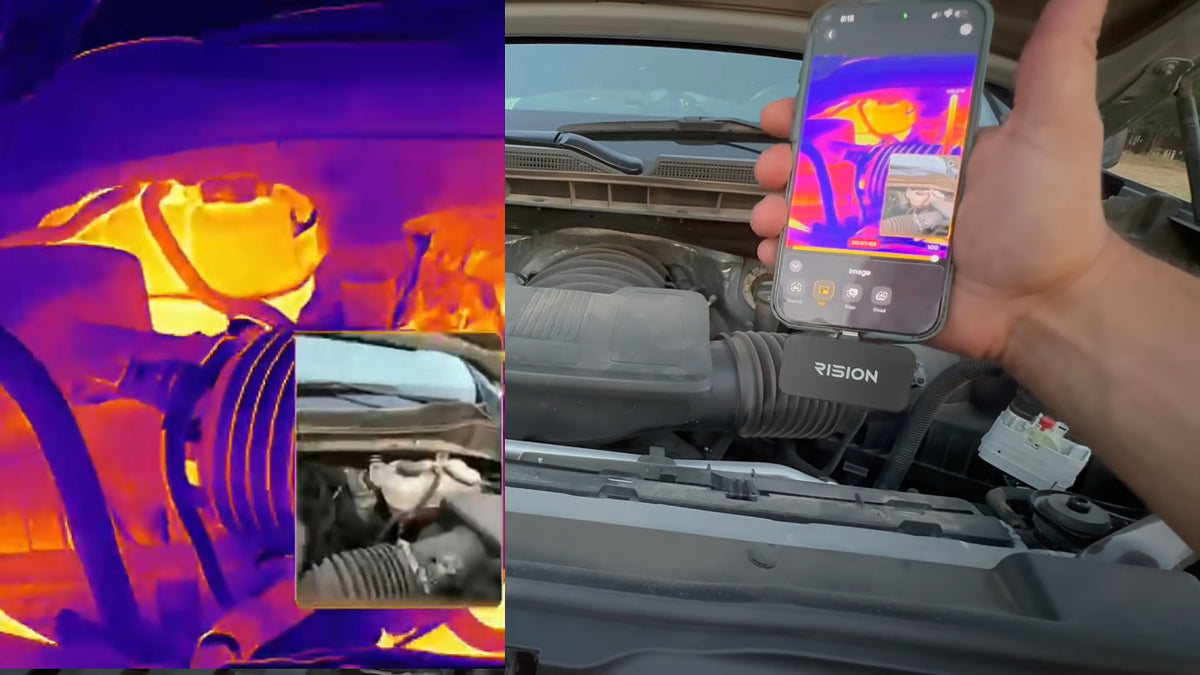
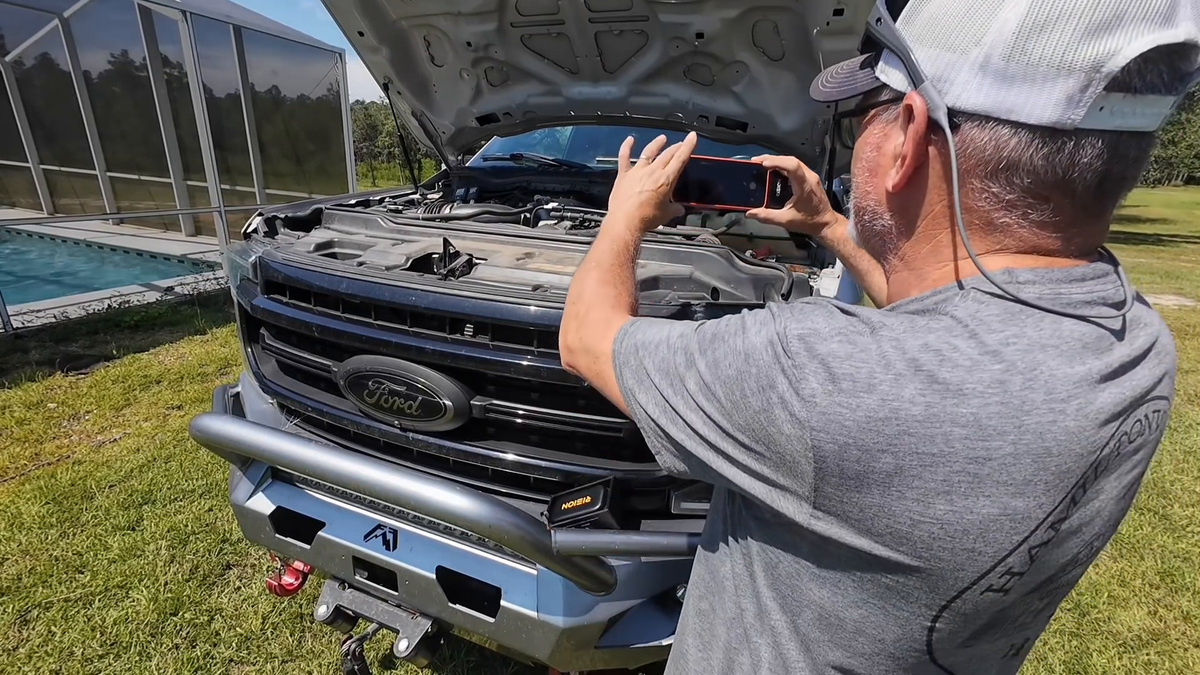
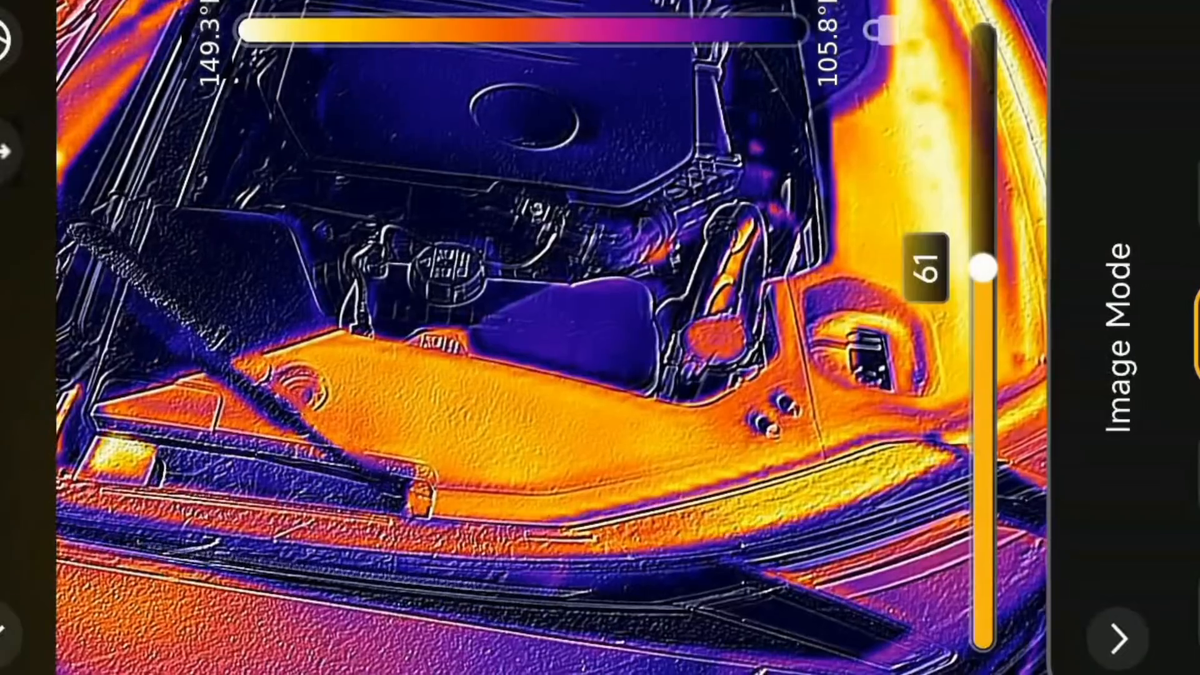
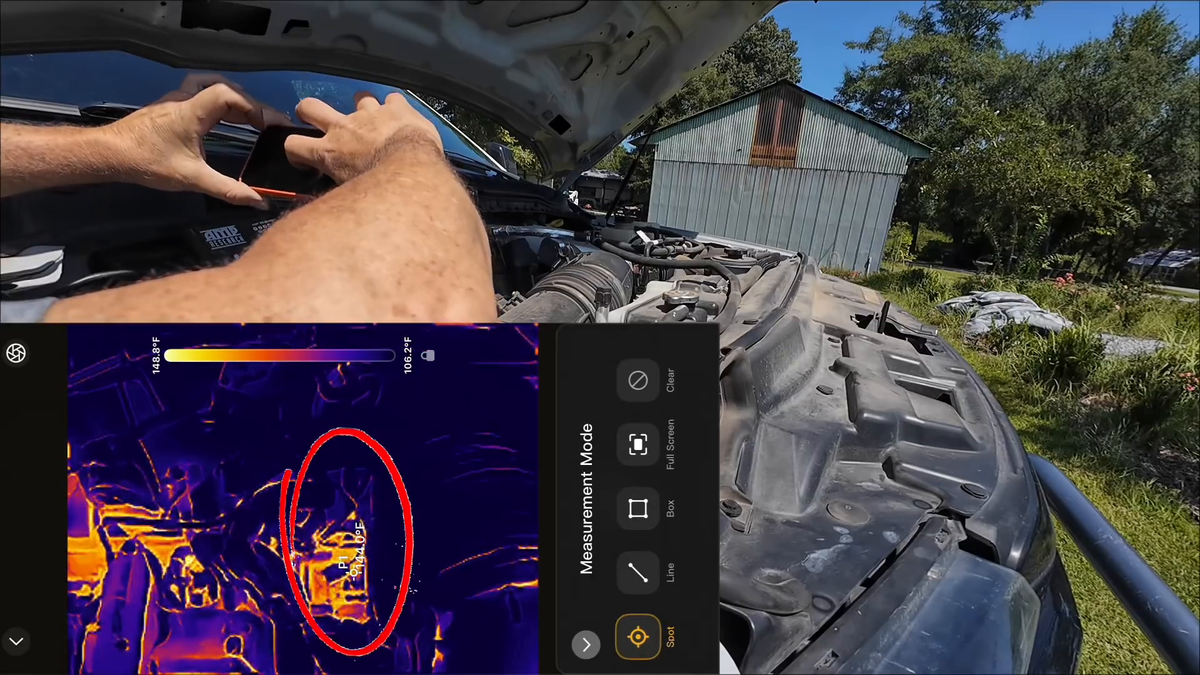
@Hamiltonville Farm
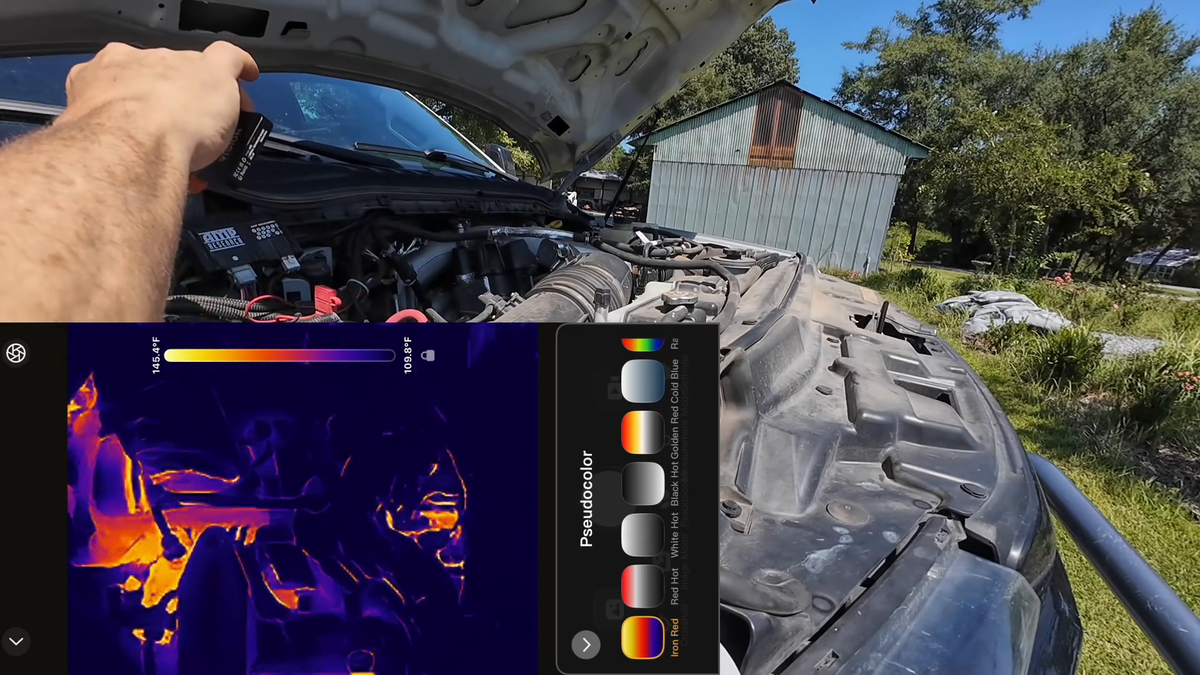
Rision Magic for Automotive Engine Thermal Inspection
@Carolyn's RV Life
Rision Magic for RV Interior Inspection
@Rision Official
Magic Launch

RISION Magic Thermal Camera
Smart Thermal Camera for ALL, Your Daily Troubleshooter.
AI Dual Light
AI BiSpectrix™

(-20°C to 600°C)
-4°F to 1112°F
Temperature Range

320×240
QuadIR™ Resolution

QuadIR™ Resolution
Super-Resolved to 320×240
RISION Magic features a native 160×120 resolution, super-resolved to 320×240, combined with a ≤40mK NETD and a 25Hz refresh rate. It easily detects slight temperature variations and spots fine details with uncompromised image clarity.

Before

After
≤40mK
NETD
25Hz
Refresh Rate
320×240
Super Resolution


Industry-Leading
Single-Lens AI Dual-Light Fusion
RISION's proprietary AI BiSpectrix™ combines thermal and visible imaging in real time, revealing details that ordinary thermal cameras miss. Faster troubleshooting. More accurate inspections. Greater confidence in every diagnosis.
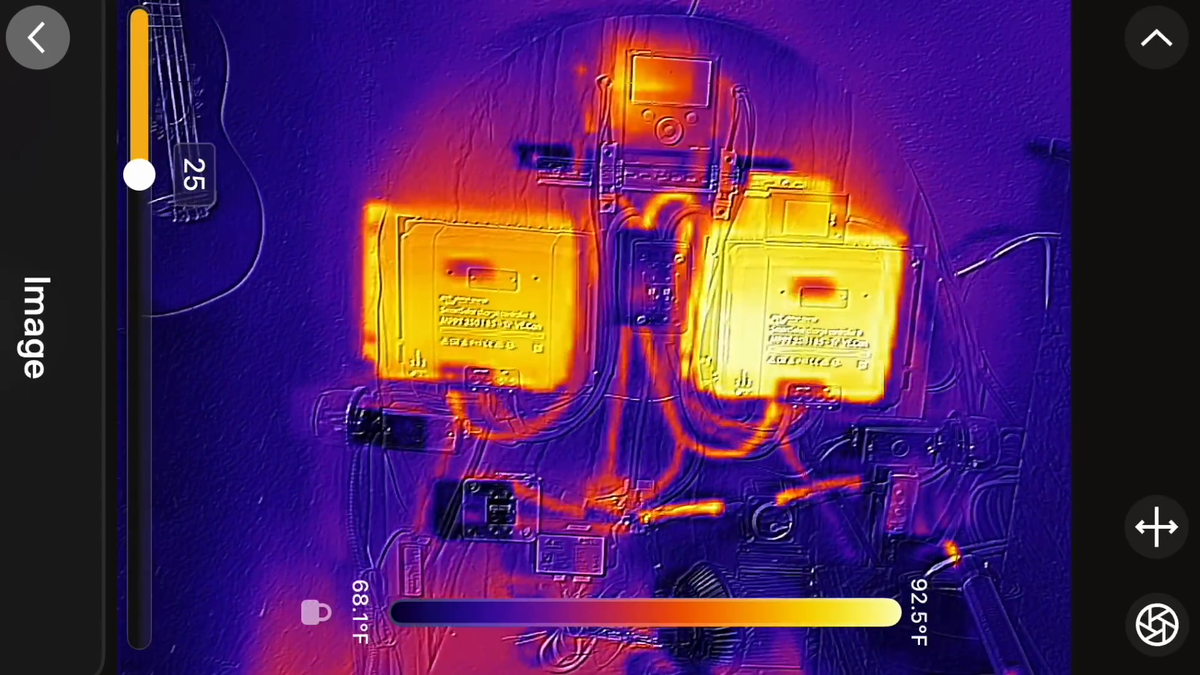
Explore Imaging Modes
USB-C CONNECTIVITY
iOS, Android & Windows
Plug into compatible USB-C phones and tablets, or connect to Windows PCs using the included USB-A adapter. Free and smart mobile and desktop apps.


Cloud Sync for Effortless
Compact to Carry, Smart to Report.
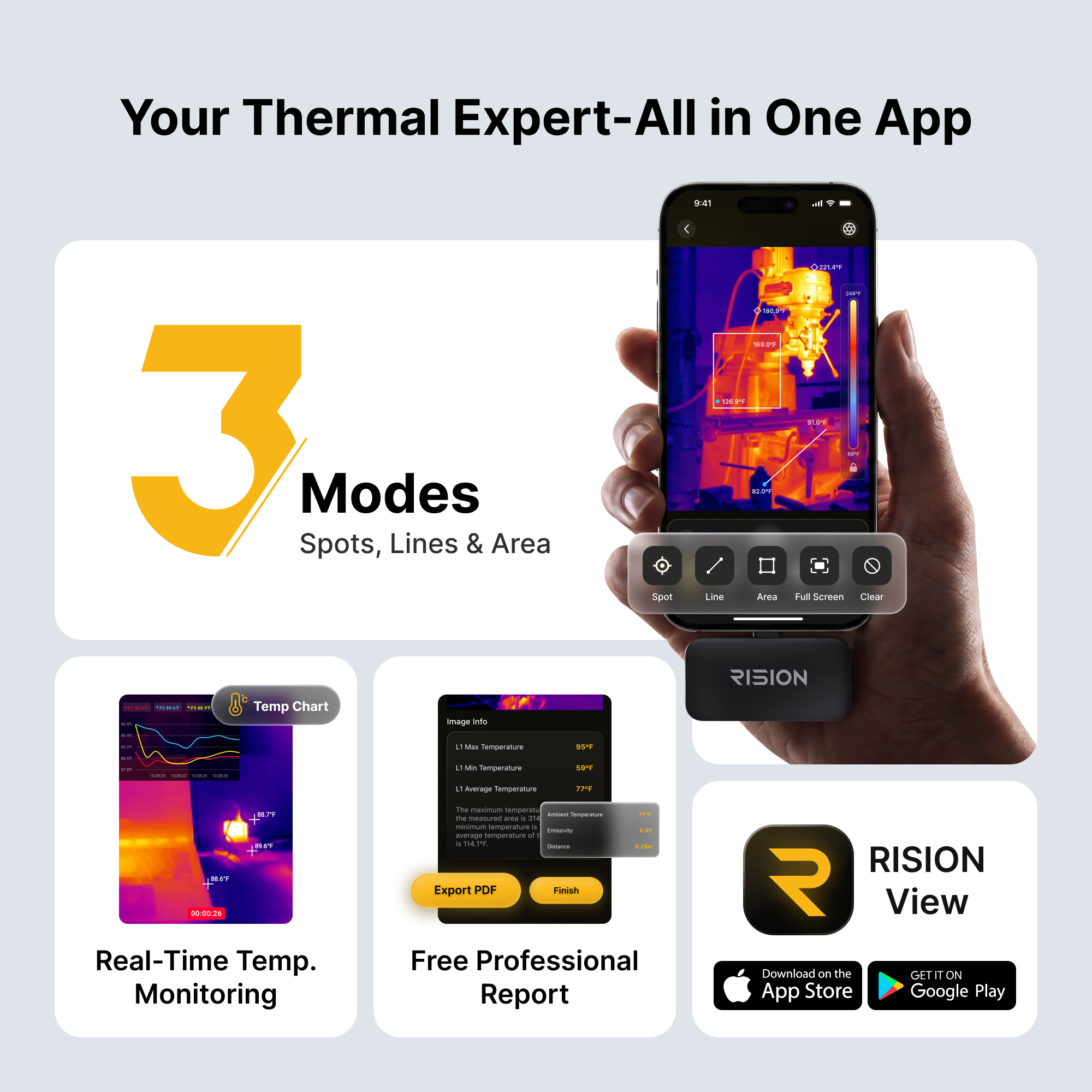
The RISION View APP delivers a fully automated documentation workflow. It supports thermal image and video capture with full temperature data — a step ahead of ordinary screenshots. Just a more automated workflow that saves you time and keeps your data secure.
- 1One-Tap Custom Watermarks & GPS Location
- 2Auto-Formatted PDF Reports
- 3Cloud Sync for Report on Multi-Device Access
- 4No Manual Writing. No Data Loss.

Find Your Fit
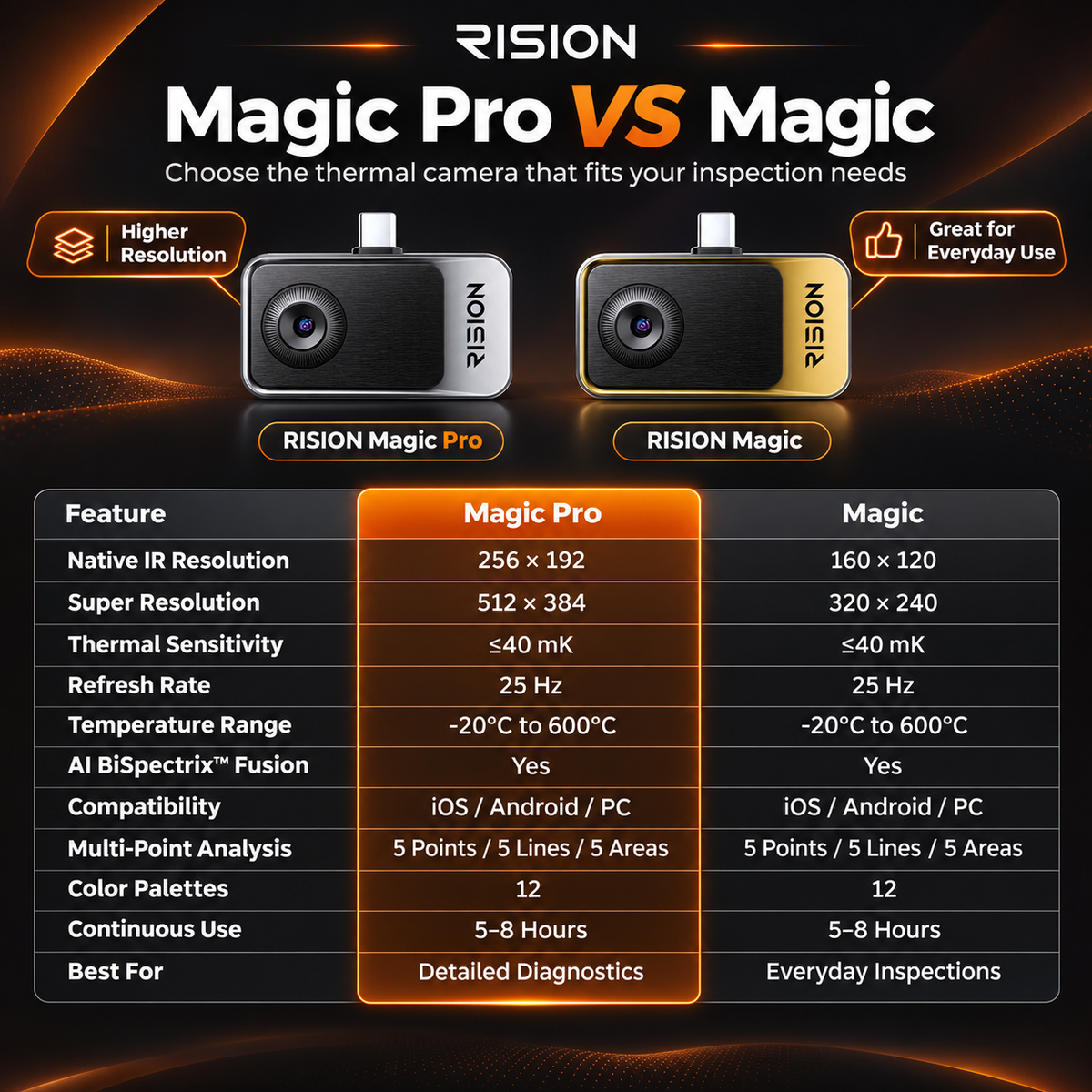
Which thermal camera fits your way?
Compare key specifications and typical applications below to find your best fit.
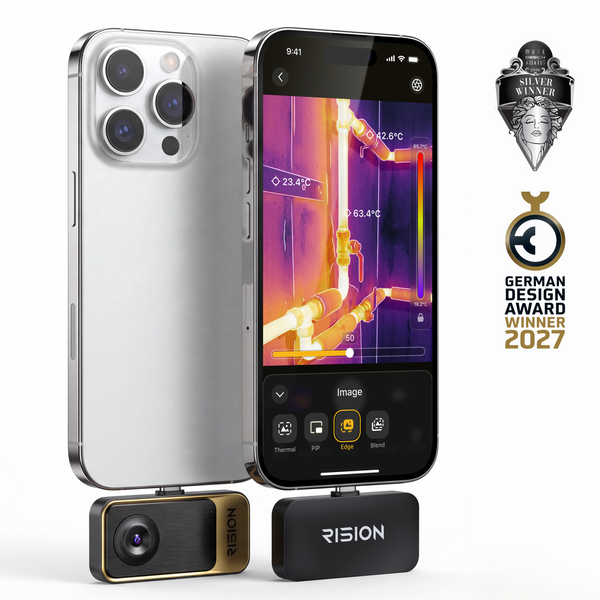
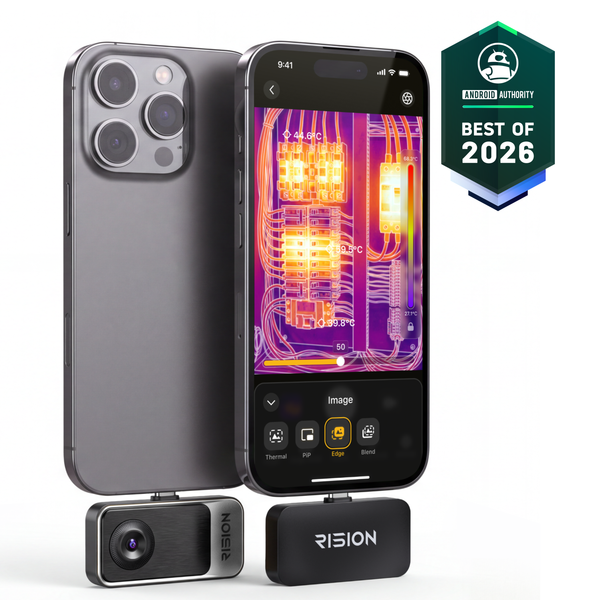
Native IR Resolution
160×120
256×192
QuadIR™ Enhanced Resolution
320×240
512×384
AI BiSpectrix™ Fusion
AI Dual Light
AI Dual Light
Compatibility
iOS (USB-C)/ Android / Windows
iOS (USB-C)/ Android / Windows
Best For
Everyday Inspections
Detailed Diagnostics
Applications
Your Everyday Smartphone Thermal Camera


In the Box
What's Included

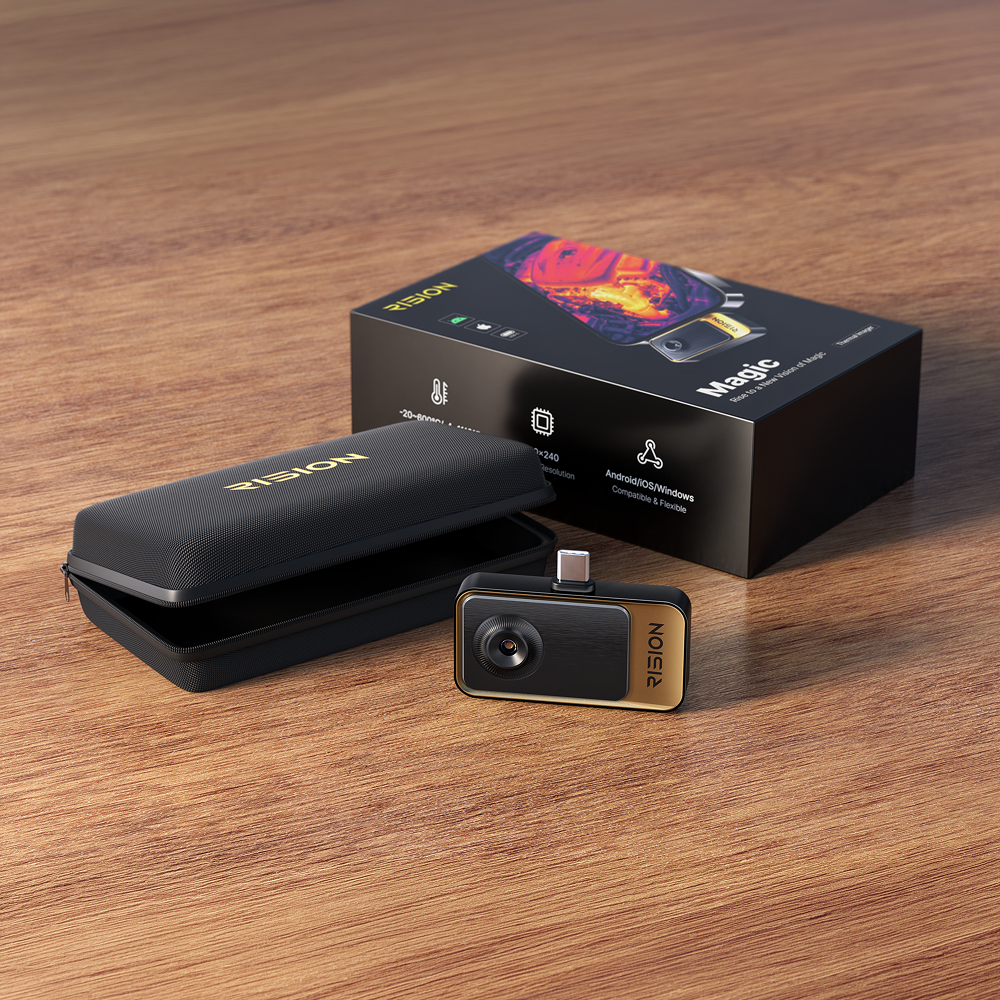
- 1RISION Magic Thermal Camera × 1
- 2USB-C Extension Cable × 1
- 3Carrying Pouch × 1
- 4Quick Start Guide × 1
See RISION Magic in Action
Unboxing Video
Software & Support
APP for Your Devices · User Manual


Technical Specifications
Product Specs
| Parameter | RISION Magic (AF01) |
|---|---|
| Native Resolution | 160 × 120 |
| Super Resolution | 320 × 240 |
| Pixel Pitch | 12μm |
| NETD | ≤ 40 mK |
| Frame Rate | 25 Hz |
| Measurement Range | -4°F ~ 1112°F (-20°C ~ 600°C) |
| Temp Accuracy | ±2℃ or ±2% of the reading |
| Operating Temperature | -10~55°C |
| Compatibility | Android / iOS / Windows |
| Connector | USB-C |
| Infrared Core | QuadIR™,AI BiSpectrix™ |
| Effective Measurement Distance | Within 5 m / 16.4 ft |
| Size (L x W x H) | 60*42*10mm |
| Device Weight (g) | 24g |
| Continuous Runtime | 5-8h |
| Power Consumption | 0.32W |
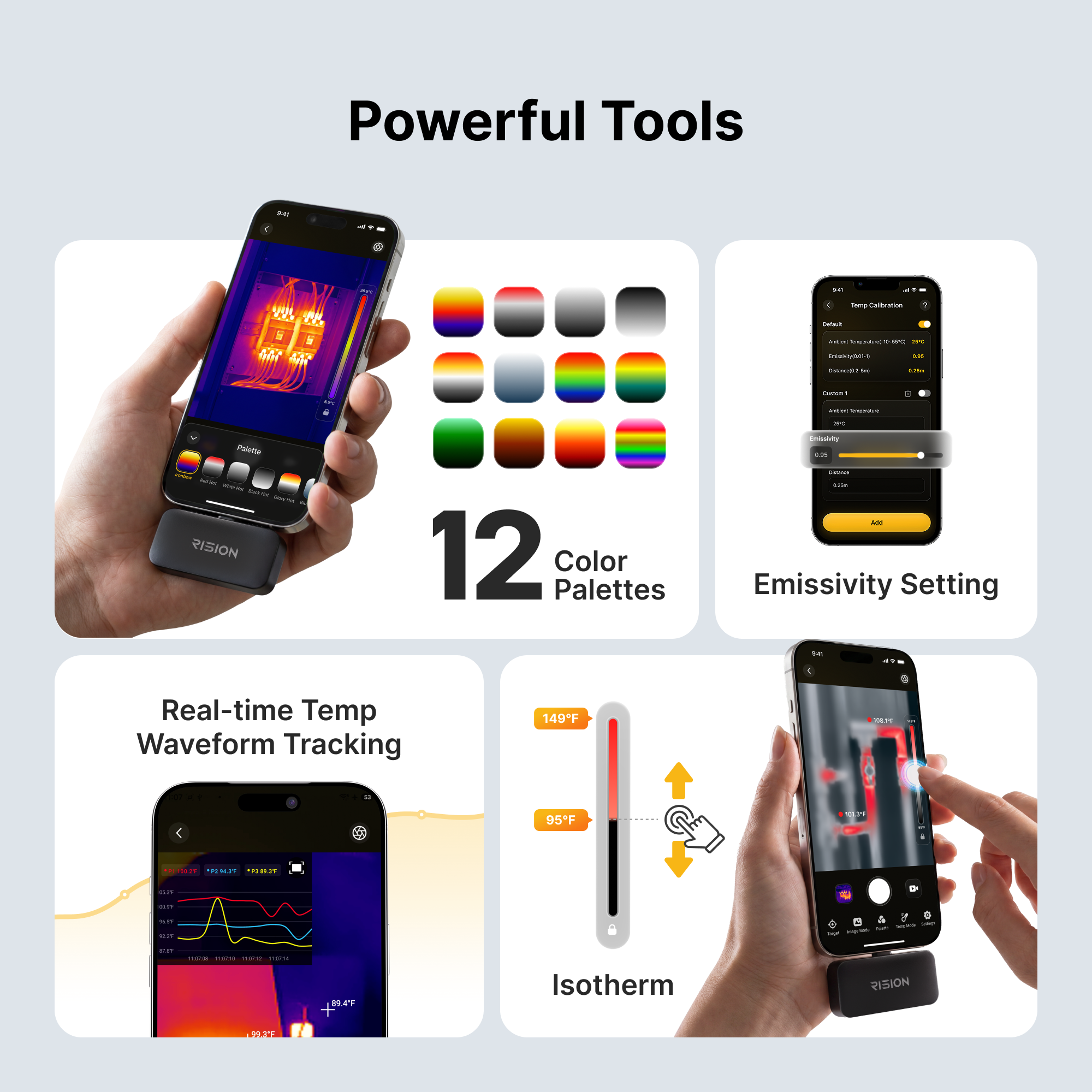
| Color Palette | 12 |
| Digital Zoom | 5x |
| Focal Length | 2.1mm |
| FOV | 52°*39° |

24-Month Warranty

30-Day Return

Free Fast Shipping

Professional Support
Support
RISION Magic FAQ
RISlON Magic Series provides accurate temperature measurement within 5 meters. For optimal measurement accuracy, keep the target within this range and set the actual measurement distance in the Temperature Calibration settings in the RISION View App. Beyond 5 meters, measurement accuracy may decrease due to environmental conditions and other factors.
If there is no pop-up, no image, or the device is not recognized, first make sure you are using the appropriate RISION Magic Series version for your mobile device and that you have installed the latest official app. Then confirm that the required system permissions are enabled, including USB access and camera permission.
Intermittent image disconnection or freezing is usually caused by an unstable connection, poor connector fit, phone case interference, device compatibility issues, or hardware malfuction. Please try the following troubleshooting steps when encountering this issue: remove the phone case, reconnect the device firmly, check whether the connector feels loose, and test with another compatible phone or computer. If the issue persists across multiple devices, please contact RISION Support with your device model, system version, software version, and a short video demonstrating the issue. We will provide further technical and after-sales support to help resolve the issue.
The device has a built-in physical shutter. When the shutter operates, you may hear a clicking sound, and the live feed may pause for about 0.5 seconds. The shutter calibrates automatically at regular intervals to maintain temperature measurement accuracy. When the device is connected to the phone for the first time, the shutter may operate several times in succession before stabilizing to a lower frequency.
If temperature measurement accuracy is not your priority, you can turn off the auto shutter in the app under Profile > Settings. After turning off the shutter, you can still manually trigger calibration by tapping the shutter control in the app when needed.
Spots or circular artifacts may be caused by lens contamination, incomplete shutter calibration, or sensor imaging issues. Gently clean the lens with a suitable soft cloth, then refresh or recalibrate the shutter in the app if the function is available. If the mark remains fixed after cleaning and recalibration, please contact RISION Support for further diagnosis.
These symptoms may be caused by incomplete shutter calibration, an unstable connection, app/device compatibility issues, or sensor damage after prolonged close-range exposure to extremely hot targets. Please try refreshing the shutter, reconnecting the device, and testing with another compatible phone or computer. Please avoid pointing the camera at extremely hot targets at close range for an extended period. If the issue persists on multiple devices, please contact RISION Support.
Thermal image clarity can be affected by focus, shutter calibration, target distance, environmental conditions, and the performance of the connected device. To optimize clarity, refresh the shutter, adjust focus if your model supports manual focus, keep a suitable inspection distance, and make sure the lens is clean. On older or lower-performance phones, advanced image enhancement may be limited. Testing the device with a newer compatible device can help confirm the cause.
RISION Magic Series is designed to provide reliable thermal readings for inspection and troubleshooting, with temperature measurement accuracy of ±2℃ or ±2% of the reading under appropriate conditions. Actual accuracy may vary depending on the target material, emissivity, measurement distance, ambient temperature, humidity, reflections, and whether the correct measurement parameters are used. You can adjust relevant parameters in the app settings.
Minor variances are normal in thermal measurement. Surface temperature is not always the same as internal temperature, and objects made of different materials have different emissivity. For more reliable readings, set the correct emissivity in the app, maintain a stable measurement distance, avoid highly reflective surfaces when possible, and allow the camera and target environment to stabilize before measuring.
Hottest and coldest indicators may be affected by reflections, moving targets, rapid ambient temperature changes, incorrect settings, or the app calibration status. When encoutering this issue, restart the app, refresh the shutter, ensure a stable scene, and test again. If the indicator remains inaccurate in a stable scene across multiple devices, please contact RISION Support.
A
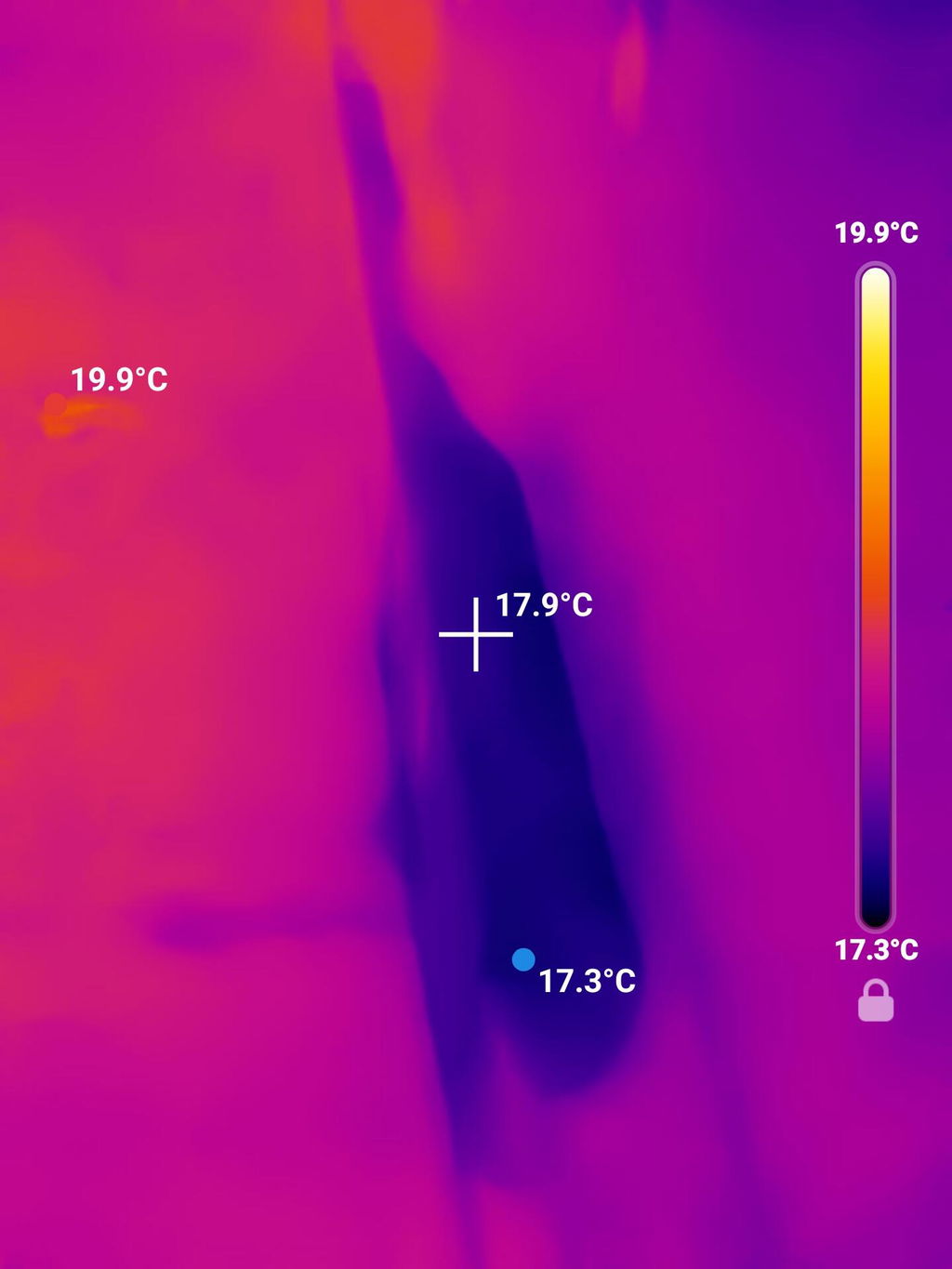
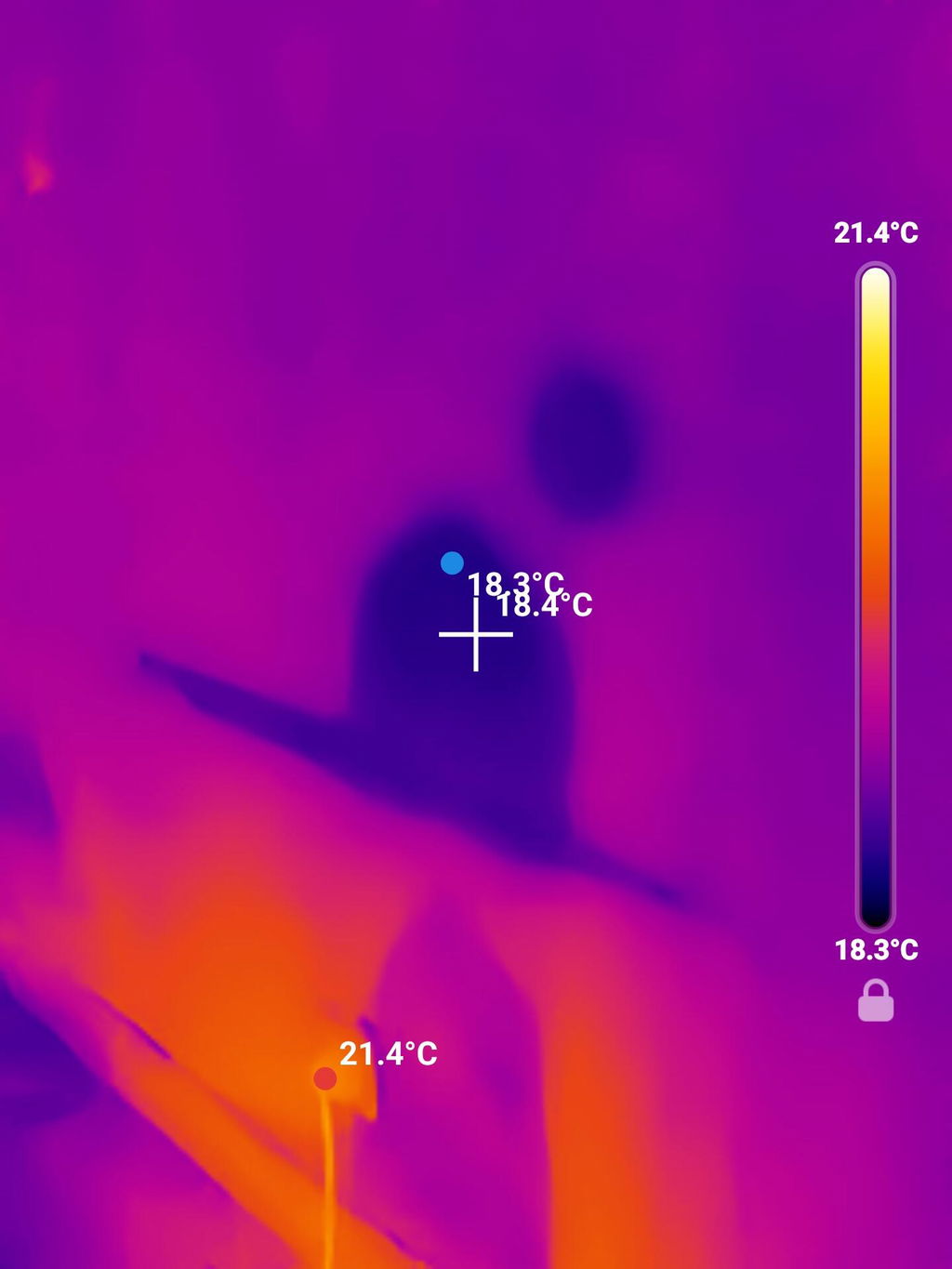
Legit product and worked great when I needed to figure out where a leak was causing damage. Totally worth it!
D
Much better than I anticipated
M
This thing is amazing. Work with machinery and hydraulics...great way to check temps or quickly seeing something overheating
B
It works exactly as expected.
B
Camera works great -much better than I anticipated
H
Easy to use, only complaint is not able to see window information
A
Works great, met my expectations!
T
ok diy cam
A
Works great - i have stopped using bulky 20 pounds old FLIR camera - I use this frequently and so far very pleased with it - my work colleagues are going to purchase this for their use also
E
I'm amazed by how clear the picture is from the camera and the choices of the filters.
A
Using it is very simple it is very clear I like the fact that it changes from temp range temp range depending where you are I have found some significant issues with my home because of it and it will save me money in the long run so quite happy to have it.
A
Happy with the size. Image is good but could be better.
M
Very effective and easy to use!
J
Handy tool for checking insulation leaks both inside and out. Also for for overheated wires in walls. Just nice incidental tool to have on hand. It also sees critters in the woods at night (which is kinda’ cool).
J
Very good performance for the price.
L
Super easy to use.
W
Surprisingly good resolution for the price and size.
J
Everything was great
M
love it
A
Great product and app. Surprised on the quality for the price
D
Super simple set up.
Easy to use.
Thanks