
How Do Thermal Cameras Work?
Thermal cameras create images from the infrared energy that surfaces give off. A special lens focuses that energy onto a grid of heat-sensitive pixels, and the camera turns the resulting signals into a thermal image, with some models also estimating surface temperatures. Knowing how thermal cameras work also explains their quirks: why they see clearly in total darkness, why they can't show what's behind a wall, and why a shiny pipe can read colder than it really is.
What Is a Thermal Camera?
A thermal camera is a camera that builds its image from infrared energy instead of visible light. Warm and cool areas stand out even when a scene looks uniform to your eyes. The image is called a thermogram, and inspecting things this way is called thermography.
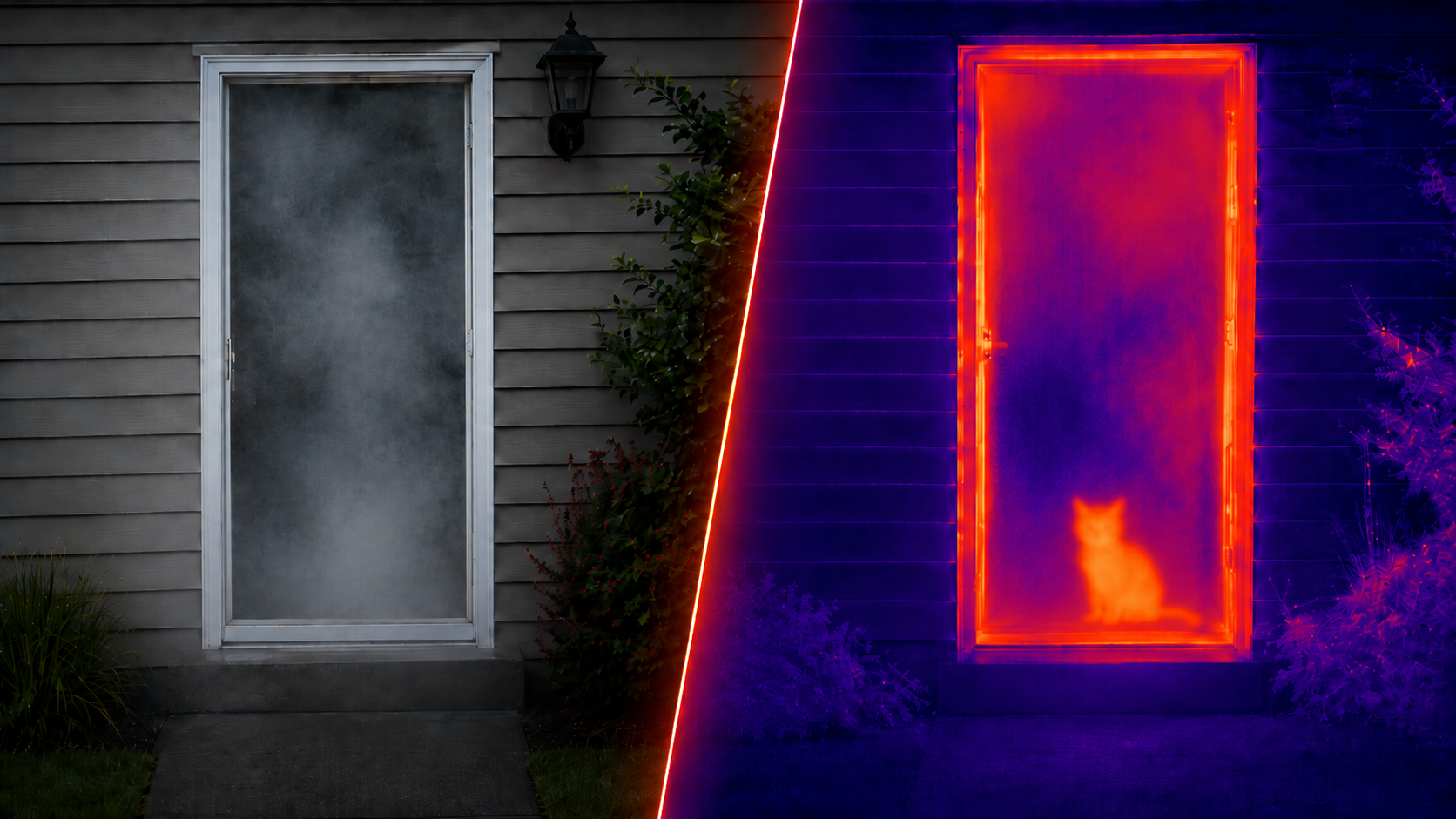
The key difference from a regular camera is where the signal comes from. Your phone's camera records visible light that bounces off objects, so it needs the sun, a lamp, or a flash. A thermal camera picks up infrared energy that objects give off on their own. In a pitch-dark living room it still shows the warm radiator, the person on the couch, and the cold strip of air under the front door. What it can't show are paint colors, printed text, or anything else that exists only in visible light.
Some thermal cameras only show where things are warmer or cooler. Others, called radiometric cameras, also estimate the temperature of points in the image.
How Thermal Cameras Work Step by Step

Thermal cameras work by turning infrared energy into an electrical signal and that signal into an image. Radiometric models add one more conversion, from signal to an estimated temperature. Most handheld and phone-based models follow five steps:
- Every surface gives off infrared energy, and the same surface gives off more as it warms.
- A lens made of an infrared-transmitting material, usually germanium, focuses that energy onto the sensor.
- Each sensor pixel warms slightly, and its electrical resistance changes.
- The processor reads and corrects every pixel's signal, and radiometric models convert it into a temperature estimate.
- A color palette turns the values into the image on the screen.
Diagram of how a thermal camera works, from infrared energy through the lens and microbolometer to the processor and display
Every Object Gives Off Infrared Energy
Thermal cameras don't need light because the scene is already sending out energy. Anything warmer than absolute zero emits thermal radiation, produced by the constant motion of its atoms and molecules. For the same surface, a higher temperature means more emitted infrared energy, and that difference is what lets the camera tell warm from cool.
Temperature also shifts the peak wavelength of that radiation. A steel bar heated far enough glows red because part of its output has moved into the visible range. Objects near room temperature, including your skin, emit across a broad spread of infrared wavelengths, with the peak around 10 micrometers (μm) in the long-wave infrared (LWIR) band. Visible light sits at roughly 0.4 to 0.7 μm, and both your eyes and your phone's camera are built for that much shorter range.
The energy reaching a thermal camera isn't only the surface's own emission. Part of it is radiation from nearby objects reflected off the surface, and the air in between absorbs a little along the way. That mix matters once the camera tries to calculate a temperature.
Why Thermal Cameras Need a Special Lens
A thermal camera can't use an ordinary glass lens because standard glass is largely opaque to long-wave infrared. Germanium works the other way around. It looks opaque and metallic to the eye but transmits infrared in the 8 to 14 μm range, so it's the usual lens material, often with an anti-reflective coating that lets more energy through.
Otherwise, the lens does the familiar job of any camera lens. It focuses the scene so that energy from each small patch of a surface lands on one pixel of the sensor.
How the Sensor Turns Heat Into a Signal
Most handheld and phone thermal cameras use an uncooled microbolometer, a chip covered with a grid of microscopic sensing elements, or pixels. Each pixel is a thin heat-absorbing layer suspended above the chip's readout circuit, and the array is sealed in a vacuum package. That separation keeps absorbed energy from leaking away, so even a faint stream of infrared warms the pixel slightly.
As a pixel warms, its electrical resistance changes, and the readout circuit measures the change. A pixel receiving more energy changes more than its neighbor, so the pattern of resistance changes across the grid follows the pattern of infrared energy coming from the scene. Thermal sensitivity, listed as NETD (noise equivalent temperature difference), is the smallest difference a camera can separate from its own electronic noise. A rating of ≤40 mK means about 0.07°F. NETD tells you how well a camera picks up small temperature differences, not how accurate its temperature readings are.
The number of pixels sets the native thermal resolution. A 160 × 120 sensor has 19,200 pixels, while a 256 × 192 sensor has 49,152. With the same field of view and distance, more pixels means each one covers a smaller patch of the scene, so small or closely spaced hot spots are easier to tell apart.
How the Signal Becomes a Temperature Reading
A raw pixel signal needs correcting before it's useful. No two pixels respond exactly alike, and the camera's own housing warms during use, so the processor evens these differences out. Many cameras briefly close an internal shutter to recalibrate every pixel against the same reference, which causes the faint click owners often notice. At this point, any thermal camera can show an image of relatively warm and cool areas.
Radiometric cameras go one step further. At the factory, the camera views reference sources held at several known temperatures, and the signal recorded at each one becomes a calibration curve stored in the camera. To apply that curve to a real surface, the camera also needs to know how the surface behaves. Emissivity describes how efficiently a material emits infrared on a scale of 0 to 1: about 0.98 for skin, about 0.90 for flat paint, and below 0.1 for polished metal. A reflected temperature setting accounts for heat from the surroundings bouncing off the surface, and distance and air conditions play a smaller role. With those settings right, a specification such as ±2°C (±3.6°F) or ±2% of the reading is meaningful. With them wrong, the number on the screen can be far off.
How Temperatures Become Colors on the Screen
The colors in a thermal image aren't the real colors of anything. The camera assigns a color or gray shade to each value using a palette. In the common Ironbow palette, the warmest areas appear yellow or white and the coolest appear dark purple or black. White Hot, Black Hot, and Rainbow show the same data differently, and switching palettes never changes the values underneath.
How the colors are spread depends on the temperature scale. In auto range mode, the camera stretches the palette between the warmest and coolest points currently in view. Small differences then fill the whole color range, and an object can change color simply because something hotter enters the frame. Manual range locks the scale, which keeps images comparable from one shot to the next.
Because the whole chain starts with energy leaving a surface, a thermal camera sees only the outer surface of whatever is in front of it. Anything hidden behind a wall shows up only if it changes the temperature of the wall's surface.
How to Read a Thermal Image
Reading a thermal image starts with comparison, because colors and spot values mean more side by side than on their own. These habits make interpretation more reliable:
- Compare like with like, such as one breaker against its neighbors or the left brake rotor against the right.
- Switch to manual range and narrow the span when you're looking for small differences, such as a thin gap in insulation.
- Expect more than one explanation. A cool patch on a ceiling could be moisture, missing insulation, an air leak, or a cold-water pipe above the drywall.
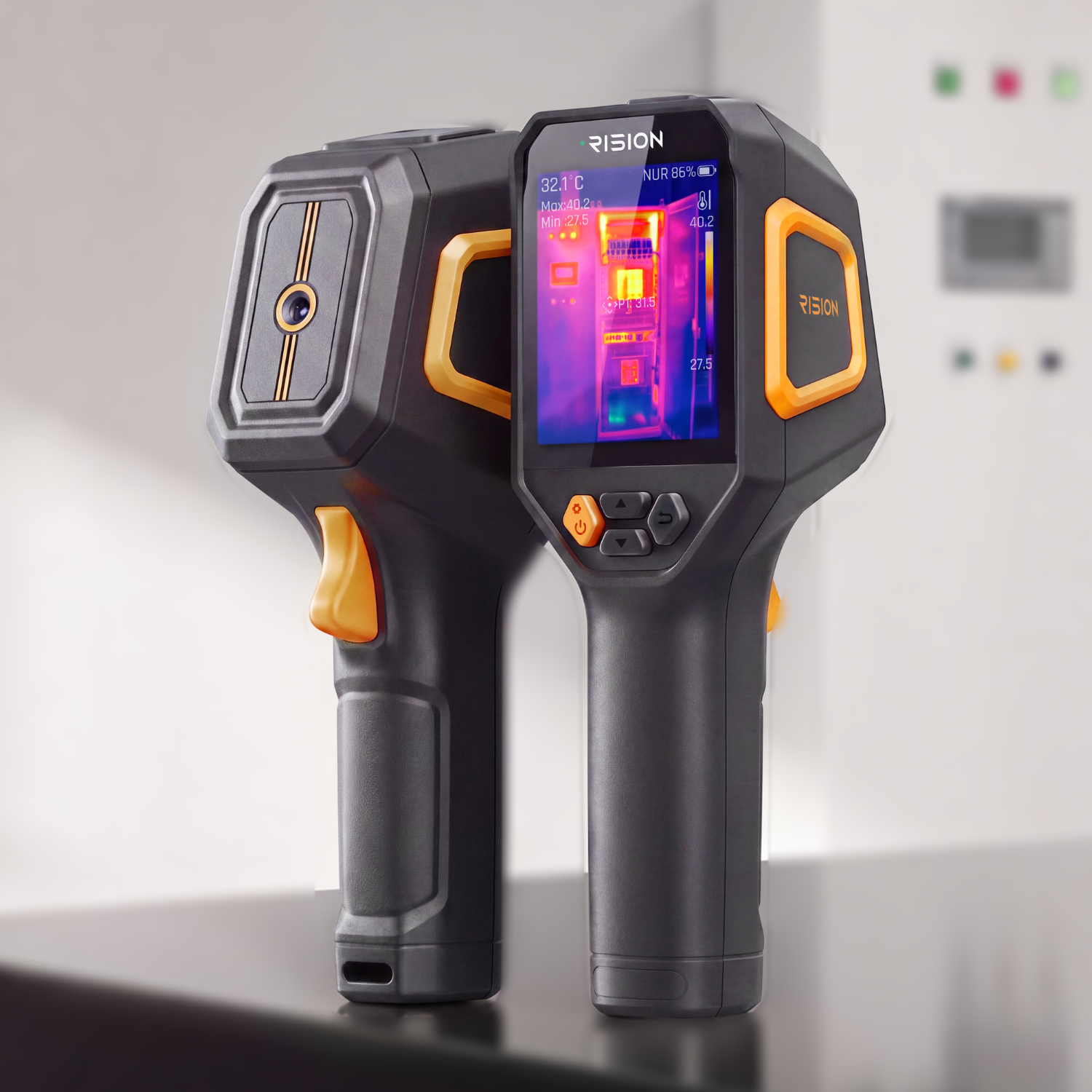
Visual context matters too, because a heat pattern alone rarely tells you which object it belongs to. Image fusion overlays visible detail on the thermal picture so edges and parts line up with the warm spots. RISION Magic Pro's AI BiSpectrix™ dual-light feature offers edge, blend, infrared, and picture-in-picture modes, which can turn a vague warm blob on a circuit board into a specific component you can point to. The result is an image that's much easier to explain to a customer, a coworker, or yourself a week later.

What Can Thermal Imaging Detect?
Thermal imaging can detect anything that makes a surface warmer or cooler than it should be, such as heat escaping around a window or a component overheating on a circuit board. The table lists common uses and how to confirm what you see.
|
Use |
What the camera picks up |
How to confirm it |
|
Heat loss and insulation |
Cold streaks around windows and doors, irregular patches in walls on a cold day |
A smoke pencil for drafts, a moisture meter to rule out wet insulation |
|
Moisture |
Cooler areas where evaporating water chills the surface |
Moisture meter readings, then trace the source |
|
Electrical connections |
A breaker, plug, or connection warmer than similar ones under similar load |
A licensed electrician's inspection; never open a live panel yourself |
|
Electronics |
A component heating faster than its neighbors once power is applied |
Compare against a known-good board at close range |
|
Cars |
One brake rotor or wheel hub hotter than the others after a drive |
A mechanic's check of the brakes or cooling system |
|
People and animals |
Warm bodies against a cooler background, even in total darkness |
A visual check, plus your state's hunting rules if you hunt |
The camera tells you where to look, and something else tells you why. With electrical equipment and brakes in particular, treat a hot spot as a reason to stop using the equipment and have a qualified professional check it.
How Thermal Imaging Works on the Human Body
Thermal imaging works on people the same way it works on walls and wires. Skin has an emissivity of about 0.98, so people stand out clearly against a cooler room or night sky. Clothing blocks most of the pattern and shows its own warmed outer surface, and eyeglasses often look dark because glass blocks long-wave infrared. Skin temperature also shifts with sweat, wind, and time outdoors, so a consumer thermal camera isn't a medical device and shouldn't be used to judge anyone's health.

What Are the Disadvantages of Thermal Cameras?
The main disadvantages of thermal cameras are practical ones. They can't look behind surfaces, some materials give misleading readings, and low-contrast scenes produce flat images. Each has a workaround.
They Can't See Through Walls
A thermal camera can't see through walls, floors, or into a house from the outside. Hidden pipes, studs, and wet insulation appear only when they change the surface temperature, as when a hot-water line warms a strip of drywall. Windows and glossy whiteboards won't help either, since they show their own surface and reflected heat, often including yours. Our guide on what thermal cameras can and can't see through walls covers more materials and edge cases.
Shiny Surfaces Can Throw Off Readings
Bare copper, stainless steel, and other polished metals often read far cooler than they are, or show a reflection of a nearby person or lamp. On equipment that's switched off and safe to touch, a strip of matte electrical tape gives the camera a reliable surface to measure once the tape reaches the same temperature. Otherwise, set the emissivity for the material and compare the part against an identical one.
They Need a Temperature Difference
When a scene has very little apparent thermal contrast, the image looks flat and problems blend into the background. A missing section of insulation can be nearly invisible on a mild day when it's 68°F both inside and out. For building scans, the U.S. Department of Energy advises at least a 20°F (11°C) difference between indoors and outdoors, ideally holding for up to four hours beforehand. Machines, circuits, and brakes show problems best while running or just after use.
Can You Use Your Phone as a Thermal Camera?
You can't turn your phone's built-in camera into a thermal camera, but you can use your phone as one with a thermal camera attachment. The built-in camera lacks steps 2 and 3: its glass lens blocks long-wave infrared, and its image sensor is built for visible light. No app can change that hardware, and apps that promise thermal vision without an extra device only recolor an ordinary photo.
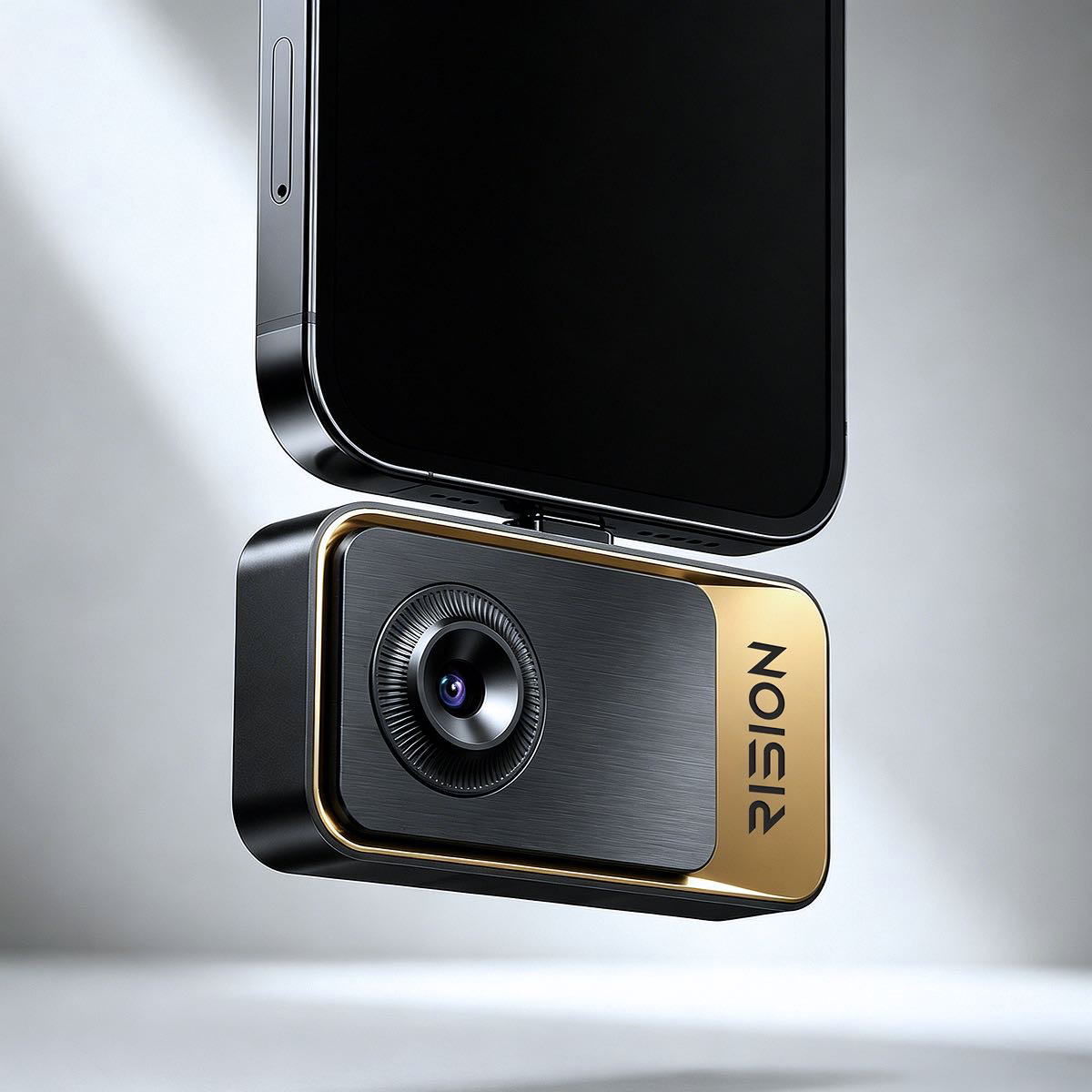
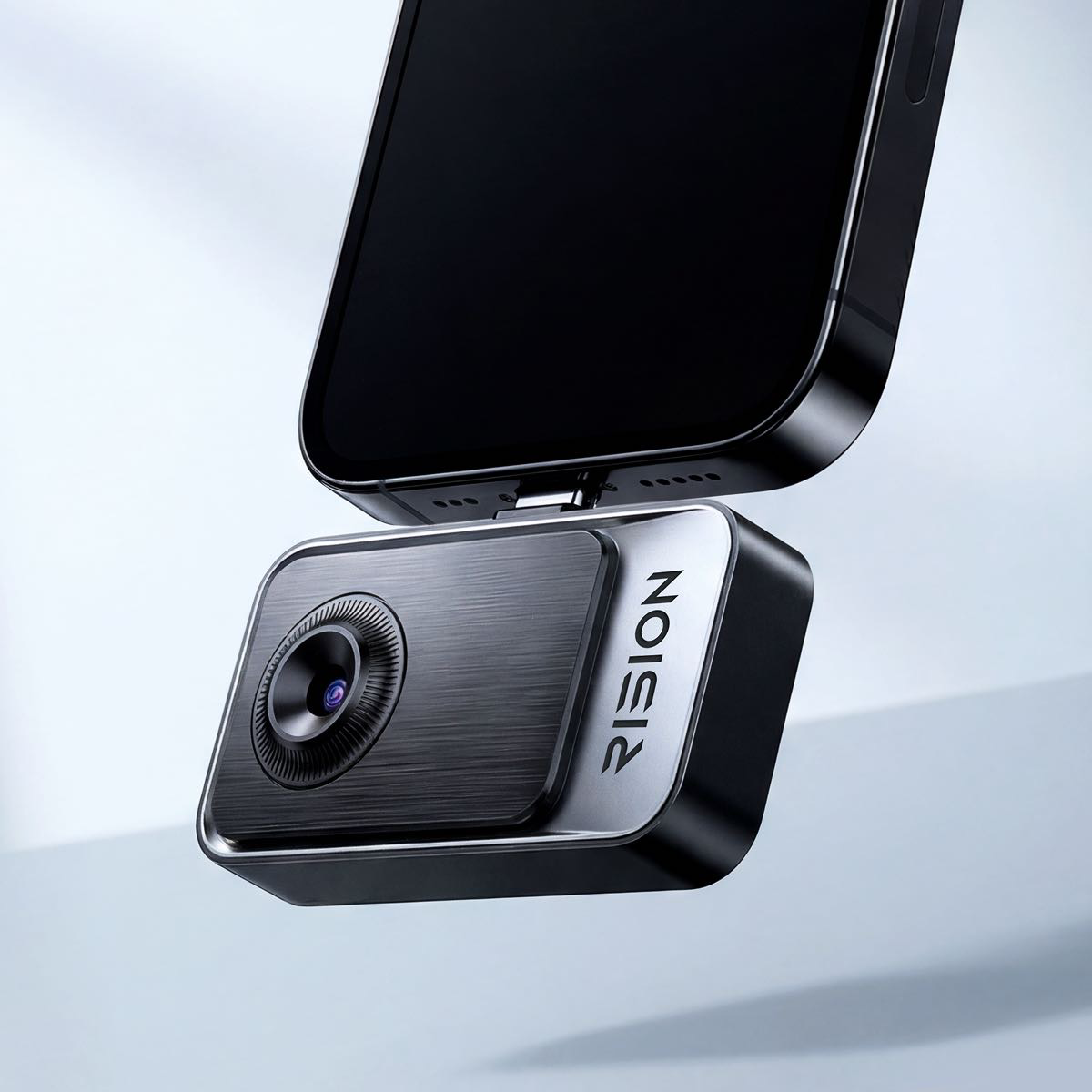
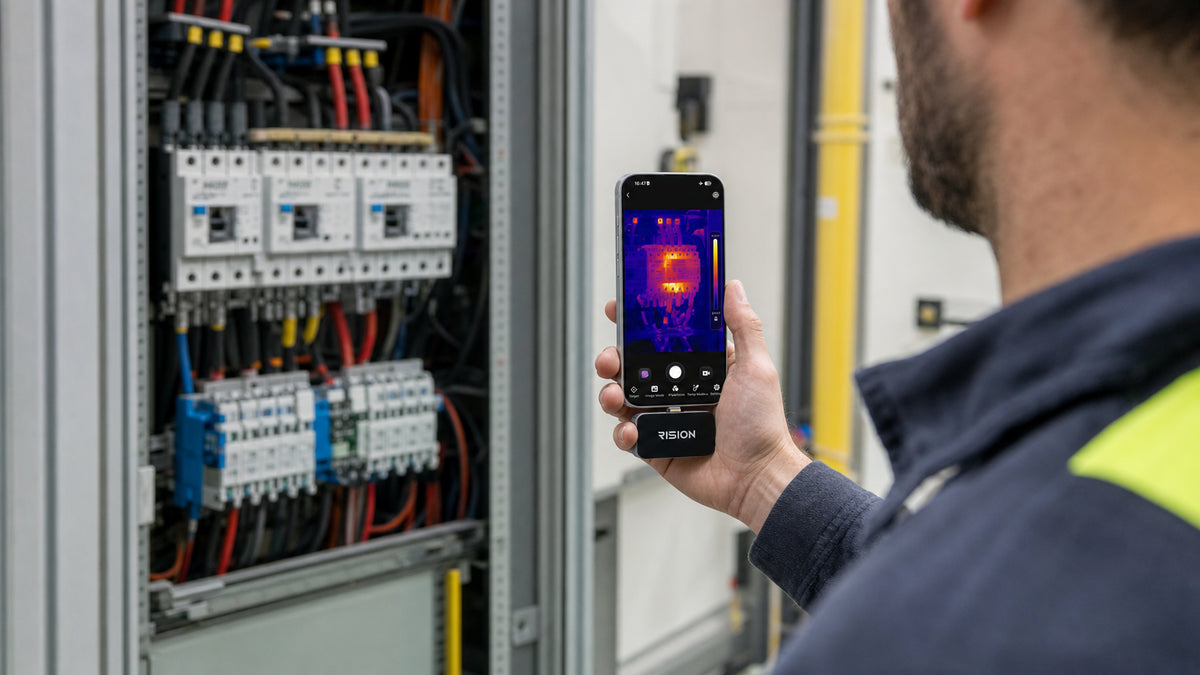
A thermal camera for mobile phones adds the missing pieces in a small module that plugs into the charging port. The module holds the infrared lens and the thermal sensor. The phone powers it and provides the display, controls, analysis tools, and reporting.
Which attachment makes sense depends on what you'll scan. For circuit boards, car parts, or HVAC equipment, two things matter most: enough native detail to keep neighboring heat sources apart, and visual context to tie each hot spot to a part. RISION Magic Pro addresses both. Its 256 × 192 native sensor gives you more native thermal detail for separating small or closely spaced targets. RISION's QuadIR™ processing then outputs a sharper 512 × 384 image, which improves visible detail but isn't the same as a larger sensor, and the dual-light modes add the outlines.

Magic Pro plugs into USB-C and draws power from the phone, so there's no separate battery to charge. The RISION View app records images and video with temperature data and builds PDF reports. It works with compatible Android phones, iPhone and iPad models with USB-C, and Windows PCs, so check your model before buying. Its effective measurement distance is within 5 m (16.4 ft), which suits close-range inspection rather than long-range observation.
The Bottom Line on How Thermal Cameras Work
Once you know how thermal cameras work, their behavior stops being mysterious. They measure infrared energy coming off surfaces, not hidden defects, and reflections, emissivity, color scaling, and the need to confirm what you find all follow from that one fact. If you want that capability on your phone for close-range work, the RISION Magic Pro product page lists its specs and compatible devices.
FAQ
How Far Can a Thermal Camera See at Night?
It depends on whether you want to detect something or measure it. Detection range depends on the lens, native resolution, target size, thermal contrast, and weather, since fog and rain absorb infrared. Long-range security and hunting optics with narrow lenses are built to spot warm bodies far beyond the reach of a wide-angle phone attachment. Measuring a temperature needs the target to cover several pixels, so the useful distance is much shorter. Darkness doesn't reduce range, because thermal cameras don't need light.
Is Thermal Imaging the Same as Night Vision?
No. Night vision amplifies small amounts of existing light, including near-infrared light from a built-in illuminator, so it needs some light and shows a fairly normal-looking scene. Thermal imaging picks up infrared energy that objects give off, so it works in total darkness and sees through smoke far better, but it shows thermal patterns instead of visual detail. Our comparison of how thermal imaging differs from night vision explains which suits which job.
How Much Does a Thermal Camera Cost?
Thermal camera prices depend mainly on native resolution, thermal sensitivity, and form factor. Phone attachments generally cost less than standalone handheld cameras because they borrow the phone's screen, battery, and processor. Rugged housings, interchangeable lenses, wider measurement ranges, and professional reporting software push the price up. Decide how much detail you need and how far away your targets are before comparing models.
Is It Legal to Own a Thermal Camera?
Yes. In the US, it's generally legal to buy and own a thermal camera, but how you use it can be restricted. Some states limit thermal devices for hunting; Oregon, for example, restricts their use during hunting seasons. In Kyllo v. United States (2001), the US Supreme Court ruled that police scanning a home with a thermal imager is a search that generally requires a warrant. Check your state's rules before using one for hunting or near other people's property. This answer is general information, not legal advice.

Hinterlasse einen Kommentar
Diese Website ist durch hCaptcha geschützt und es gelten die allgemeinen Geschäftsbedingungen und Datenschutzbestimmungen von hCaptcha.