
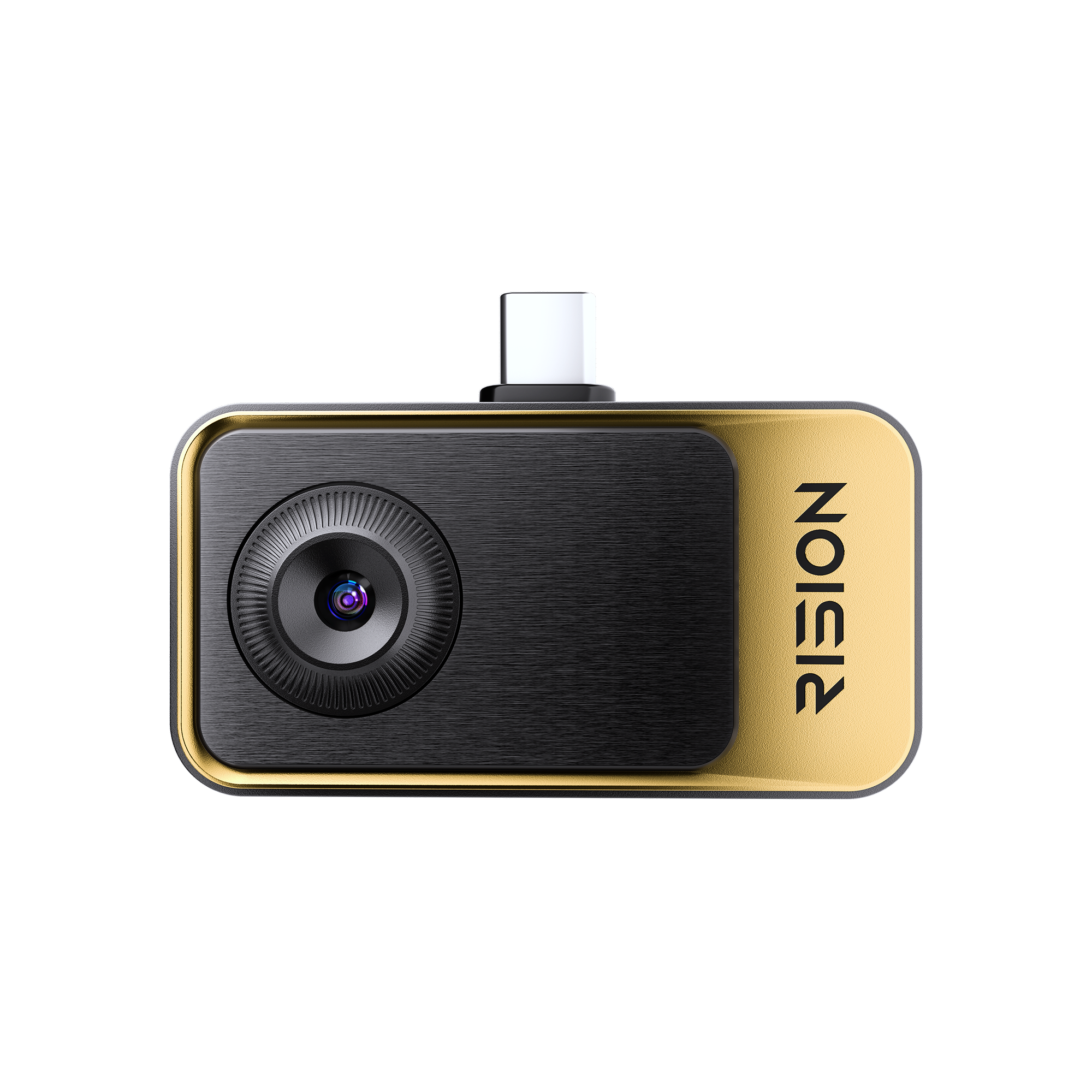
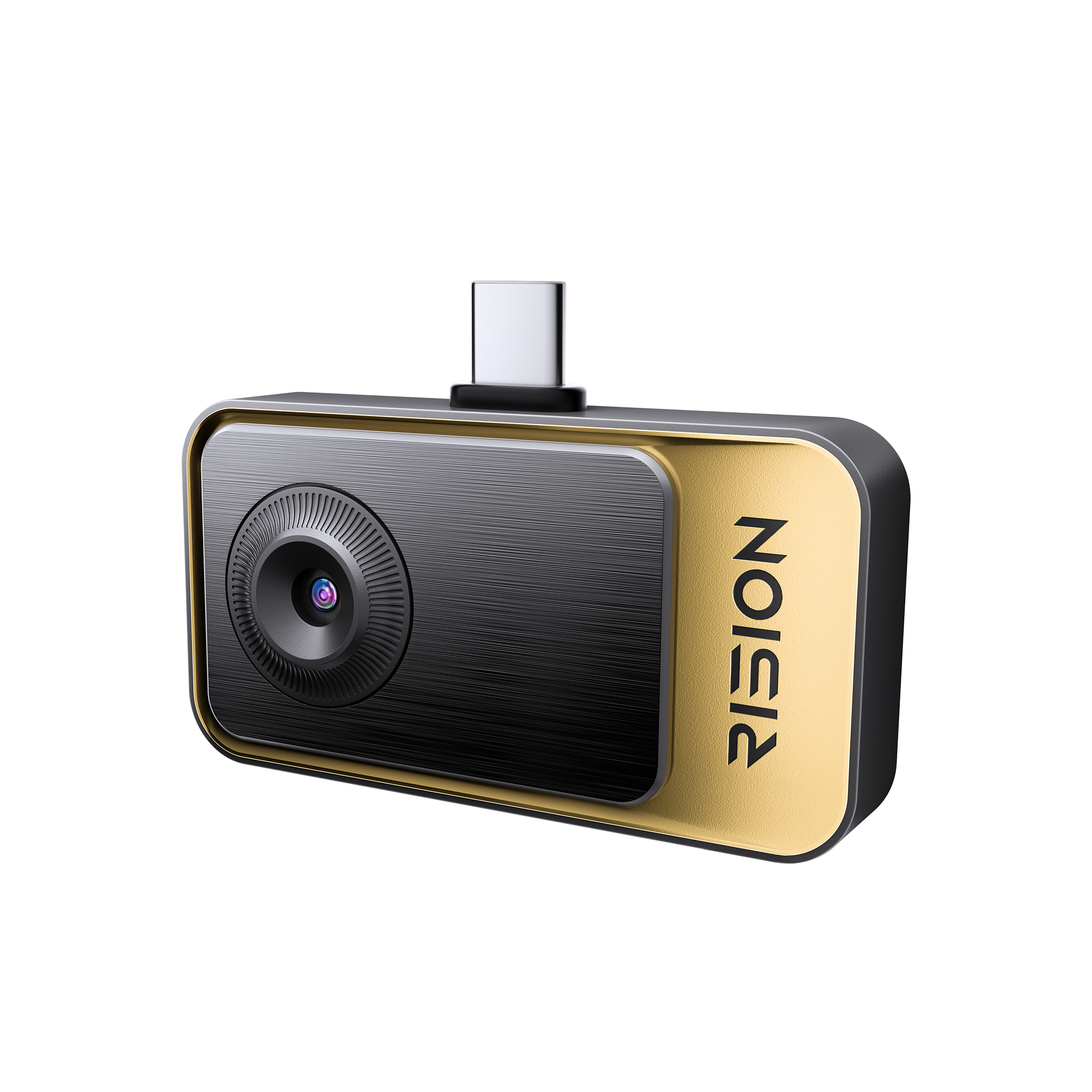
Caméra thermique pour smartphone RISION Magic | Inspection à domicile
Conseils : Inscrivez-vous et obtenez 5 % de réduction
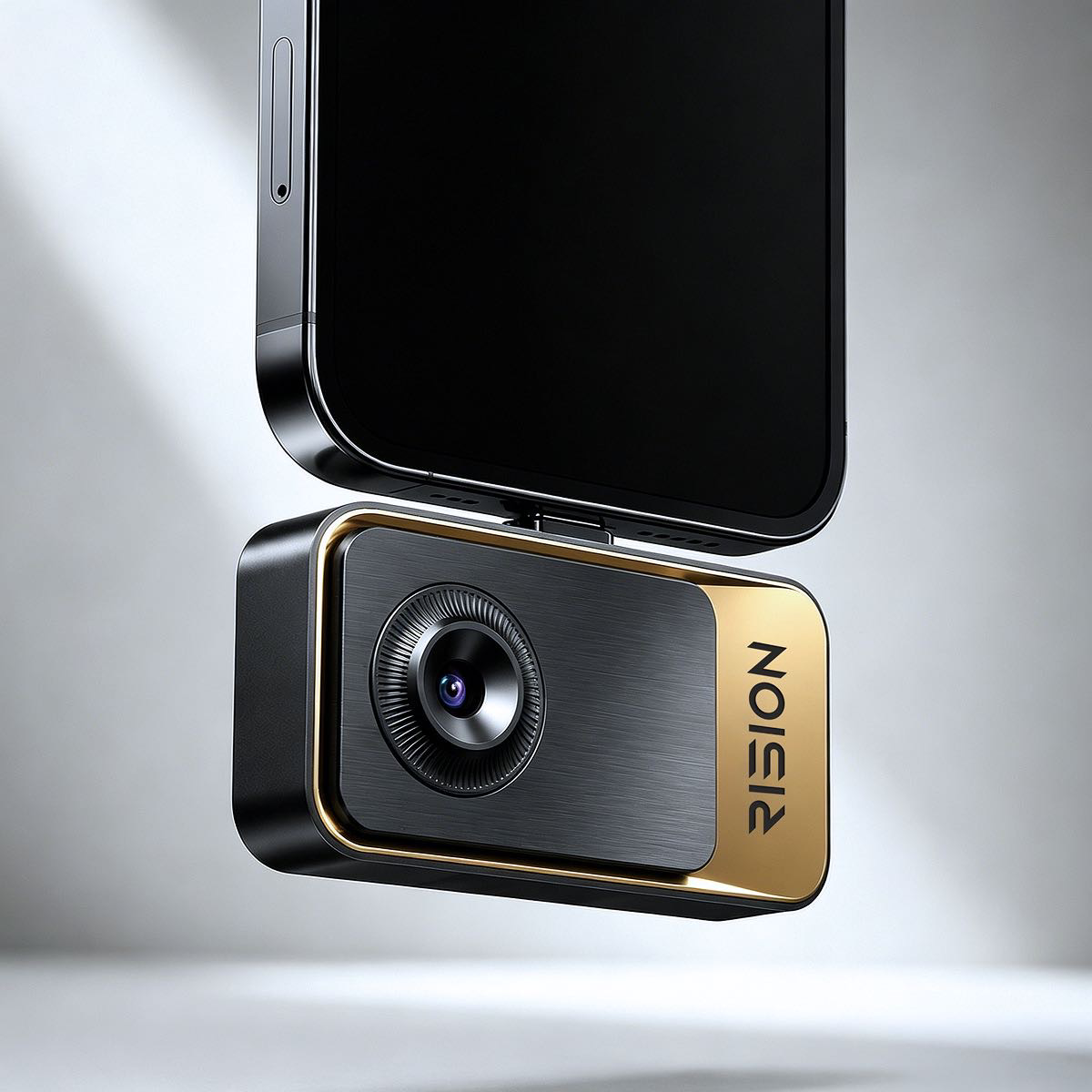
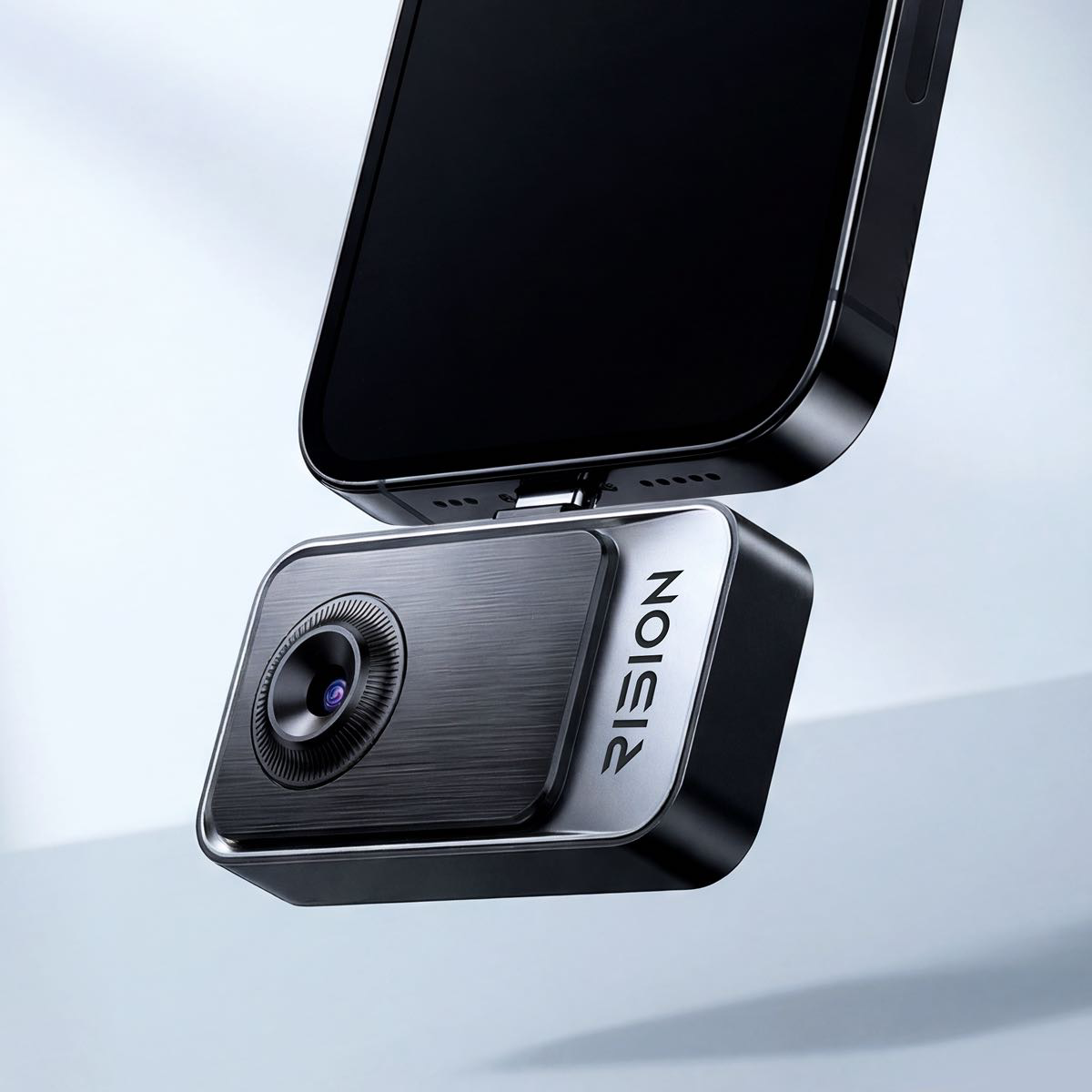
Caméra thermique prêt-à-l'emploi pour l'inspection de la maison. Il suffit de brancher, de pointer et de savoir. Pas de configuration. Aucune expertise requise.
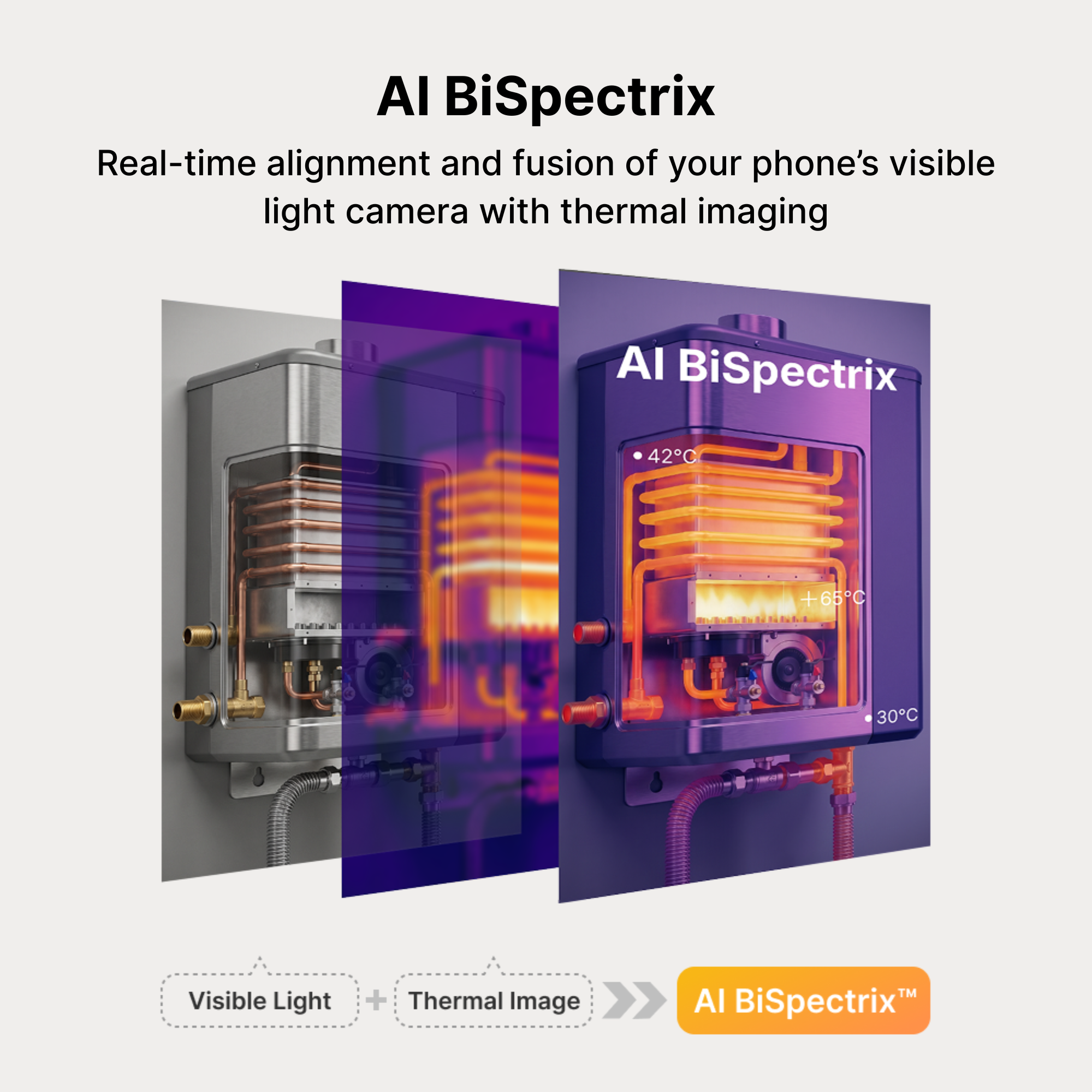
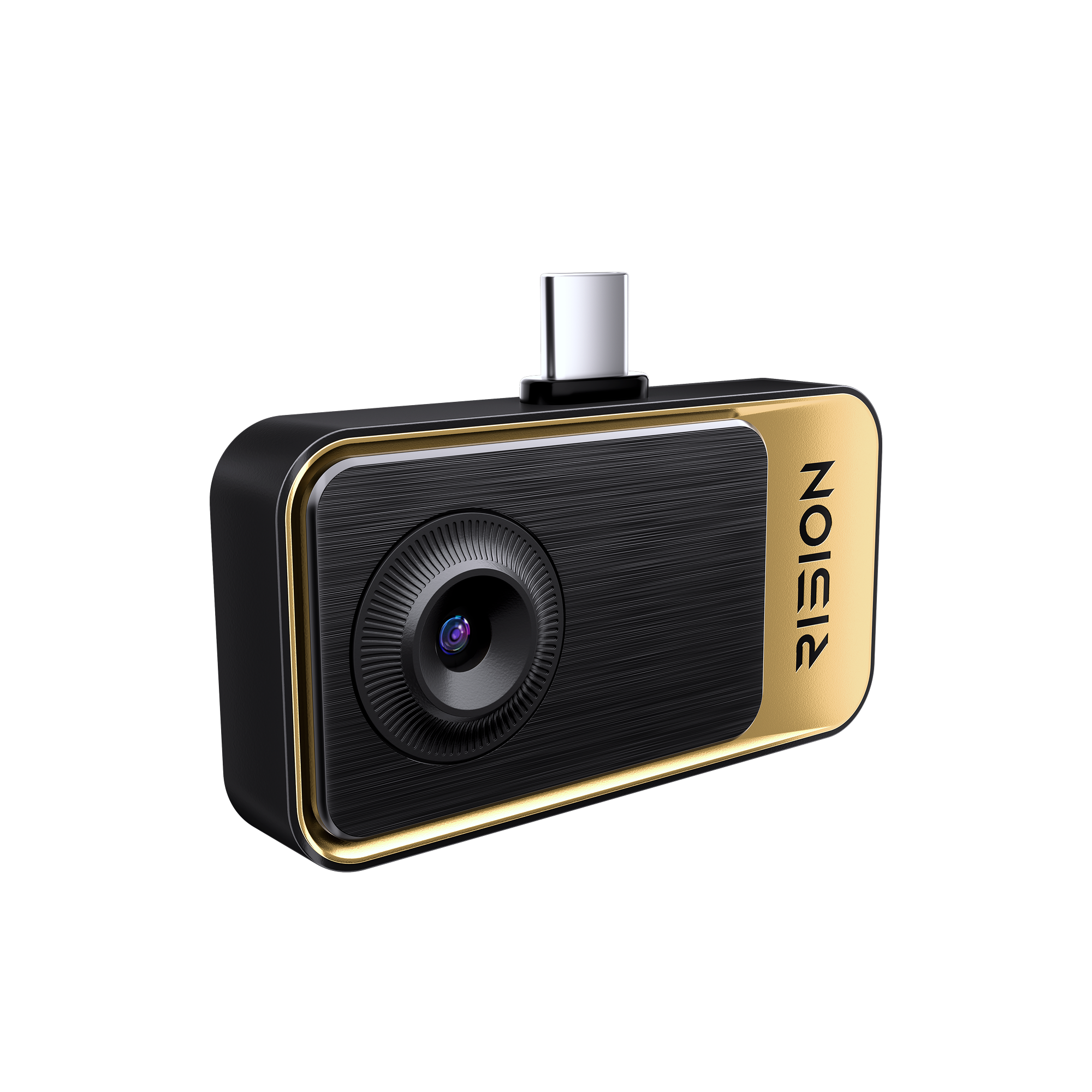
- Fusion de lumière double IA à objectif unique, leader de l'industrie. Un seul objectif capture les détails thermiques et visibles, assurant un alignement parfait sans parallaxe de double objectif.
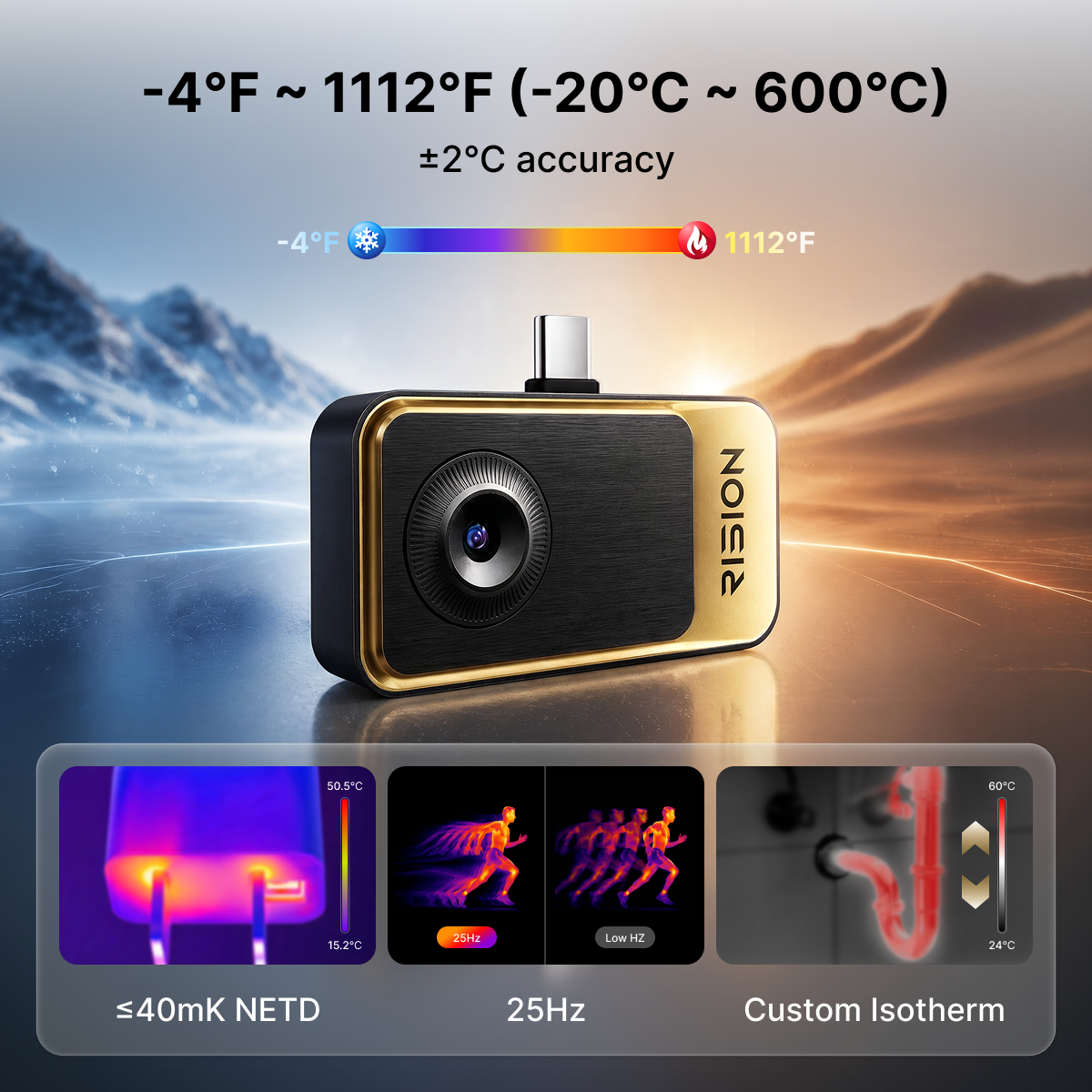
- Avec une super résolution de 320 × 240, une NETD ≤ 40 mK et un taux de rafraîchissement de 25 Hz, capturez les subtiles différences de température avec une imagerie fluide et des détails améliorés.
- Plage de -20 °C à 600 °C (-4 °F à 1112 °F) et précision de température de ± 2 °C (ou ± 2 % de la lecture).
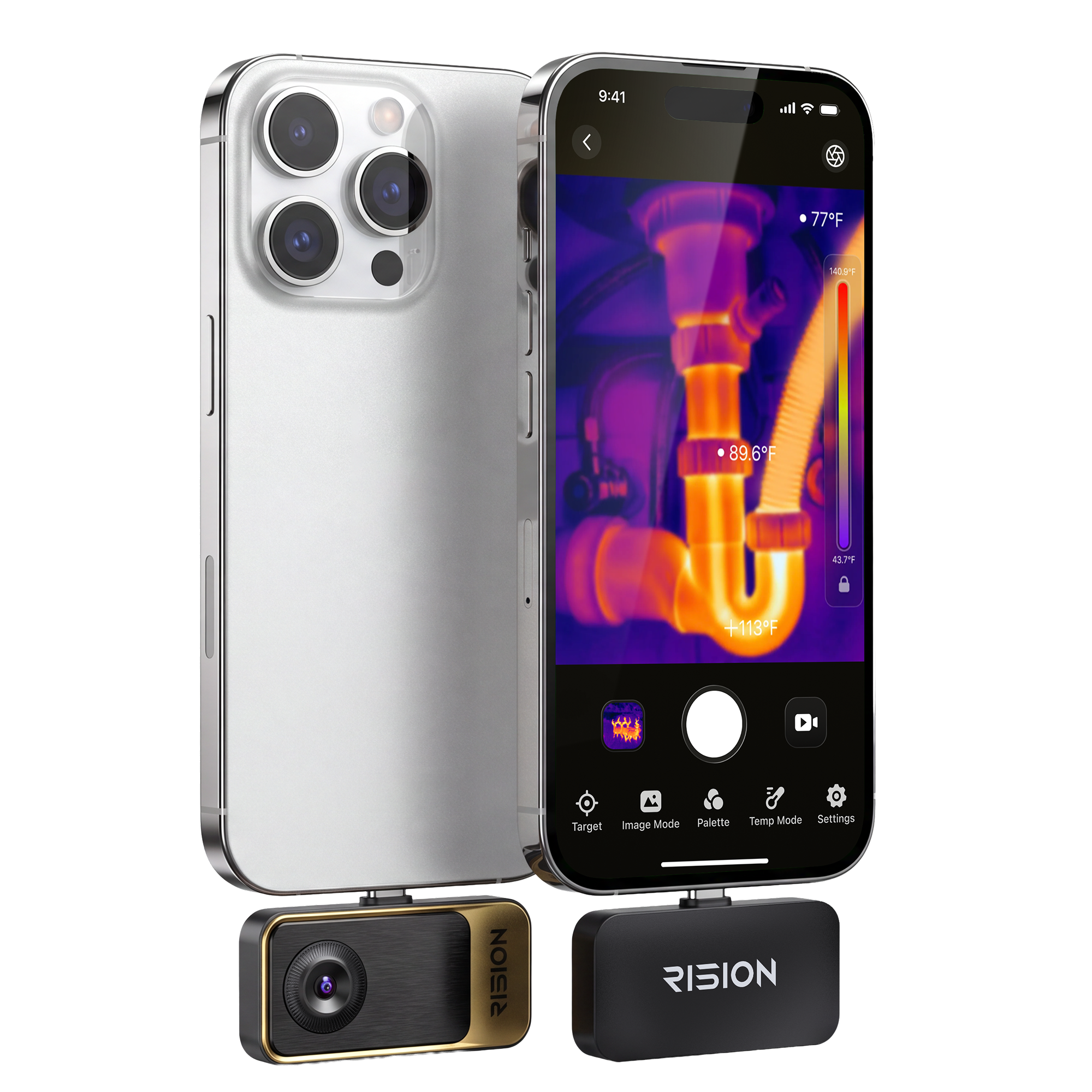
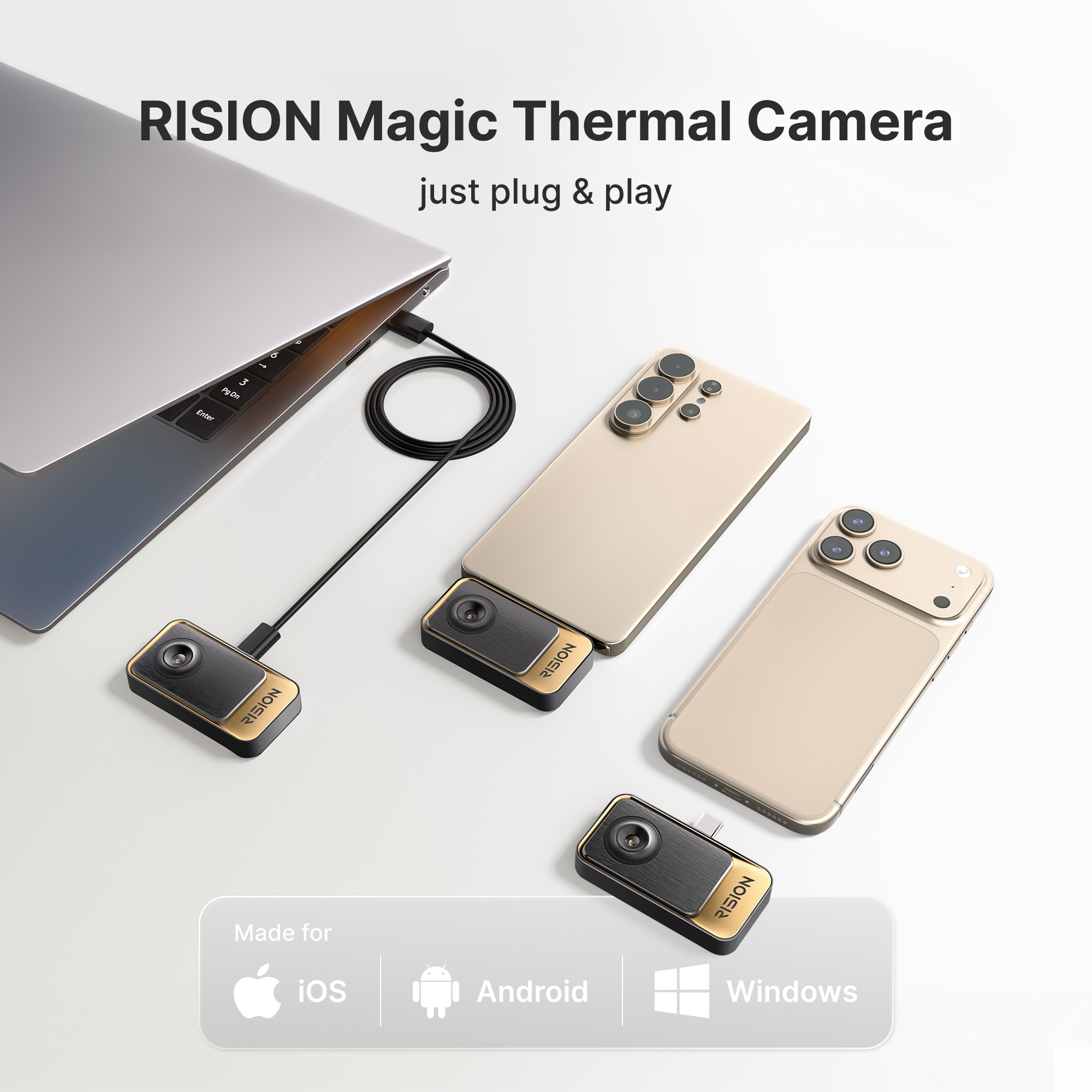
- Compatible avec Android (Type-C), iOS et PC Windows.
- Analyse intelligente par application leader de l'industrie pour des diagnostics efficaces.
Méthodes de paiement


Mode de livraison


FALL SAVINGS END IN
This promotion has ended.
Tout ce qui compte
Un seul appareil, toutes les plateformes
iOS · Android · Windows


Fusion IA à double éclairage et objectif unique, la meilleure du secteur
Visible + Infrarouge / Calibrage IA |Clarté et Précision


Résolution QuadIR™
Le RISION Magic dispose d'une résolution native de 160×120 sur-échantillonnée à 320×240, combinée à une NETD ≤40 mK et un taux de rafraîchissement de 25 Hz. Il détecte facilement les légères variations de température et les détails les plus fins avec une clarté d'image inégalée.


Fusion Double Lumière IA à Objectif Unique
La technologie exclusive d'IA BiSpectrix™ de RISION combine l'imagerie thermique et visible en temps réel, révélant des détails que les caméras thermiques ordinaires ne voient pas. Un dépannage plus rapide. Des inspections plus précises. Une plus grande confiance dans chaque diagnostic.

Documentation intelligente, gestion sécurisée des données.
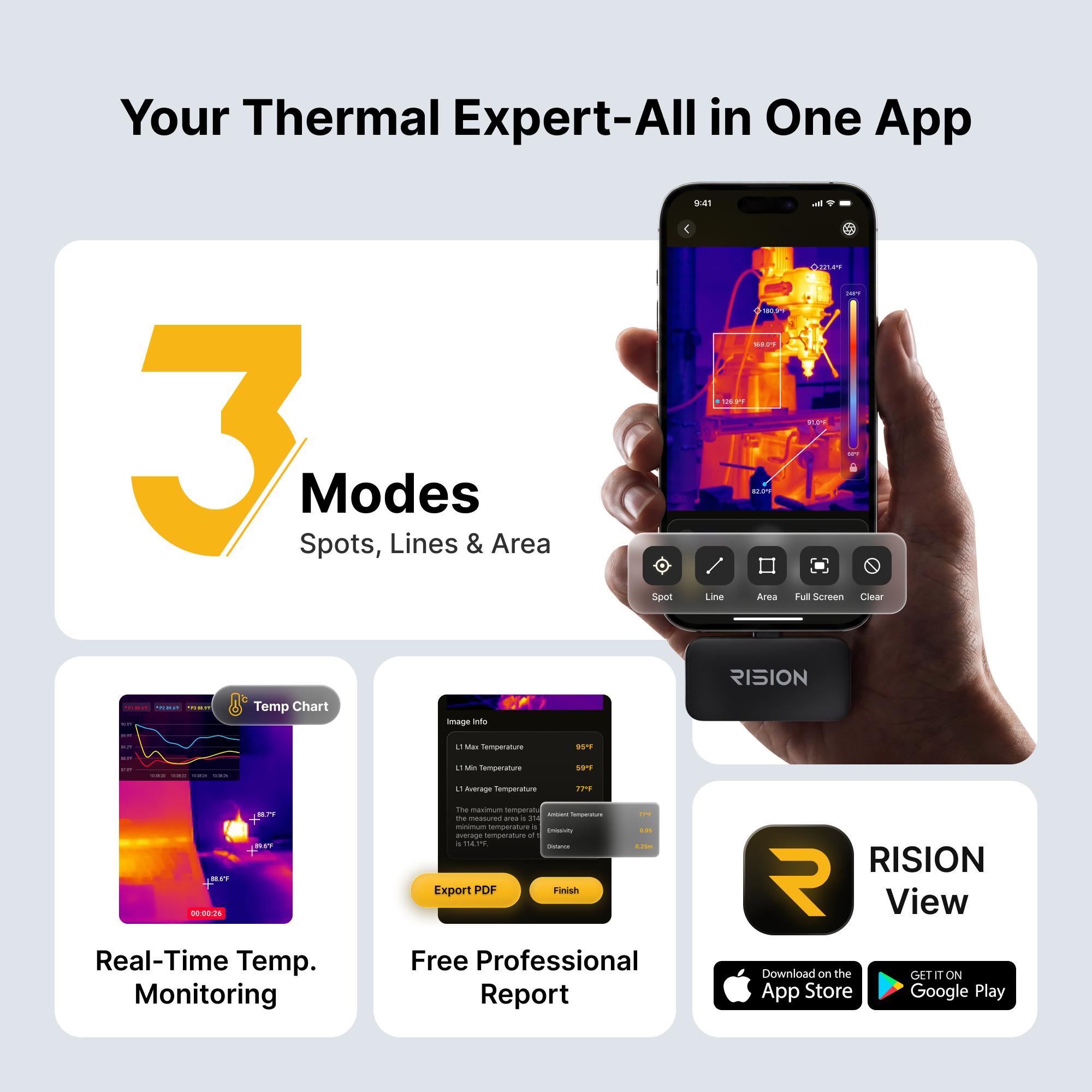
L'application RISION View offre un flux de travail de documentation entièrement automatisé. Elle prend en charge la capture d'images et de vidéos thermiques avec des données de température complètes — une étape en avance sur les captures d'écran ordinaires. C'est simplement un flux de travail plus automatisé qui vous fait gagner du temps et assure la sécurité de vos données.
- 1Filigranes personnalisés et localisation GPS en un clic
- 2Rapports PDF mis en forme automatiquement
- 3Synchronisation cloud pour un rapport sur l'accès multi-appareils
- 4Pas de saisie manuelle. Aucune perte de données.

Une imagerie de qualité professionnelle, dans votre poche.
Imagerie thermique haute résolution avec large plage de températures et clarté en temps réel.
- 1Haute résolution. Voyez plus de détails avec clarté.
- 2Large plage de températures
- 3Imagerie en temps réel. Retour instantané sur votre téléphone.

Votre caméra thermique pour smartphone de tous les jours


Ce qui est inclus

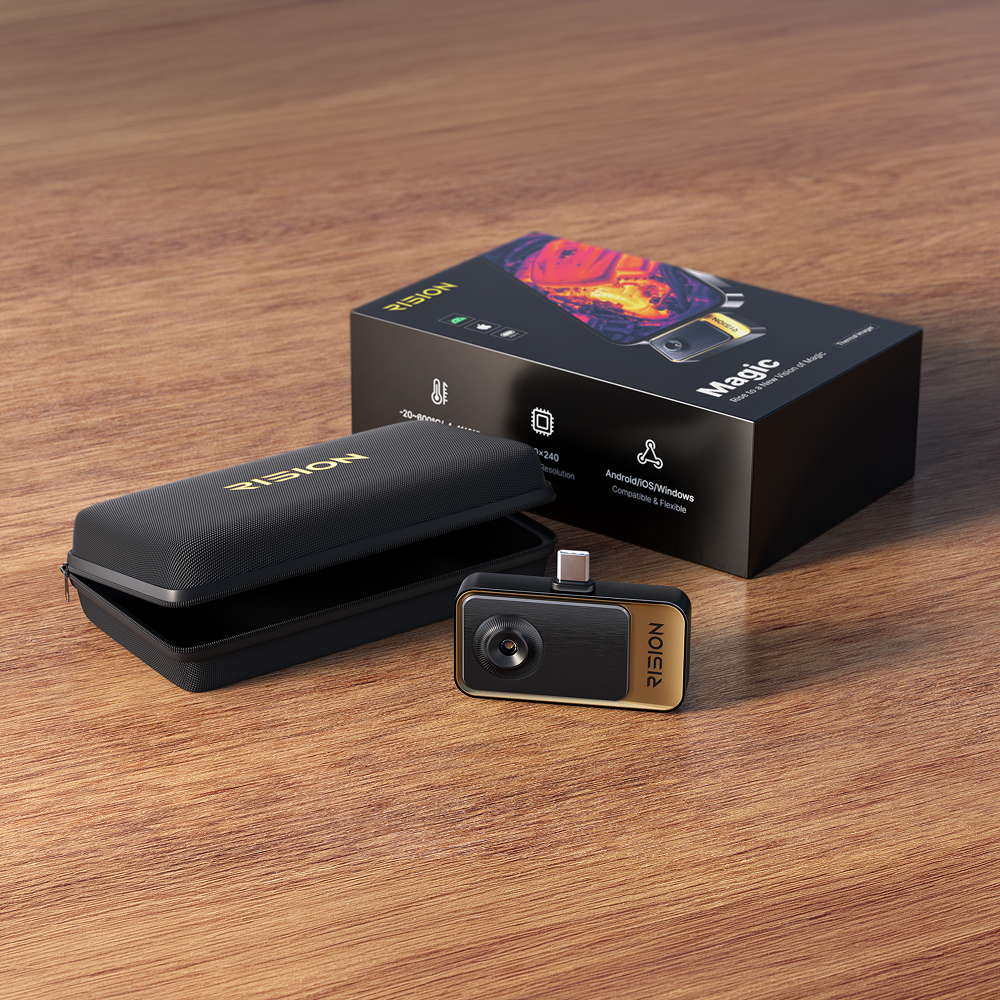
- 1Caméra thermique RISION Magic × 1
- 2Rallonge USB-C × 1
- 3Pochette de transport × 1
- 4Guide de démarrage rapide × 1
Vidéo de déballage
Application pour vos appareils · Manuel de l'utilisateur


Spécifications du produit
| Paramètre | RISION Magic (AF01) |
|---|---|
| Résolution native | 160 × 120 |
| Super résolution | 320 × 240 |
| Pas de pixel | 12 μm |
| DRAP | ≤ 40 mK |
| Fréquence d'images | 25 Hz |
| Plage de mesure | -4°F ~ 1112°F (-20°C ~ 600°C) |
| Précision de la température | ±2℃ ou ±2% de la lecture |
| Température de fonctionnement | -10~55 °C |
| Compatibilité | Android / iOS / Windows |
| Connecteur | USB-C |
| Noyau infrarouge | QuadIR™, AI BiSpectrix™ |
| Distance de mesure effective | Dans un rayon de 5 m / 16,4 pi |
| Dimensions (L x l x H) | 60*42*10mm |
| Poids de l'appareil (g) | 24 g |
| Durée d'exécution continue | 5-8h |
| Consommation électrique | 0,32 W |
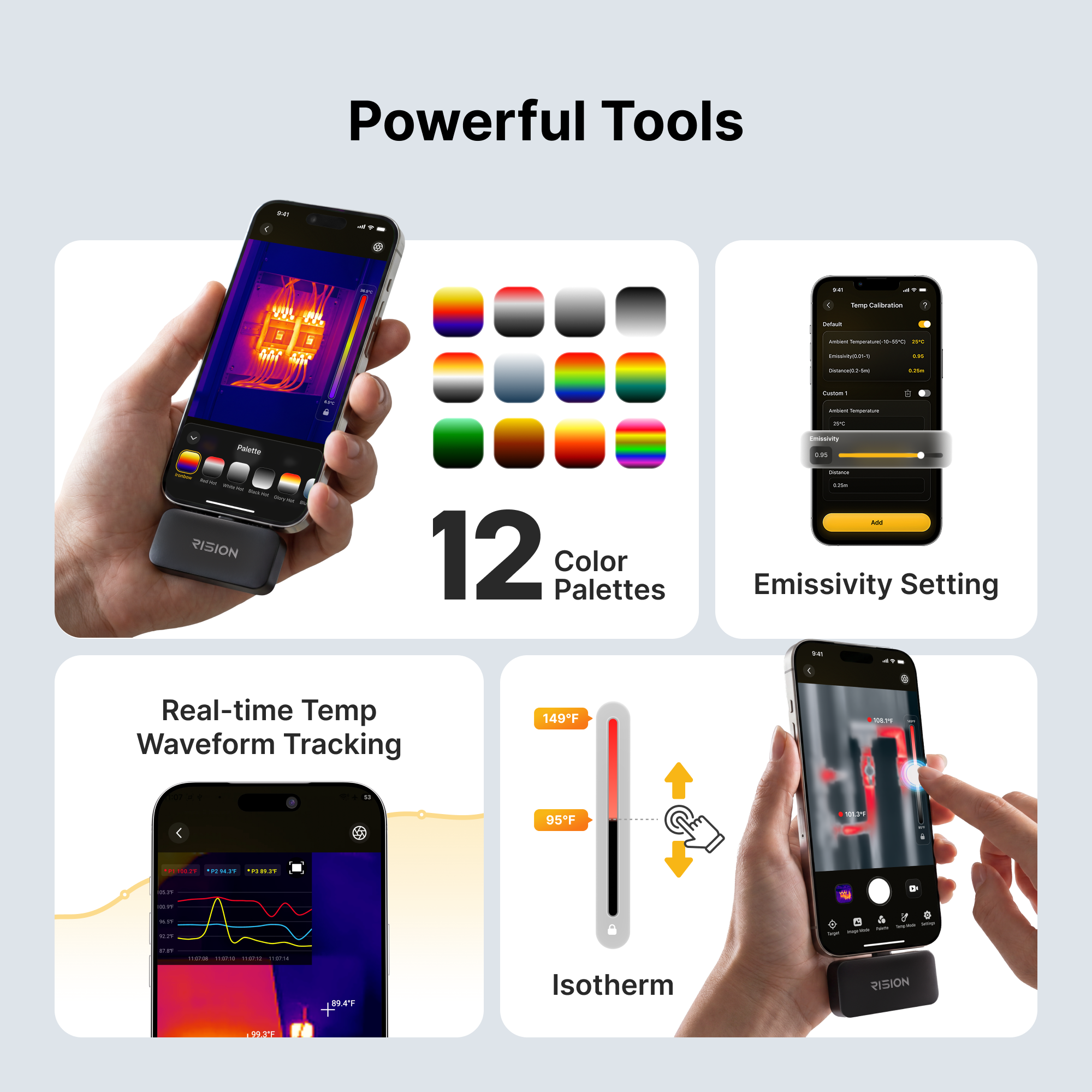
| Palette de couleurs | Prise en charge |
| Zoom numérique | 5 fois |
| Distance focale | 2,1 mm |
| Champ de vision | 52°*39° |

Garantie de 24 mois

Retour sous 30 jours

Livraison rapide et gratuite

Soutien professionnel
FAQ sur RISION Magic
Legit product and worked great when I needed to figure out where a leak was causing damage. Totally worth it!
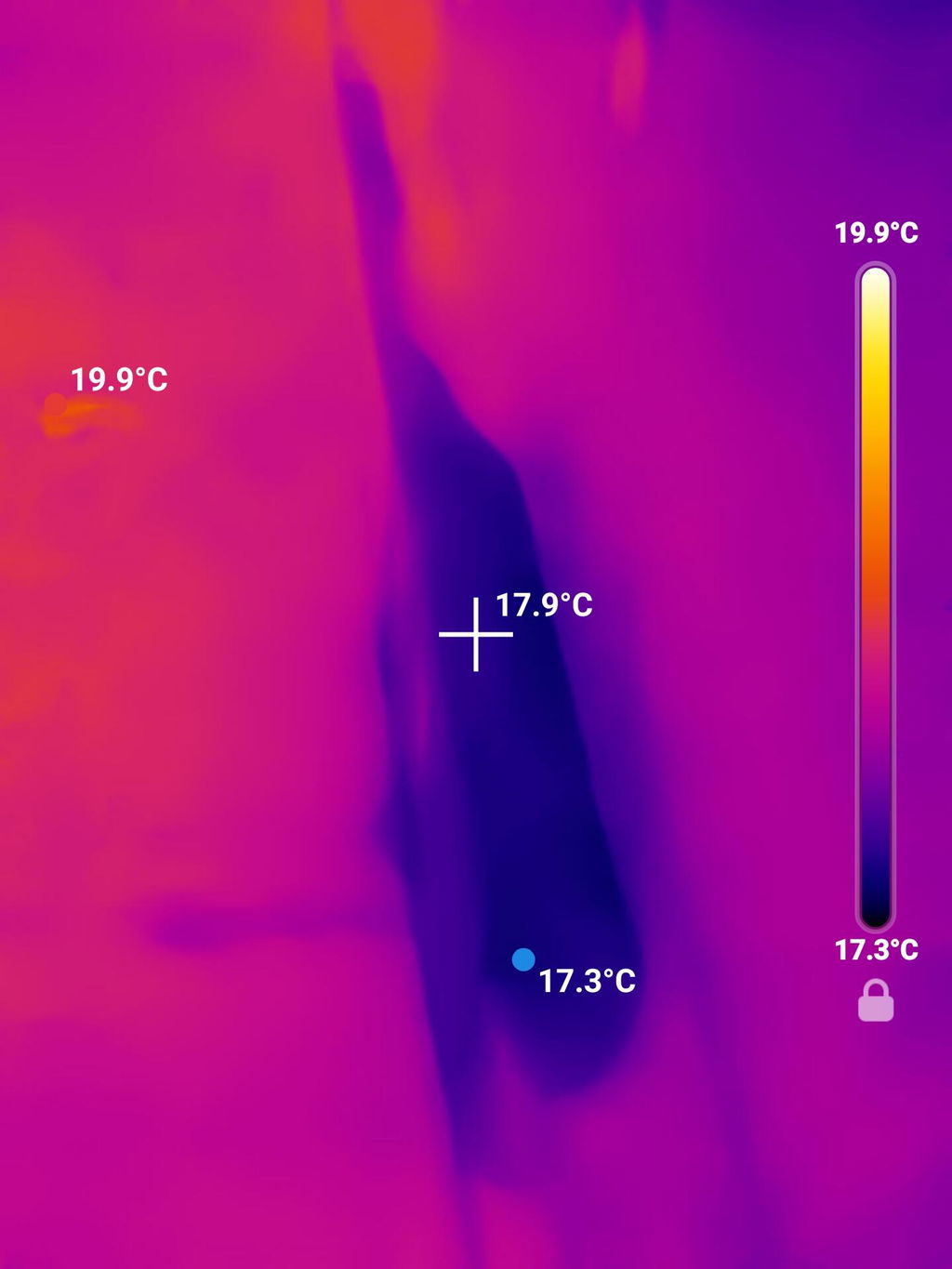
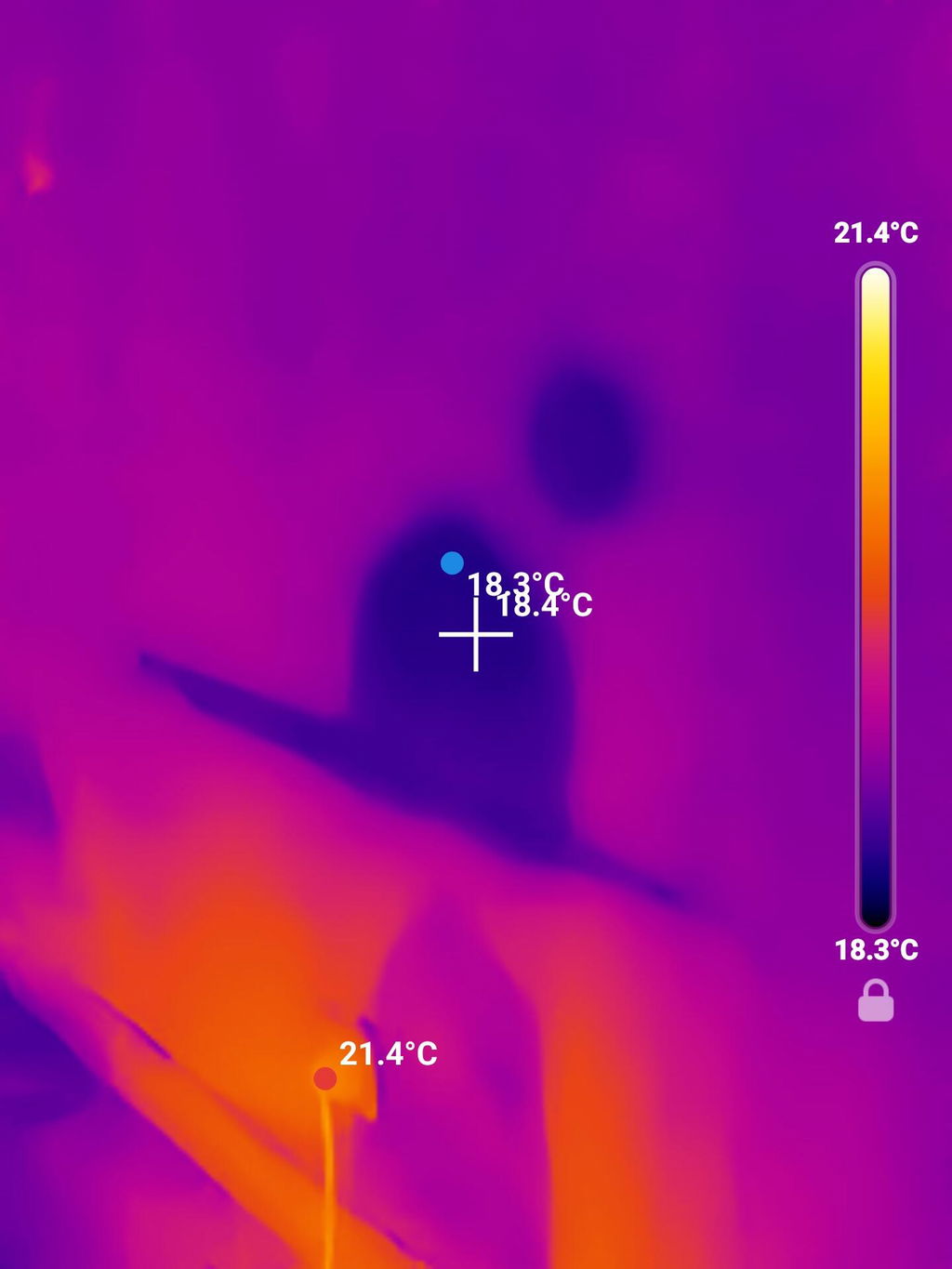
Works great, met my expectations!
ok diy cam
Works great - i have stopped using bulky 20 pounds old FLIR camera - I use this frequently and so far very pleased with it - my work colleagues are going to purchase this for their use also
I'm amazed by how clear the picture is from the camera and the choices of the filters.
Using it is very simple it is very clear I like the fact that it changes from temp range temp range depending where you are I have found some significant issues with my home because of it and it will save me money in the long run so quite happy to have it.
Happy with the size. Image is good but could be better.
Very effective and easy to use!
Handy tool for checking insulation leaks both inside and out. Also for for overheated wires in walls. Just nice incidental tool to have on hand. It also sees critters in the woods at night (which is kinda’ cool).
Very good performance for the price.
Super easy to use.
Surprisingly good resolution for the price and size.
Everything was great
love it
Great product and app. Surprised on the quality for the price
Super simple set up.
Easy to use.
Thanks