
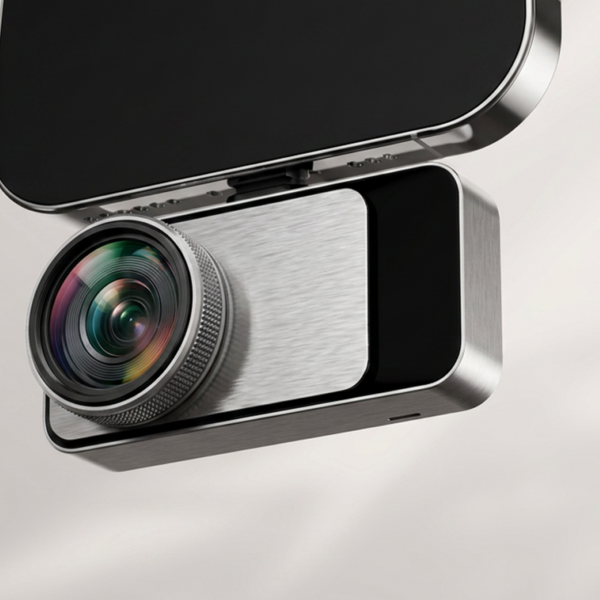
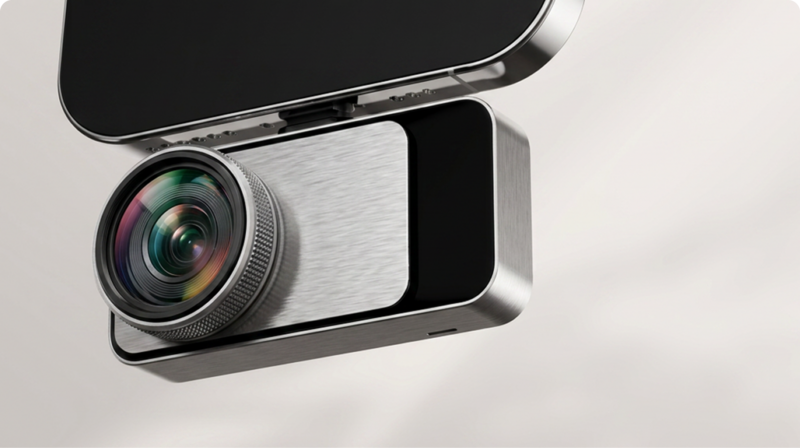
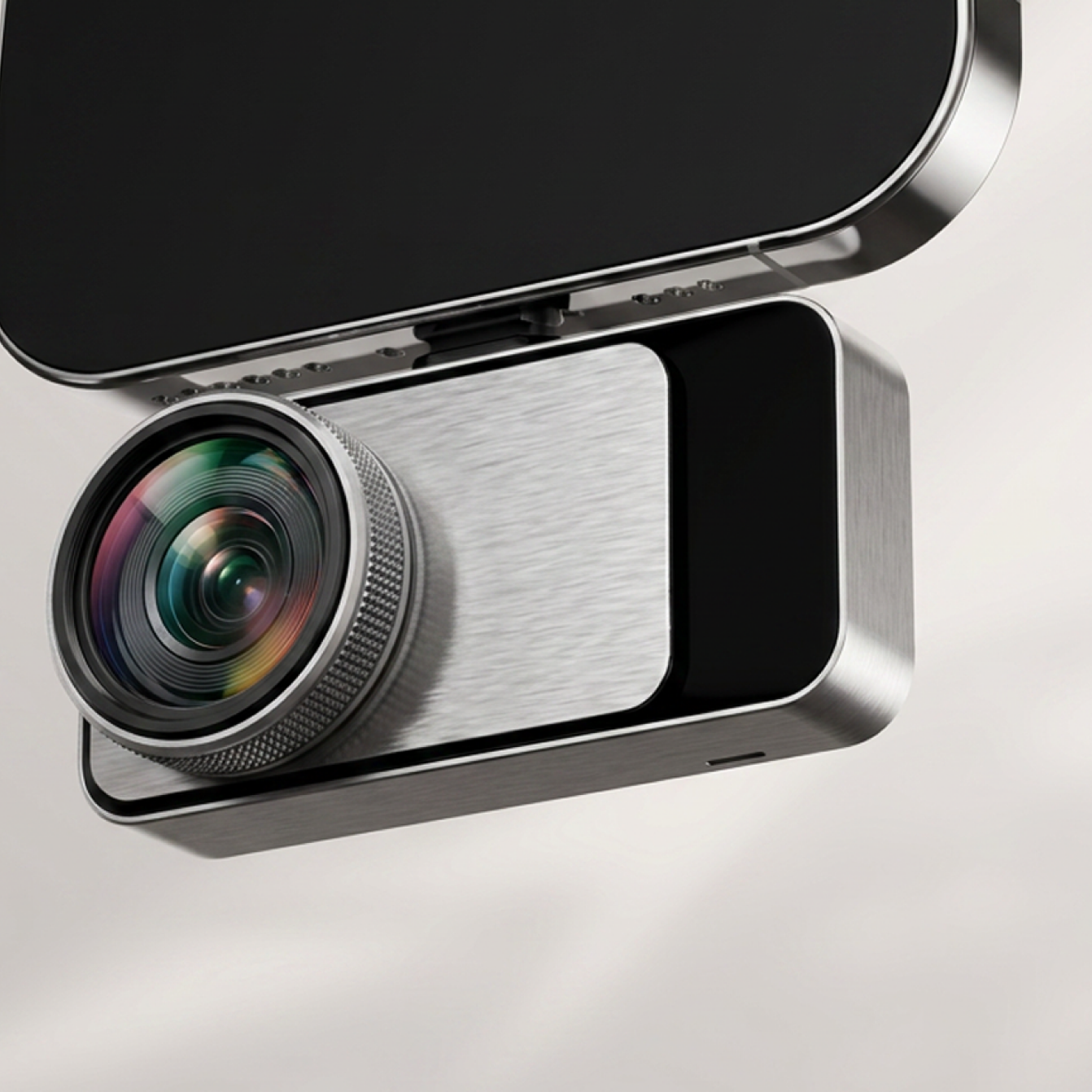
Magic

Sale price$999.00

tm-fast-delivery Fast Delivery
tm-2-years-warranty 2 Years Warranty
tm-customer-support Lifetime technical support
tm-30-day-money-back 30-Day Money back

Payment Methods

tm-paypal tm-visa tm-mastercard tm-american-express tm-maestro

Delivery Method

tm-ups tm-dhl tm-fedex tm-usps
Key Selling Points

Everything That Matters

01

USB-C Compatible with iOS, Android & PC

One device works across all your platforms. Free apps for mobile and desktop.

02

Superior Image Quality

Native 160×120, super-resolved to 320×240. ≤40mK NETD and 25Hz refresh rate.

03

AI Dual-Light Fusion

Industry-first single-lens AI fusion. Visible + Infrared real-time alignment.

04

Wide Temp Range & Accuracy

-4℉ ~ 1112℉ (-20°C to 600°C) with ±2% accuracy. Custom Isotherm support.

05

Smart Documentation & Cloud Sync

Auto PDF reports, GPS watermark, multi-device cloud sync.

06

Built Tough, Built to Last

Aerospace-grade alloy, pocket-sized, and ultra-low power. Runs off your phone.

AI Fusion™ in Action

RISION's proprietary AI Fusion™ aligns your phone's camera with thermal imaging in real time.

Critical Data

Everything you need to know: temperature range, NETD sensitivity, refresh rate, and super-resolution output.

Applications

Your Everyday Thermal Driver

Home HVAC Inspection
Electrical Panel
Automotive
Pet Night Vision
Factory Gear
Real Voices

Who's Already Using It?

KOL reviews, tech media features, and community testimonials.

Tech Media Review
Professional Endorsement
User Testimonial
Technical Specifications

Product Specs

ParameterRISION Magic (AF01)
Native Resolution 160 × 120
Super Resolution 320 × 240
Pixel Pitch 12μm
NETD ≤ 40 mK
Frame Rate 25 Hz
Measurement Range -20°C ~ 600°C
Temp Accuracy ±2°C
Operating Temperature -10~55°C
Compatibility Android / iOS / Windows
Connector USB-C
Dual-Light AI BiSpectrix™
IP Rating
Infrared Core QuadIR™,AI BiSpectrix™
Size (L x W x H) 60*42*10mm
Device Weight (g) Aerospace-grade aluminum alloy
Battery Life 5-8h
Power Consumption 0.32W
Color Palette 12
Digital Zoom 4x
Focal Length 2.1mm
FOV 52°*39°
In the Box

What's Included

Package Contents
  • 1RISION Magic Thermal Camera × 1
  • 2USB-C Extension Cable × 1
  • 3Carrying Pouch × 1
  • 4Quick Start Guide × 1
  • 5Warranty Card × 1
Software & Support

APP for Your Devices · User Manual

📱

Download the iTherm™ App

Get the full experience on iOS, Android, Windows, and macOS.

Go to Downloads
📖

User Manual

Quick start guide, detailed documentation, and troubleshooting.

View Manual
🛡️

24-Month Warranty

Comprehensive coverage for peace of mind.

↩️

30-Day Return

Hassle-free returns, no questions asked.

🚚

Free Fast Shipping

Get it delivered quickly at no extra cost.

🎧

Professional Support

Local service team ready to help.

Support

RISION Magic FAQ

If there is no pop-up, no image, or the device is not recognized, first make sure you are using the appropriate RISION Magic Series version for your mobile device and that you have installed the latest official app. Then confirm that the required system permissions are enabled, including USB access and camera permission.
Intermittent image disconnection or freezing is usually caused by an unstable connection, poor connector fit, phone case interference, device compatibility issues, or hardware malfuction. Please try the following troubleshooting steps when encountering this issue: remove the phone case, reconnect the device firmly, check whether the connector feels loose, and test with another compatible phone or computer. If the issue persists across multiple devices, please contact RISION Support with your device model, system version, software version, and a short video demonstrating the issue. We will provide further technical and after-sales support to help resolve the issue.
The device has a built-in physical shutter. When the shutter operates, you may hear a clicking sound, and the live feed may pause for about 0.5 seconds. The shutter calibrates automatically at regular intervals to maintain temperature measurement accuracy. When the device is connected to the phone for the first time, the shutter may operate several times in succession before stabilizing to a lower frequency.
If temperature measurement accuracy is not your priority, you can turn off the auto shutter in the app under Profile > Settings. After turning off the shutter, you can still manually trigger calibration by tapping the shutter control in the app when needed.
Spots or circular artifacts may be caused by lens contamination, incomplete shutter calibration, or sensor imaging issues. Gently clean the lens with a suitable soft cloth, then refresh or recalibrate the shutter in the app if the function is available. If the mark remains fixed after cleaning and recalibration, please contact RISION Support for further diagnosis.
These symptoms may be caused by incomplete shutter calibration, an unstable connection, app/device compatibility issues, or sensor damage after prolonged close-range exposure to extremely hot targets. Please try refreshing the shutter, reconnecting the device, and testing with another compatible phone or computer. Please avoid pointing the camera at extremely hot targets at close range for an extended period. If the issue persists on multiple devices, please contact RISION Support.
Thermal image clarity can be affected by focus, shutter calibration, target distance, environmental conditions, and the performance of the connected device. To optimize clarity, refresh the shutter, adjust focus if your model supports manual focus, keep a suitable inspection distance, and make sure the lens is clean. On older or lower-performance phones, advanced image enhancement may be limited. Testing the device with a newer compatible device can help confirm the cause.
RISION Magic Series is designed to provide reliable thermal readings for inspection and troubleshooting, with temperature measurement accuracy of up to ±2% under appropriate conditions. Actual accuracy may vary depending on the target material, emissivity, measurement distance, ambient temperature, humidity, reflections, and whether the correct measurement parameters are used. You can adjust relevant parameters in the app settings.
Minor variances are normal in thermal measurement. Surface temperature is not always the same as internal temperature, and objects made of different materials have different emissivity. For more reliable readings, set the correct emissivity in the app, maintain a stable measurement distance, avoid highly reflective surfaces when possible, and allow the camera and target environment to stabilize before measuring.
Hottest and coldest indicators may be affected by reflections, moving targets, rapid ambient temperature changes, incorrect settings, or the app calibration status. When encoutering this issue, restart the app, refresh the shutter, ensure a stable scene, and test again. If the indicator remains inaccurate in a stable scene across multiple devices, please contact RISION Support.
Reviews

What Our Users Say

Customer reviews and ratings will be displayed here once available.

Review
Review
Review

RISION Magic

Free Shipping · 24-Month Warranty · 30-Day Return

$999.00